
Illustration & Design
Line-Screen Halftone
Style guide
Equally spaced horizontal black lines vary continuously in width to create complete tones, with clear white gaps establishing precise linear rhythm.
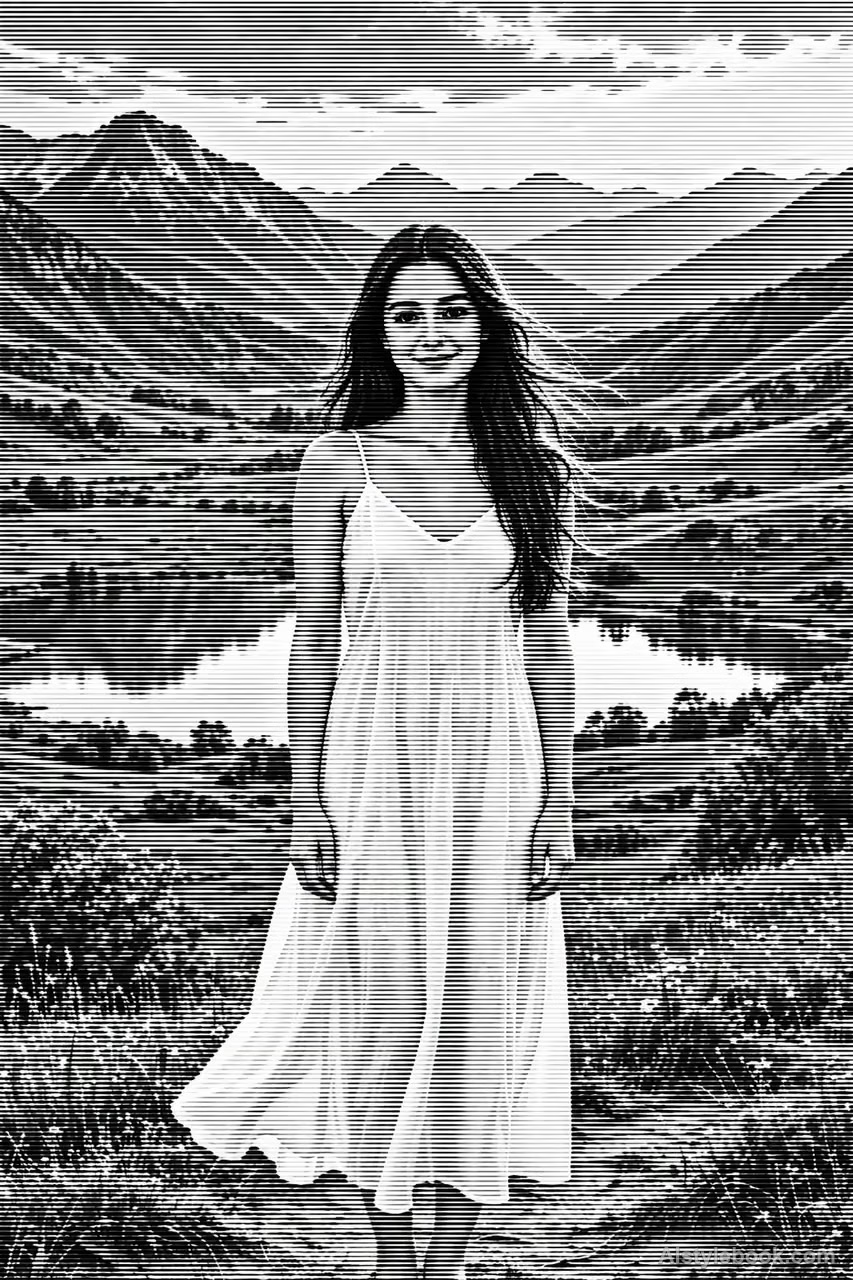
PortraitStyle effect
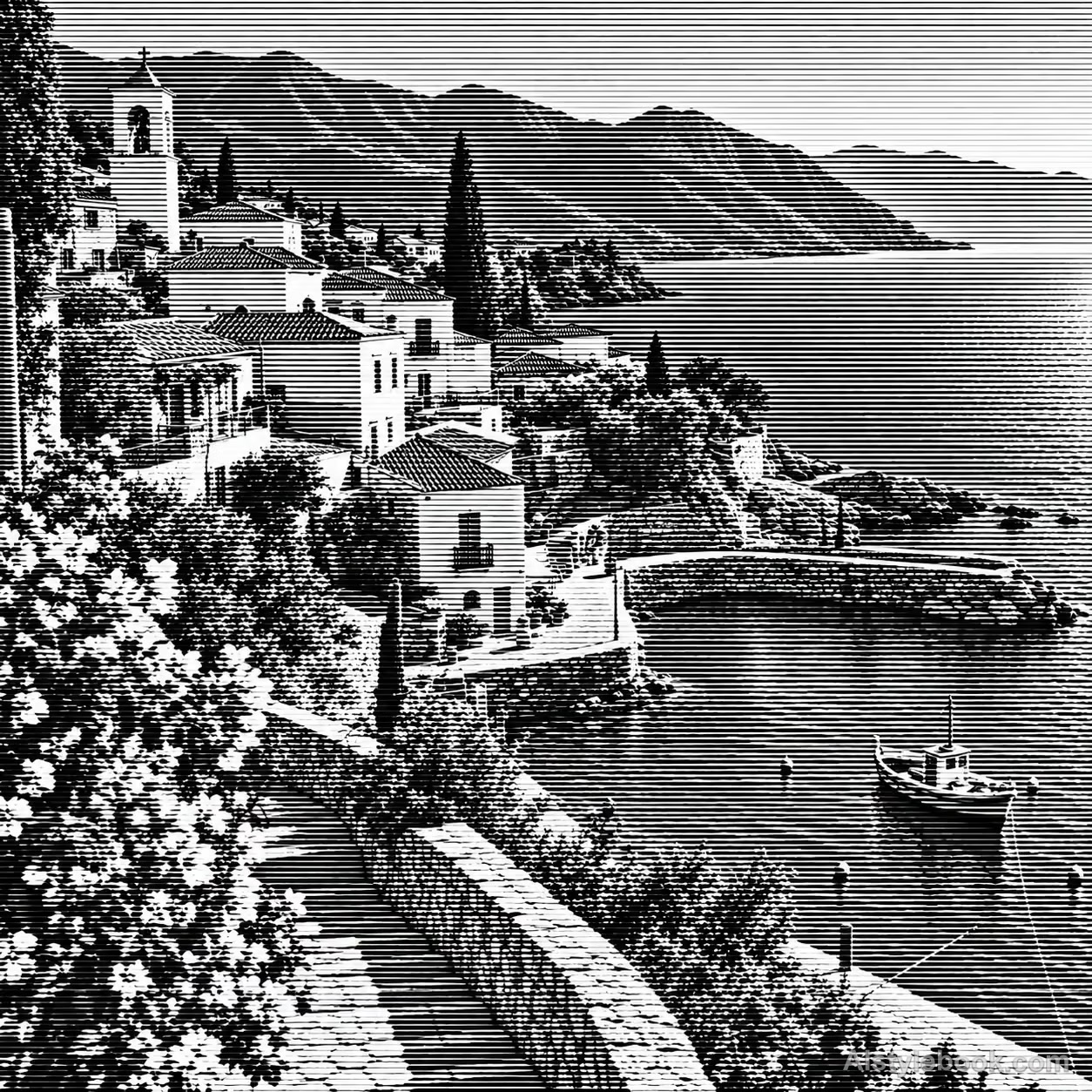
LandscapeStyle effect
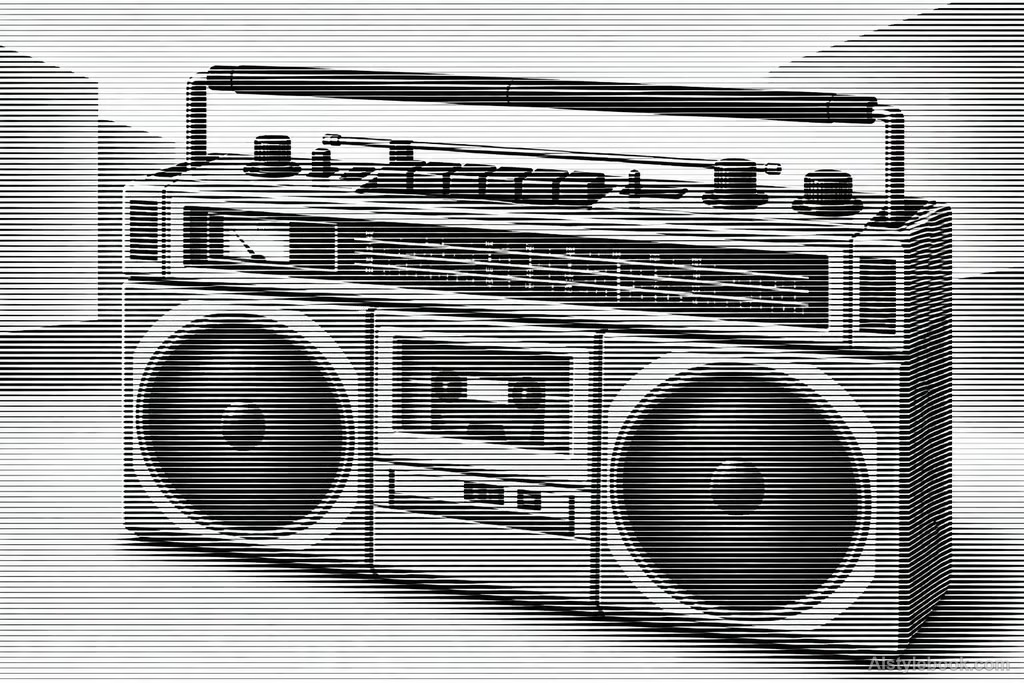
ObjectsStyle effect
The visual language
What is Line-Screen Halftone?
Equally spaced horizontal lines remain continuous as local width changes reconstruct tone. Clear white gaps create a precise printed rhythm up close that merges into full forms at a distance.
Line-screen halftone encodes tone through stroke width within a repeated line system.
Small width changes across a face can reveal cheeks and nose at a distance without continuous gray fills.
How the style changes different subjects
- Portrait
- Regular dots or lines break skin and clothing gradients into a visible screen that resolves at a distance.
- Landscape
- Screen coverage separates sky, plants and buildings with a printed rhythm.
- Objects
- Dot or line area controls highlights and curves, potentially merging small text and reflections.
- Subjects
- Choose close portraits, products, buildings or well-lit landscapes with varied tones for the screen to reproduce.
Bring the style to your photos
Reusable style prompt for Line-Screen Halftone
Translate the entire image into a single black line-screen halftone on white paper. Straight, evenly spaced horizontal carrier lines run continuously across the frame. Form all values solely through continuous changes in line thickness: dark areas thicken and highlights become fine, while white inter-line gaps remain clear. Let original contours emerge naturally from width modulation. Maintain parallel structure and clean printed edges, yielding complete tones at a distance and a precise linear rhythm close up.Use the same style prompt for portraits, landscapes and objects.
Create with this styleKeep exploring


