
3D & Miniatures
Anisotropic Brushed Forms
Style guide
Dense machining lines turn with curved surfaces, while elongated highlights give the forms a satin brushed-metal volume.
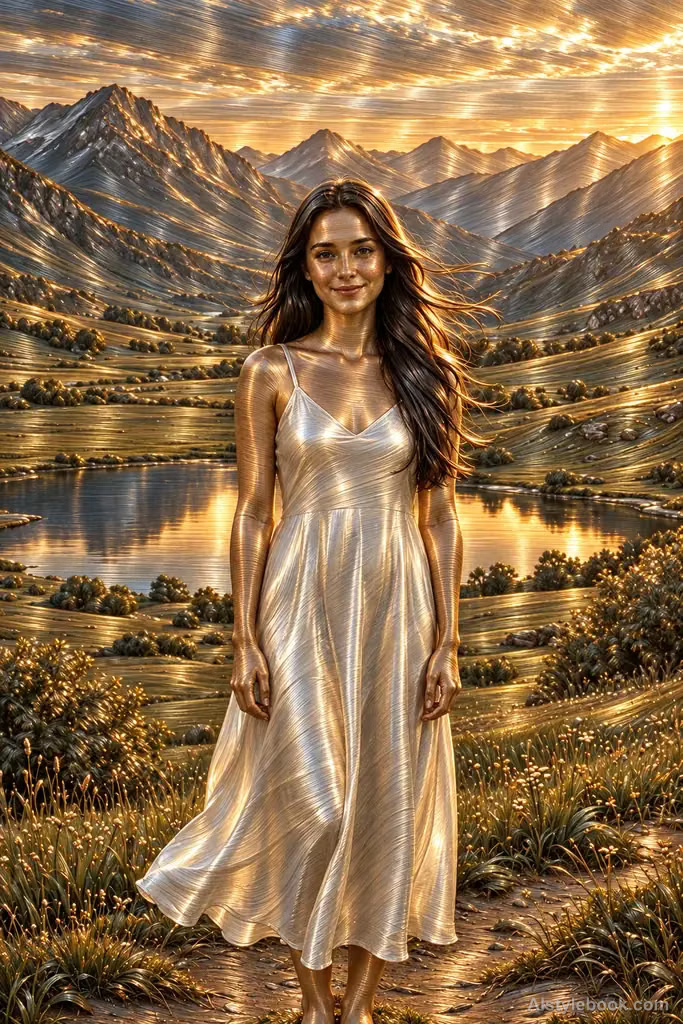
PortraitStyle effect

LandscapeStyle effect
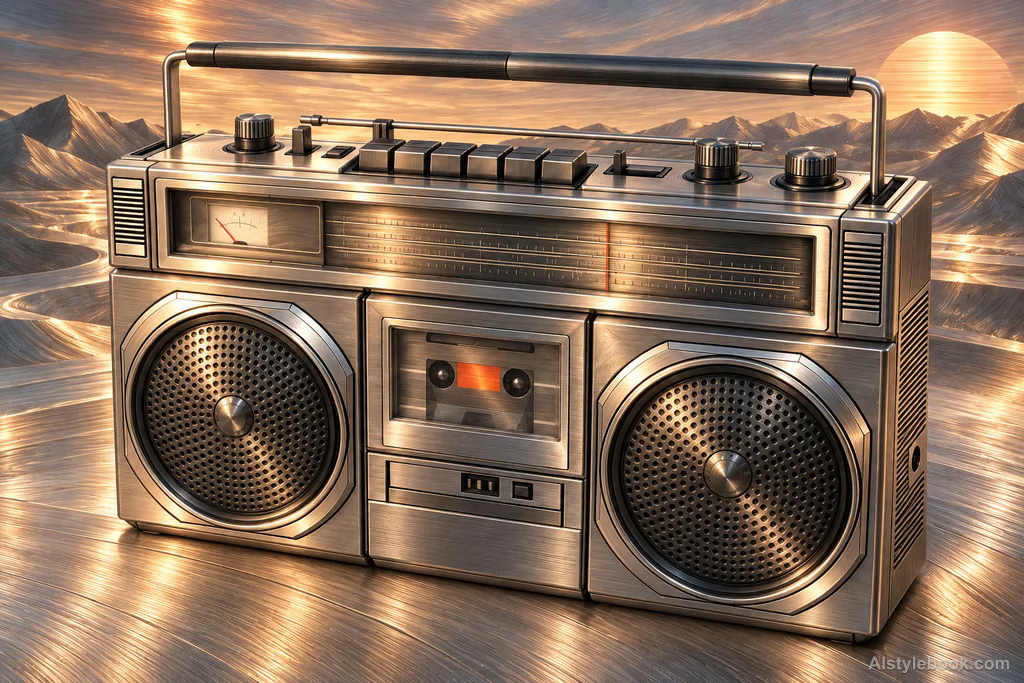
ObjectsStyle effect
The visual language
What is Anisotropic Brushed Forms?
Dense machining marks turn with the surface, and elongated highlights reveal directional reflection. Satin metal retains clear volume without reducing the grain to unrelated parallel lines.
Anisotropic reflection varies with direction, often producing elongated highlights across brushed surfaces.
A cup's long side highlight and circular base grain can distinguish differently oriented machining patterns.
How the style changes different subjects
- Portrait
- Metal reflections or directional brushed highlights replace skin and clothing materials.
- Landscape
- Continuous metallic shading transforms scenery, reducing original color and emphasizing curvature.
- Objects
- Highlight bands and dark reflections explain volume and surface direction.
- Subjects
- Choose sculptures, rounded objects, cars or streamlined subjects with readable environmental reflections.
Bring the style to your photos
Reusable style prompt for Anisotropic Brushed Forms
Rebuild every surface as satin brushed metal, with dense fine machining grooves following each local curvature. Stretch highlights across the brushing direction, letting changes in curvature move the light smoothly while recesses retain tightly spaced dark grooves. Translate the original palette into restrained anodized hues. Give the subject and surroundings the same tangible brushed depth and metallic response, using directional texture to establish sculptural volume.Use the same style prompt for portraits, landscapes and objects.
Create with this styleKeep exploring


