
Pixels & Characters
Billboard-Sprite World
Style guide
Extremely thin image-textured silhouette planes form layered space through side edges, occlusion and inter-plane shadows.

PortraitStyle effect

LandscapeStyle effect
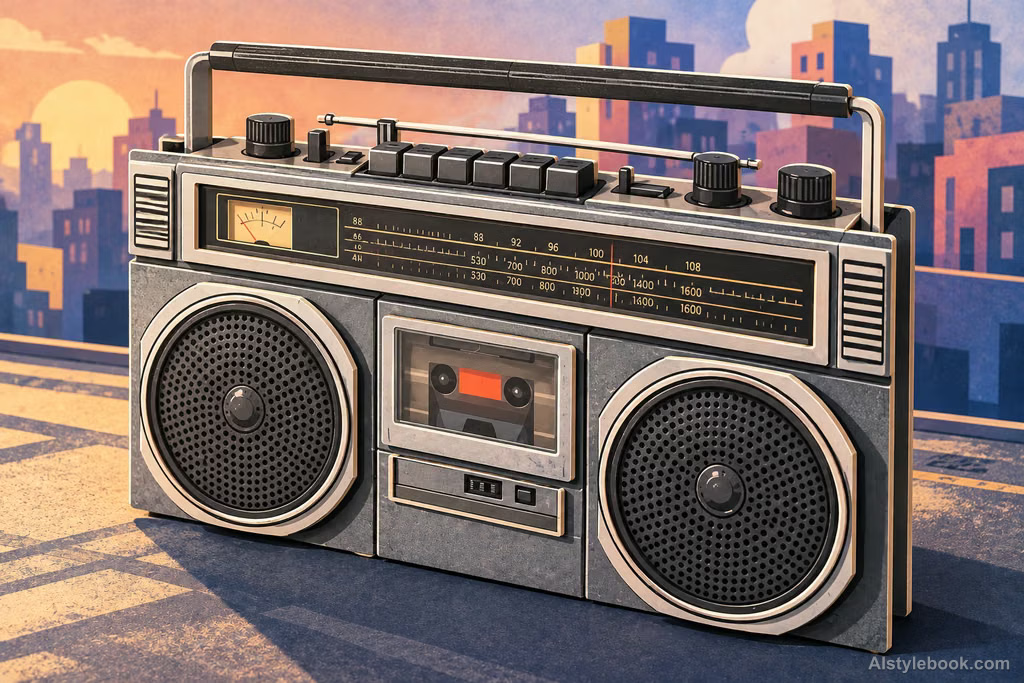
ObjectsStyle effect
The visual language
What is Billboard-Sprite World?
Extremely thin image-textured silhouettes sit at different depths, with side edges and inter-layer shadows revealing their flatness. Occlusion and spacing create the scene instead of fully modeled objects.
Sprite worlds build space from image-bearing planes rather than complete solid objects.
Printed-card trees layered on a base can form a deep woodland with very little physical geometry.
How the style changes different subjects
- Portrait
- Figures resemble thin cut-out characters with readable fronts and visible placement in depth.
- Landscape
- Offset layers of buildings, trees and terrain create space through overlap and shadows.
- Objects
- Objects flatten into upright image planes rather than fully rounded volumes.
- Subjects
- Choose stage-like figures, streets, forests or isolated objects with clear foreground, middle and background layers.
Bring the style to your photos
Reusable style prompt for Billboard-Sprite World
Organize the existing forms as layered image planes in shallow three-dimensional space. Each plane has a clear flat silhouette and simplified texture, with razor-thin sides visible at oblique angles. Establish depth through occlusion, spacing and slight inter-plane shadows. Replace continuous solid volumes with local layering while preserving defining positional relationships and complete recognizability, creating a light and legible billboard-sprite space.Use the same style prompt for portraits, landscapes and objects.
Create with this styleKeep exploring


