
Light & Image Effects
Holographic
Style guide
Silvery highlights combine with continuous interference colors that turn across curved surfaces for delicate holographic texture.
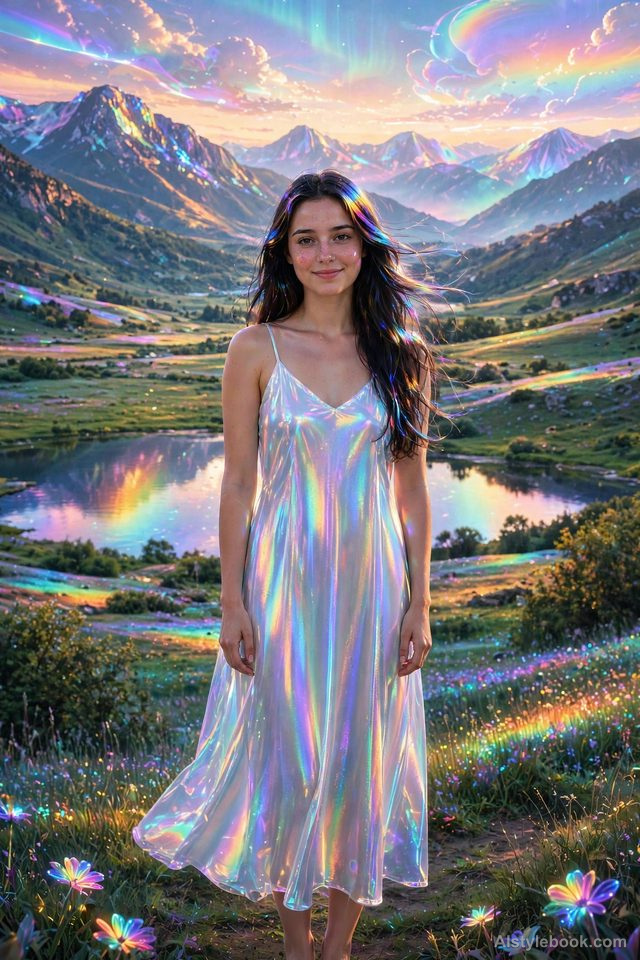
PortraitStyle effect
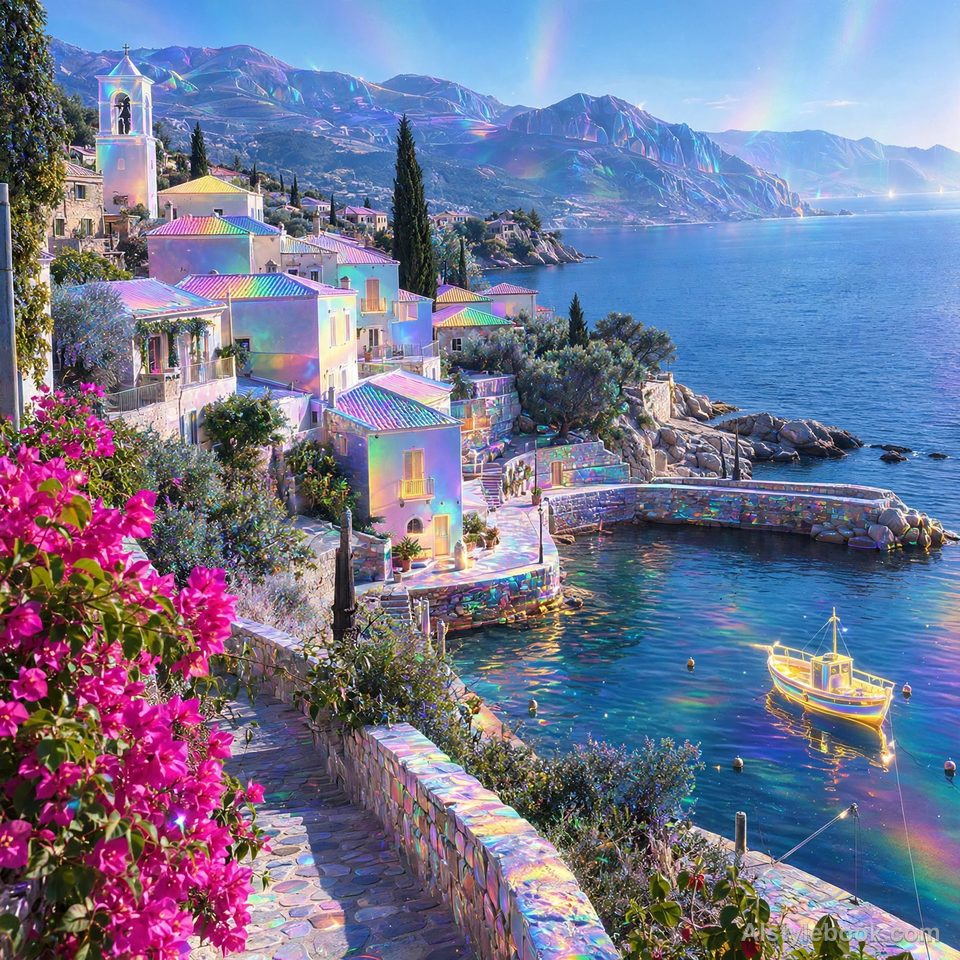
LandscapeStyle effect
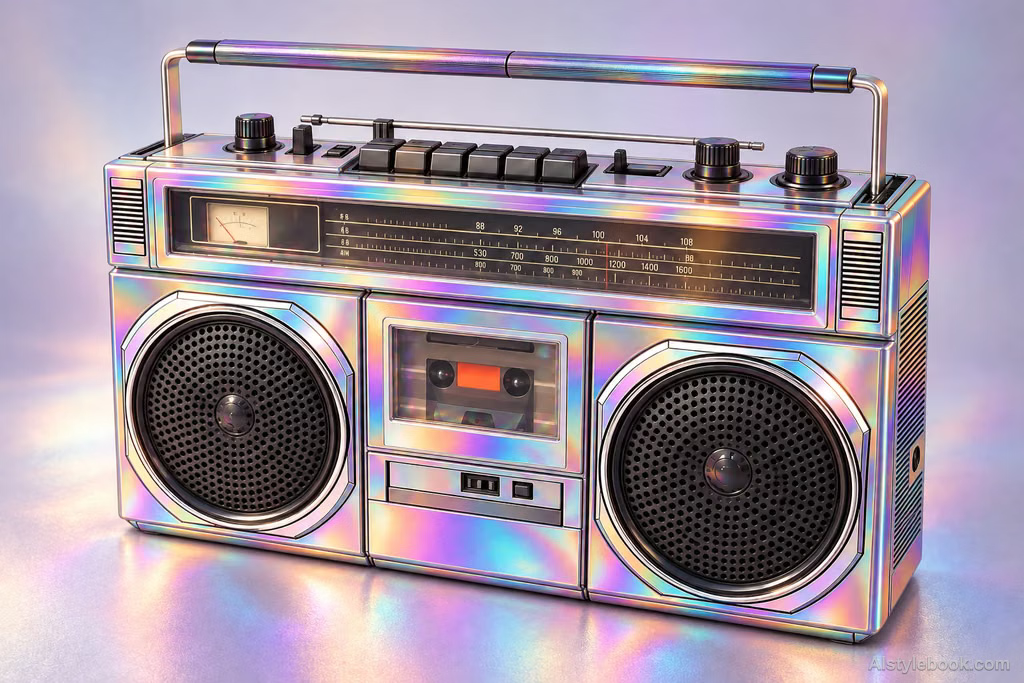
ObjectsStyle effect
The visual language
What is Holographic?
Color shifts continuously across curved silvery surfaces, evoking thin-film interference and angle-dependent iridescence. Ordered highlights keep the material from becoming a rainbow gradient across the entire image.
Iridescent color changes should follow surface orientation rather than an arbitrary rainbow overlay.
Cyan on a film's face, violet at its turn and pale highlights can suggest an angle-dependent material response.
How the style changes different subjects
- Portrait
- Silver iridescence replaces natural skin and clothing colors with curvature-dependent shifts.
- Landscape
- Continuous color changes unify scenic surfaces into a shimmering film-like finish.
- Objects
- Rainbow shifts strengthen highlights and turning surfaces while destabilizing original color.
- Subjects
- Choose smooth objects, streamlined sculptures, clothed figures or geometric buildings with clear curves and highlights.
Bring the style to your photos
Reusable style prompt for Holographic
Give the subject's surface a delicate holographic metallic film whose reflections move continuously through cyan, purple, pink, and gold according to surface curvature. Combine silvery highlights with fine oil-film interference patterns. Keep the material smooth but convincingly volumetric, with slight translucency in selected areas. Preserve structural details and colored shadows. Let iridescence respond to light and curvature rather than forming fixed, evenly spaced rainbow bands.Use the same style prompt for portraits, landscapes and objects.
Create with this styleKeep exploring


