
Light & Image Effects
Polar Coordinate Wrap
Style guide
Horizontal image information wraps around a center while vertical position becomes radius, producing a continuous circular remapping.
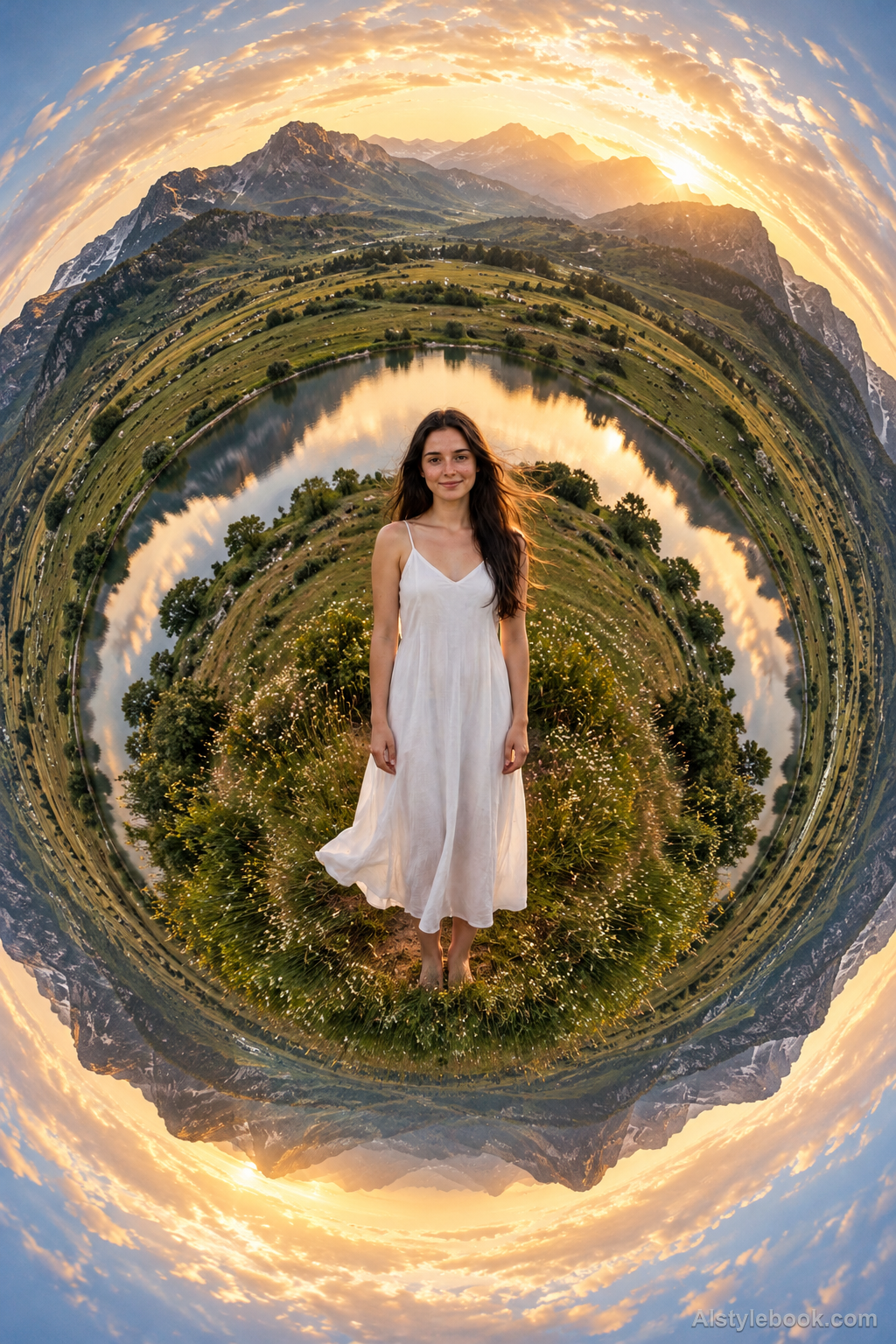
PortraitStyle effect

LandscapeStyle effect
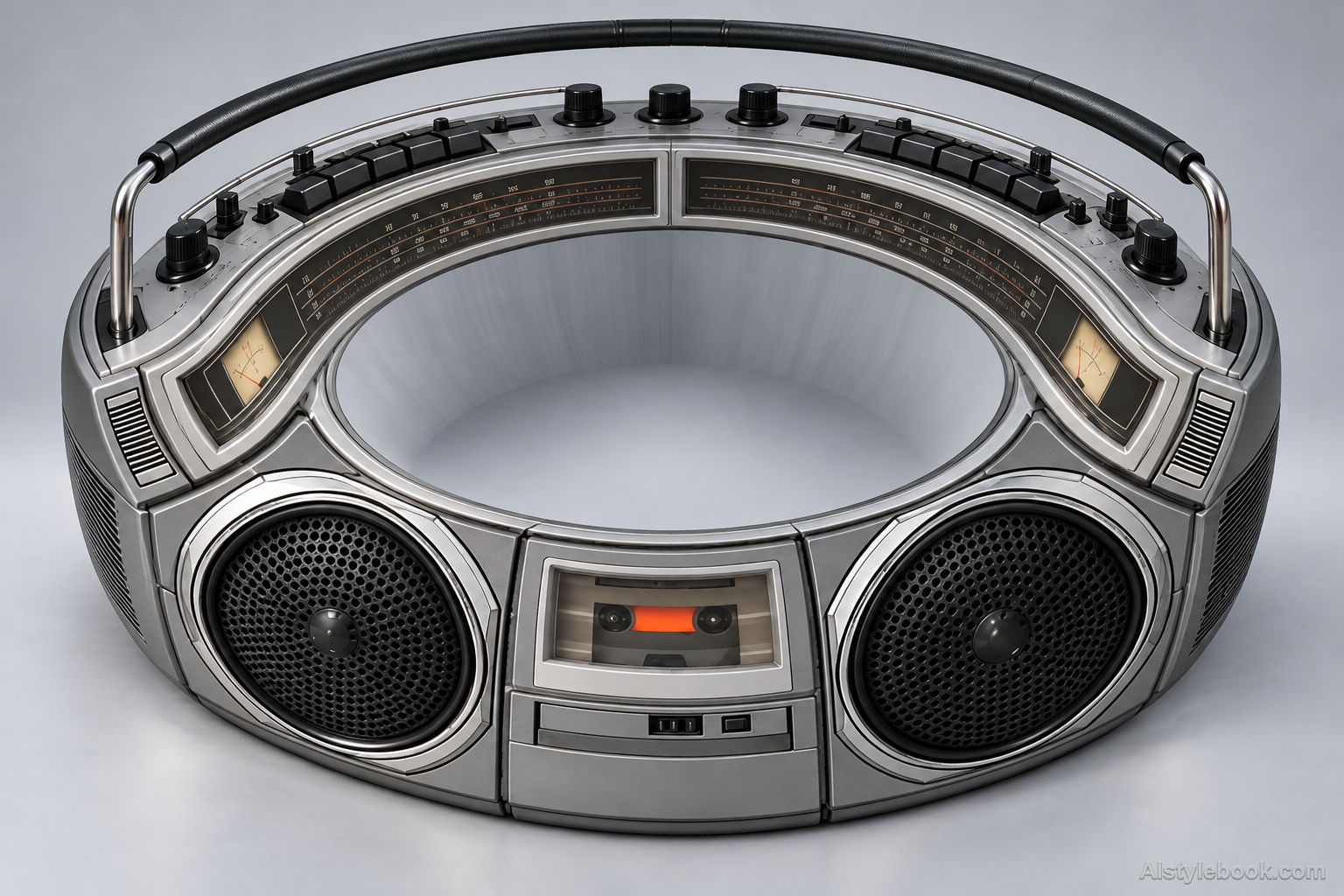
ObjectsStyle effect
The visual language
What is Polar Coordinate Wrap?
Polar coordinate wrap converts horizontal image position to angle and vertical position to radius. Familiar fragments surround a common center, with compression or stretching near the middle producing a continuous circular composition.
Polar wrapping converts position into angle and radius, producing distinctive center compression and seam behavior.
A long street joining into a ring can gain a new circular organization.
How the style changes different subjects
- Portrait
- Circular projection changes figure placement and proportion, often tilting or stretching peripheral people.
- Landscape
- Sky, buildings and ground wrap around a center into a ring or little-planet composition.
- Objects
- Contours rearrange around the center, bending straight edges and changing orientation.
- Subjects
- Choose panoramic cities, coasts, plazas or circular objects; continuous settings suit wrapping better than tightly framed faces.
Bring the style to your photos
Reusable style prompt for Polar Coordinate Wrap
Remap the rectangular image into polar coordinates: convert horizontal position into angle around one center and vertical position into radial distance. Form a continuous circular or annular image with stretched radial detail near the center and recognizable fragments following the outer circumference. Join the angular seam cleanly. Keep image-derived colors and structures. Do not substitute a tiny-planet landscape projection, mirror the image into kaleidoscope wedges, add spherical shading or create radial motion-blur rays.Use the same style prompt for portraits, landscapes and objects.
Create with this styleKeep exploring


