
Light & Image Effects
Radial Zoom Blur
Style guide
Streaks radiate outward from one focal point, preserving a clearer center and a sense of forward acceleration.
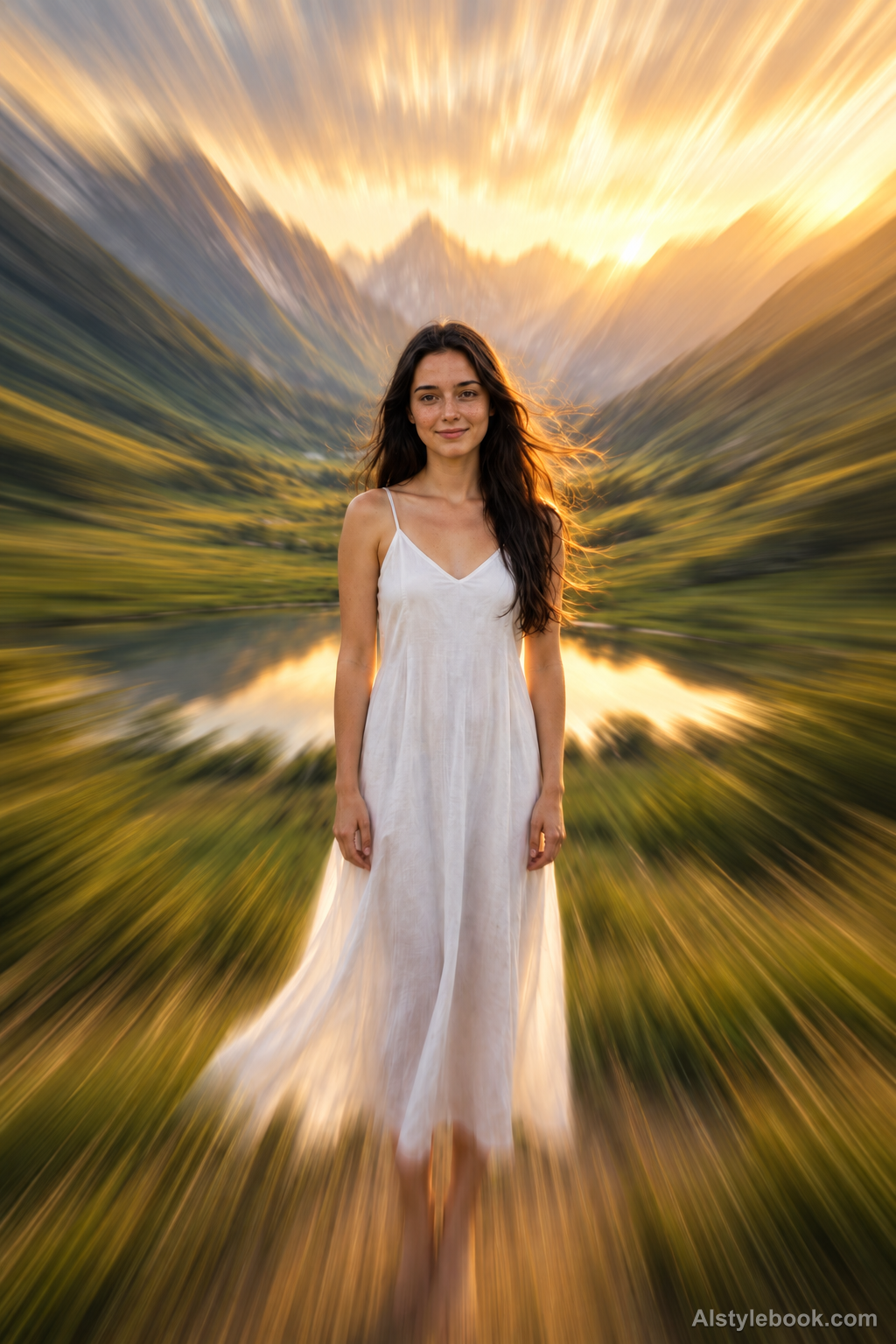
PortraitStyle effect
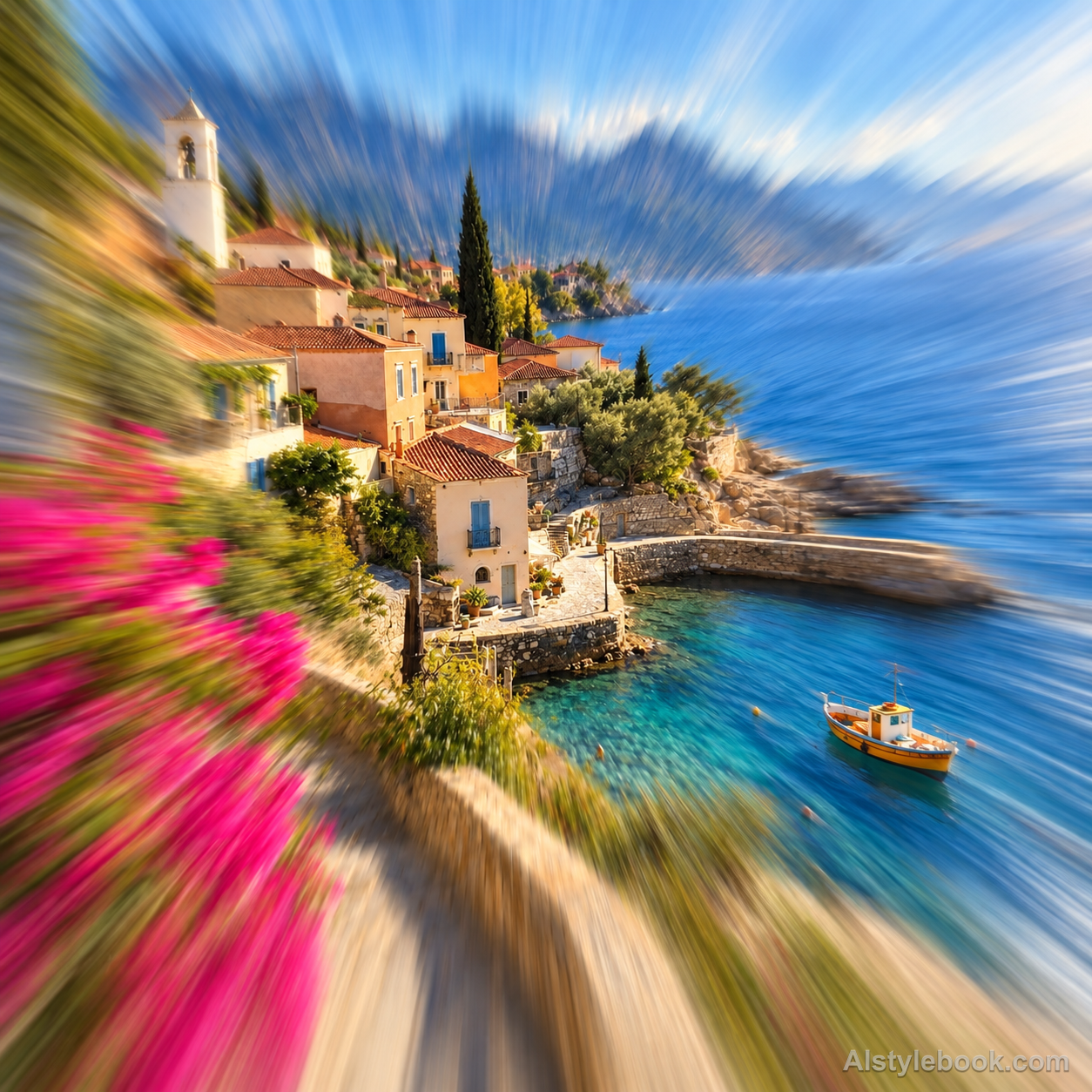
LandscapeStyle effect

ObjectsStyle effect
The visual language
What is Radial Zoom Blur?
Radial zoom blur makes every trail refer back to one focal point. A comparatively readable center gives way to stronger straight outward streaks, suggesting the forward rush of a rapid zoom.
Zoom blur radiates around one center, with stronger displacement farther away.
A readable doorway amid outward-stretched wall edges and lights can suggest a sudden movement toward its depth.
How the style changes different subjects
- Portrait
- Attention converges on the face or a central focal point while the surrounding setting appears to extend outward.
- Landscape
- Road and building perspective feels stronger, as if the viewpoint were approaching a distant target.
- Objects
- The central object stands out against radial movement, though small peripheral details may soften.
- Subjects
- Choose centered portraits, deep road perspectives or single objects, keeping important detail close to the visual center.
Bring the style to your photos
Reusable style prompt for Radial Zoom Blur
Create radial zoom blur around one well-defined focal point. Keep a small central region comparatively readable and stretch image detail progressively outward along straight rays from that point, with increasing streak length toward the perimeter. Preserve the underlying color distribution and broad subject arrangement. The movement should resemble a rapid focal-length change, not tangential camera rotation, separate light-beam emitters, a kaleidoscope pattern or a polar-coordinate wrap.Use the same style prompt for portraits, landscapes and objects.
Create with this styleKeep exploring


