
Light & Image Effects
Directional Motion Blur
Style guide
One consistent direction stretches the entire image into continuous speed trails and motion.
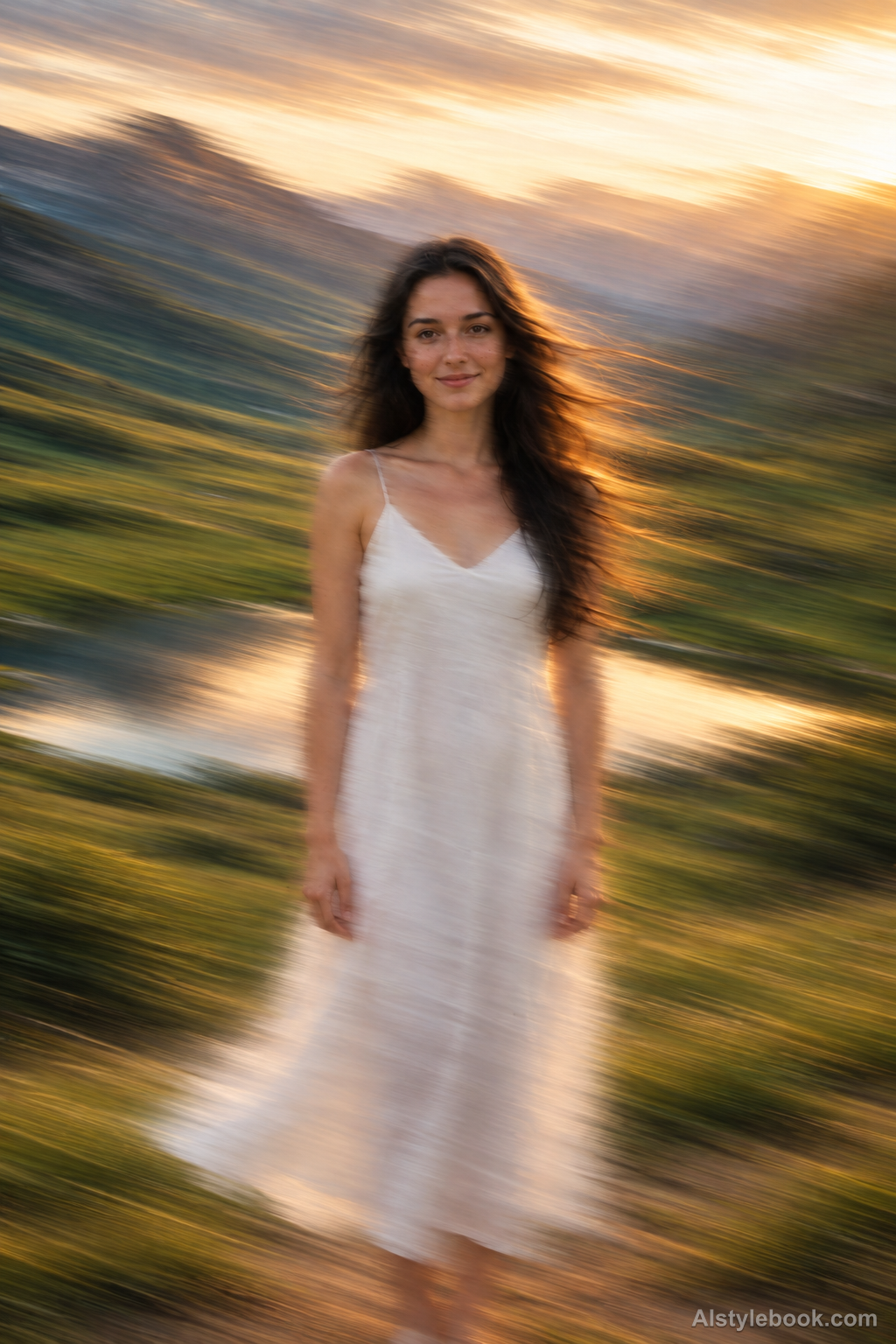
PortraitStyle effect
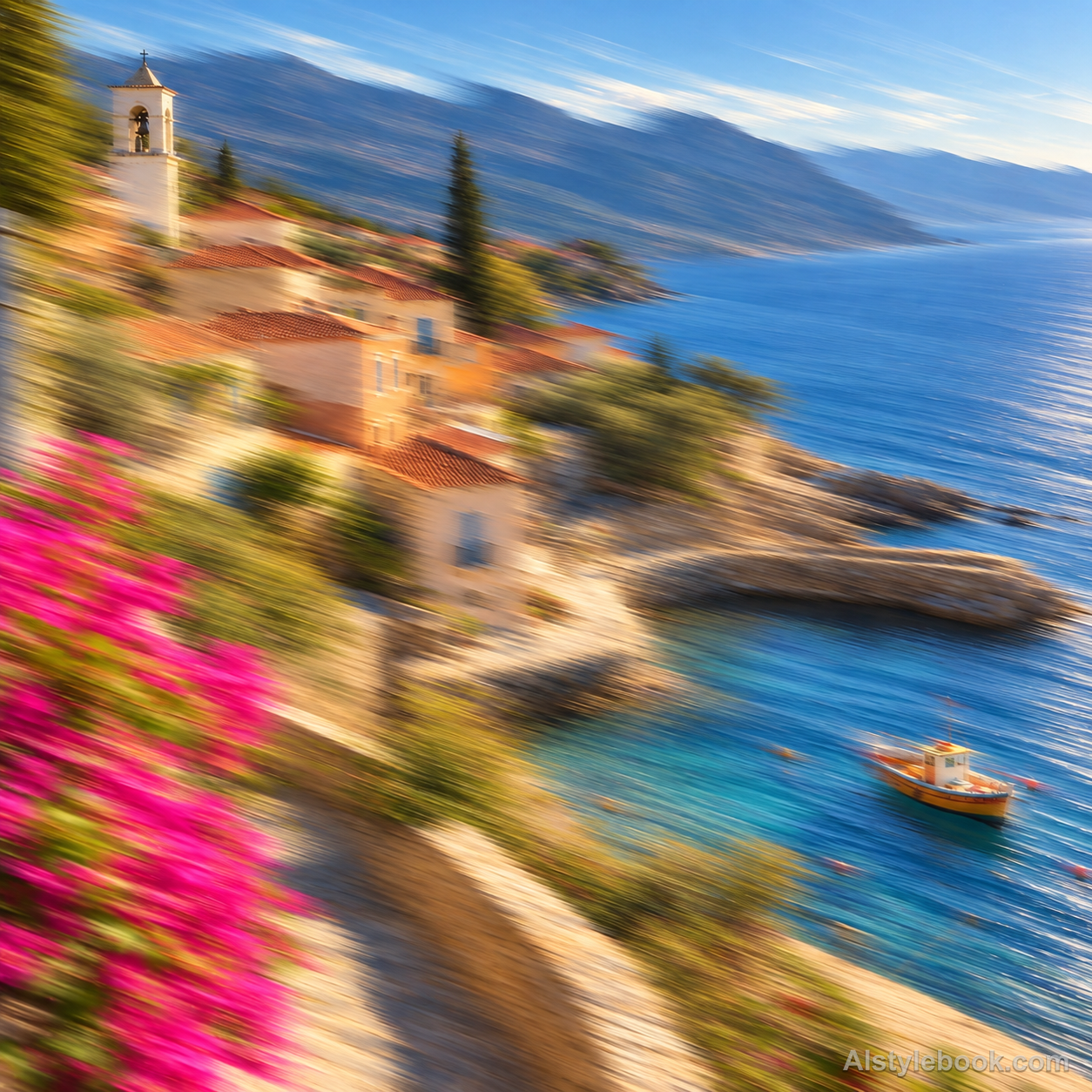
LandscapeStyle effect
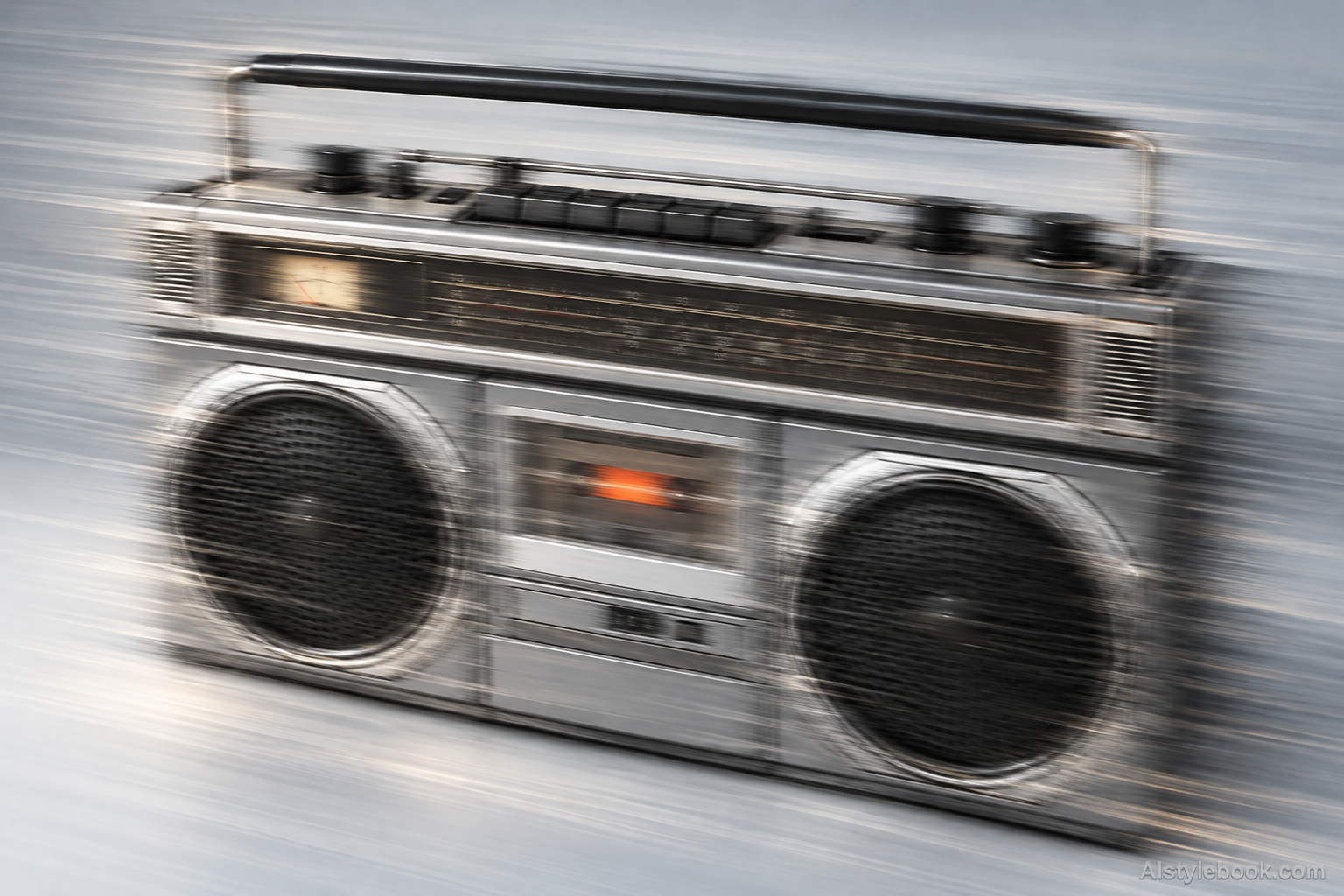
ObjectsStyle effect
The visual language
What is Directional Motion Blur?
Directional motion blur stretches colors and contours across the frame along one vector. Continuous parallel trails give the image one coherent direction without adding a separate flash-frozen endpoint.
Directional blur accumulates image information along one vector.
Signs and vehicle colors stretched into parallel rightward trails can suggest a passing scene without adding a sharp flashed endpoint.
How the style changes different subjects
- Portrait
- Movement direction takes priority over subtle expression, and the contour may develop a continuous trail.
- Landscape
- Clouds, water or traffic contrast with fixed buildings, making the scene's flow more apparent.
- Objects
- Edges and reflections stretch directionally, suggesting motion while reducing fine surface detail.
- Subjects
- Choose moving figures, traffic, clouds or flowing water with a clear direction and a stationary reference.
Bring the style to your photos
Reusable style prompt for Directional Motion Blur
Apply coherent directional motion blur to the whole image along a single horizontal-to-diagonal vector. Extend existing colors and edges into continuous parallel streaks, using a consistent motion length across the frame and retaining enough low-frequency structure for recognition. Blend trails smoothly without creating a separately sharp flash-frozen endpoint. Do not add radial zoom rays, camera-spin circles, repeated subject cutouts or random local smudges. Keep the visual motion unified and physically continuous.Use the same style prompt for portraits, landscapes and objects.
Create with this styleKeep exploring


