
Pixels & Characters
Diamond-Glyph Screen
Style guide
Solid diamonds change area with tone, producing a regular decorative screen with sharp corners.

PortraitStyle effect

LandscapeStyle effect
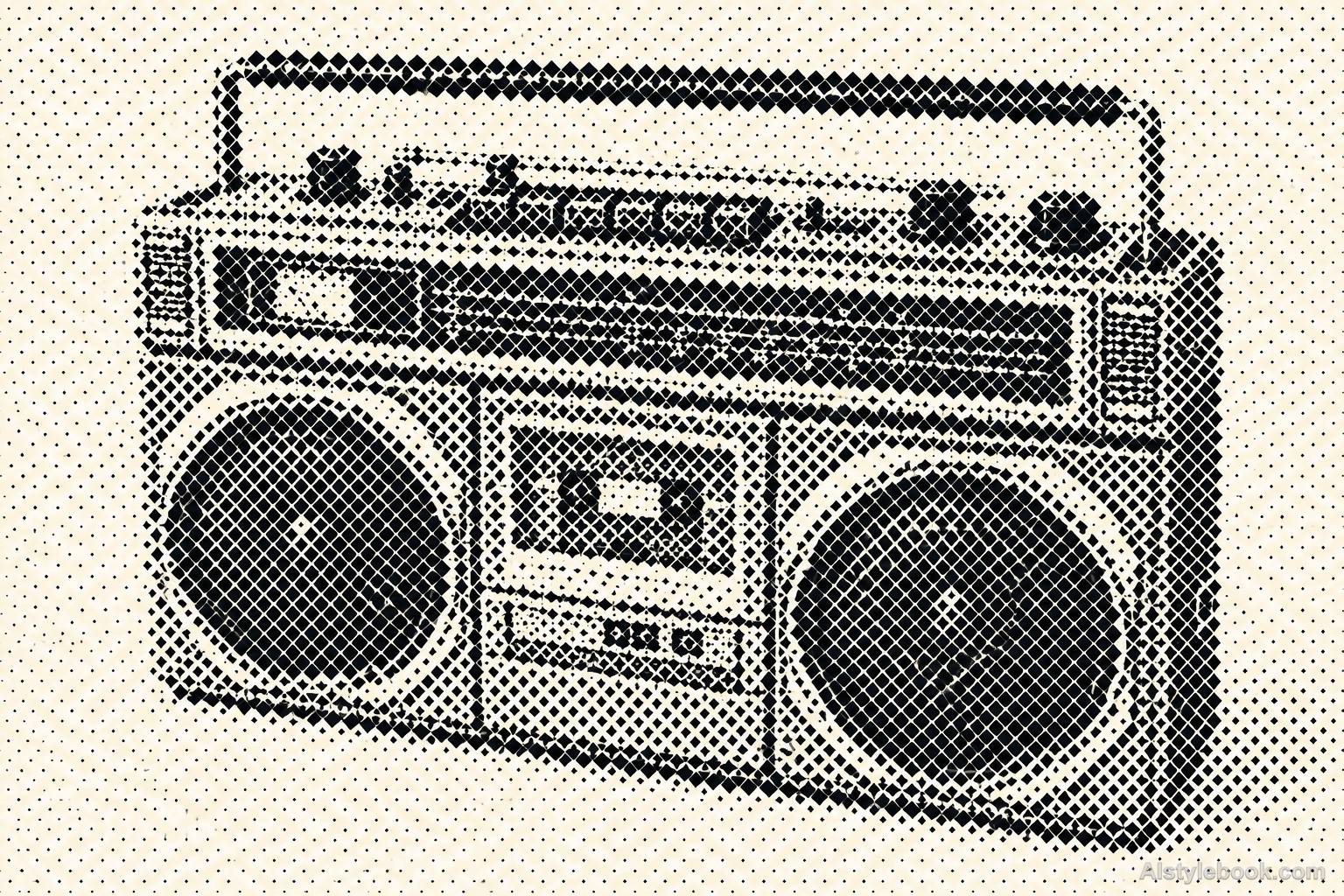
ObjectsStyle effect
The visual language
What is Diamond-Glyph Screen?
Diamond screening replaces round dots with consistently oriented solid diamonds. Cell centers stay fixed while areas change. Sharp corners and fine gaps remain visible in dense regions, giving the image a decorative order without simulating gemstone materials.
Diamond screens encode brightness through consistently oriented spot areas.
Larger valley diamonds and smaller sky ones can alternate between a decorative pattern and a landscape at different viewing distances.
How the style changes different subjects
- Portrait
- Fixed dots or glyph units sample facial tones into regular density changes.
- Landscape
- Consistently spaced units turn scenery into clear outlines with abstracted texture.
- Objects
- Unit size or coverage models curves as an ordered tonal field.
- Subjects
- Choose large portraits, buildings, flowers or single still lifes with broad tonal areas readable at a distance.
Bring the style to your photos
Reusable style prompt for Diamond-Glyph Screen
Translate the full image into an orderly screen of solid diamond glyphs. Position one consistently oriented forty-five-degree square in each regular grid cell, changing its area according to source darkness while preserving the same center spacing. Keep sharp tips and narrow clean background gaps between adjacent large diamonds. Use a unified dark ink on a pale ground and express all form through cell-scale area variation. Avoid faceted crystals, three-dimensional jewels, random scattered diamonds, outline drawings and continuous tonal shading.Use the same style prompt for portraits, landscapes and objects.
Create with this styleKeep exploring


