
Printmaking & Printing
Dot-Screen Halftone
Style guide
A regular screen of variable-size ink dots translates the full image into monochrome print tone.

The visual language
What is Dot-Screen Halftone?
A dot screen fixes each dot center and changes its diameter to control tone. Larger dots darken an area while small dots expose more paper. The regular spacing distinguishes it from hand stippling: circles remain visible close up and merge into continuous values at a distance.
Dot-screen halftone varies coverage within a stable sampling grid.
Small cheek dots growing toward larger eye-socket dots can create apparent gray through changing paper gaps.
How the style changes different subjects
- Portrait
- Regular dots or lines break skin and clothing gradients into a visible screen that resolves at a distance.
- Landscape
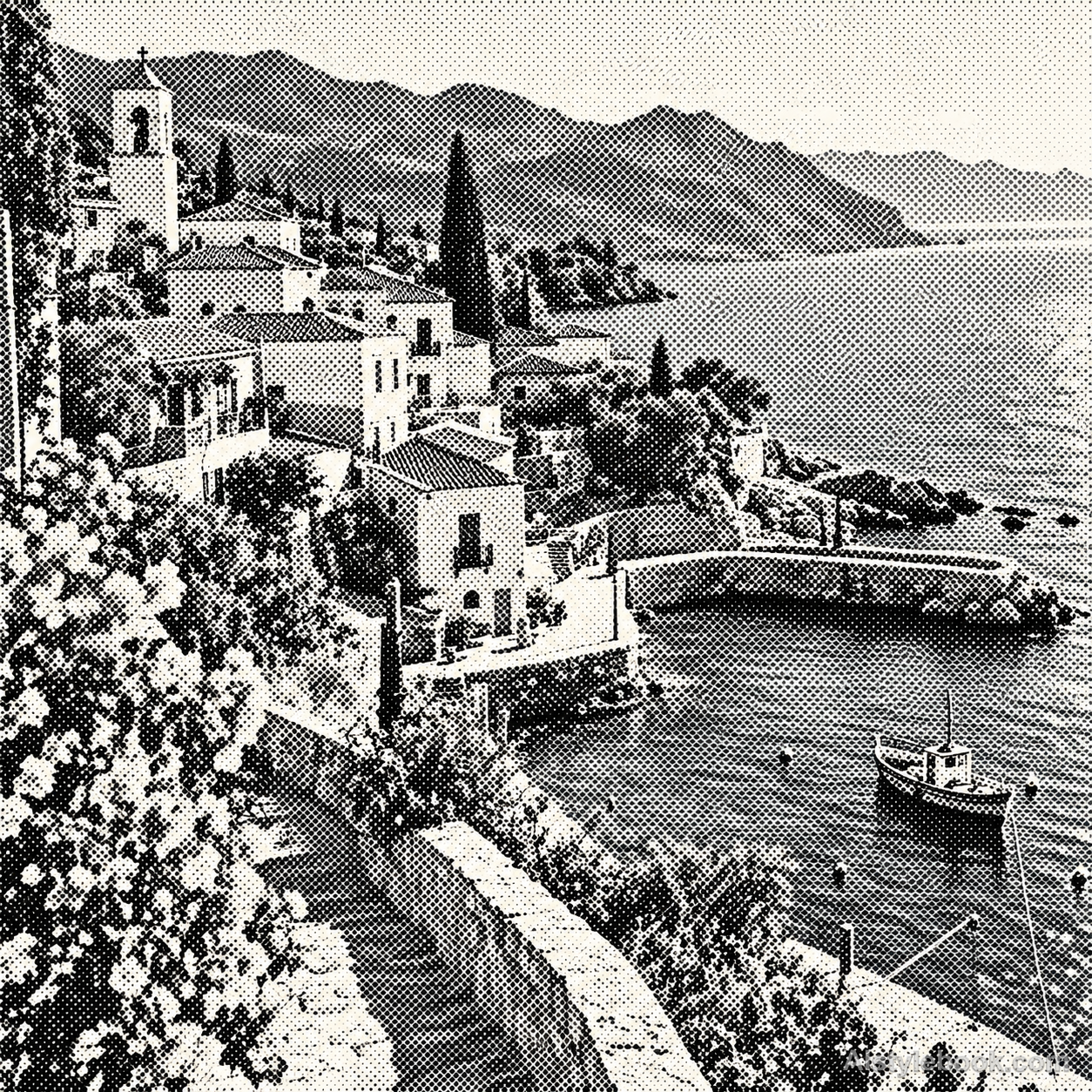
- Screen coverage separates sky, plants and buildings with a printed rhythm.
- Objects
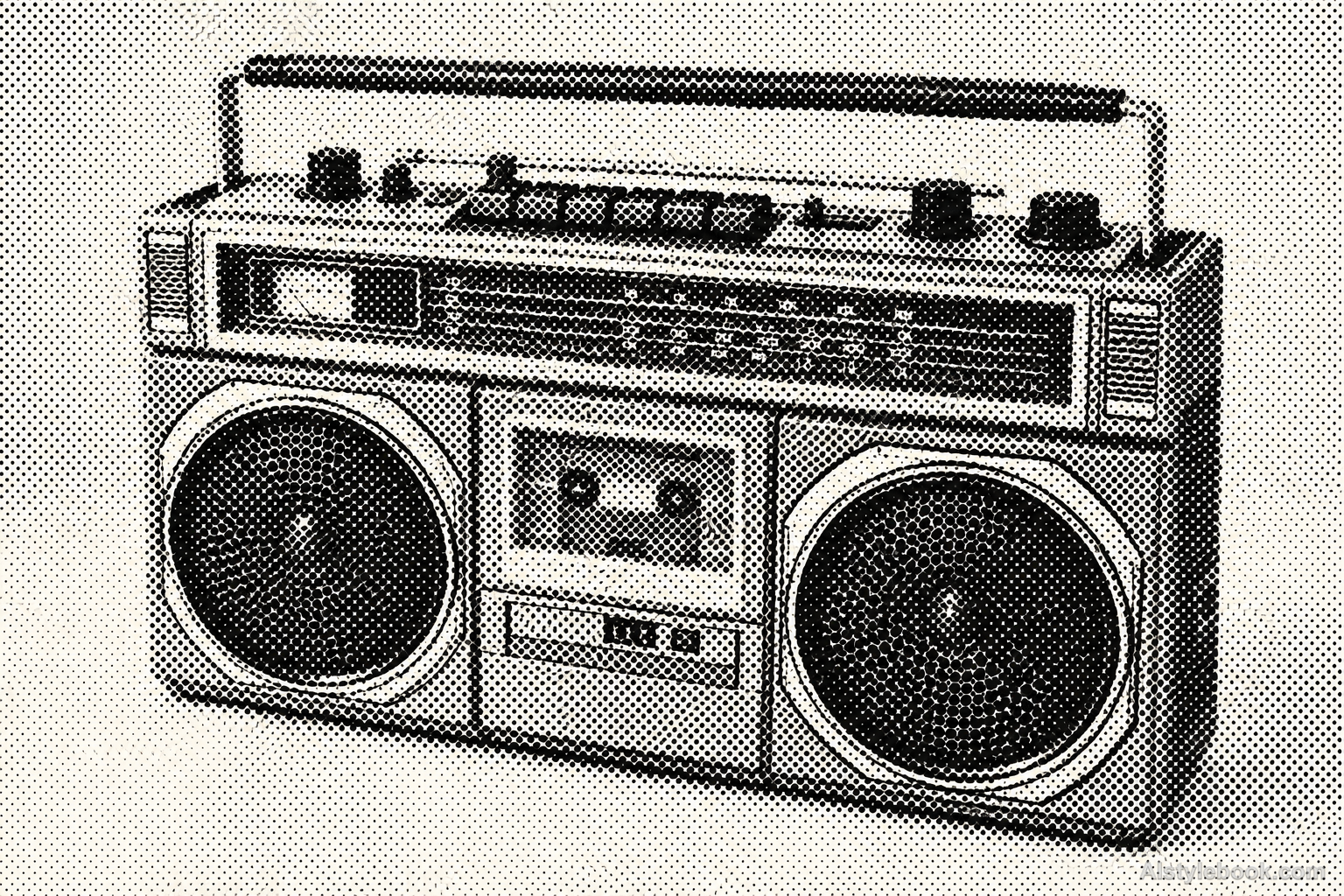
- Dot or line area controls highlights and curves, potentially merging small text and reflections.
- Subjects
- Choose close portraits, products, buildings or well-lit landscapes with varied tones for the screen to reproduce.
From photographic reproduction to printed screens
Photography and print reproduction increasingly converged in the late nineteenth century. The Library of Congress dates the commercial use of photographic halftones in magazine illustration to the 1880s. Translating continuous values into discrete ink areas brought photographs into mass print and established a screen structure now often deliberately enlarged as a visual treatment.
Bring the style to your photos
Reusable style prompt for Dot-Screen Halftone
Convert the entire image into a single-color round-dot halftone on warm white uncoated paper. Place dot centers on a regular square screen and vary only their diameters according to the source tonal values. Keep circular edges crisp, leave small dots or bare paper in highlights and let larger dots nearly touch in deep shadows. Preserve large contours through coherent value transitions. Include restrained ink grain and paper fibers, with no continuous photographic gray beneath the dot screen.Use the same style prompt for portraits, landscapes and objects.
Create with this styleKeep exploring


