
Light & Image Effects
Directional Smudge
Style guide
Local gestures pull and blend existing colors into long soft marks while selected contours remain readable.
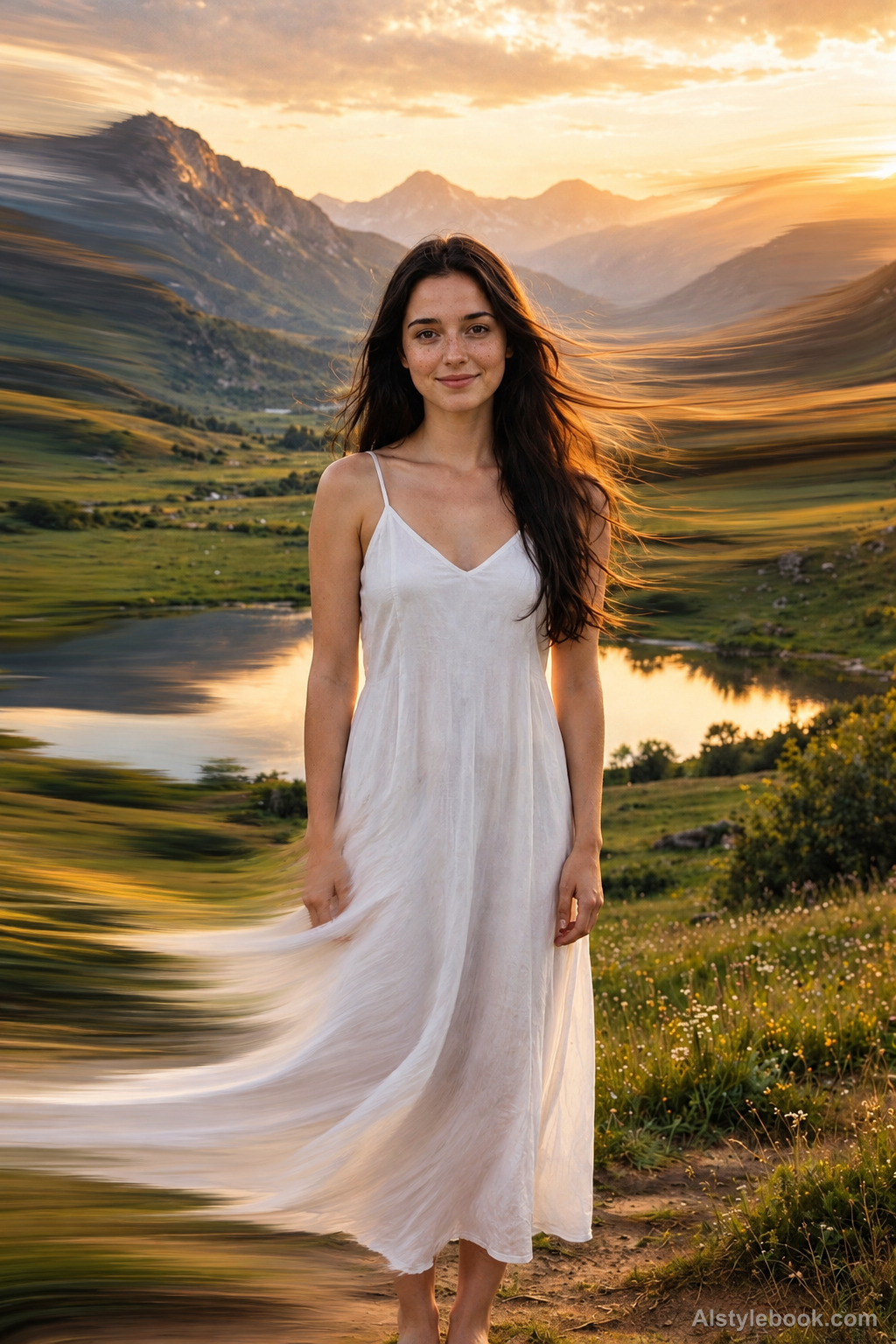
PortraitStyle effect
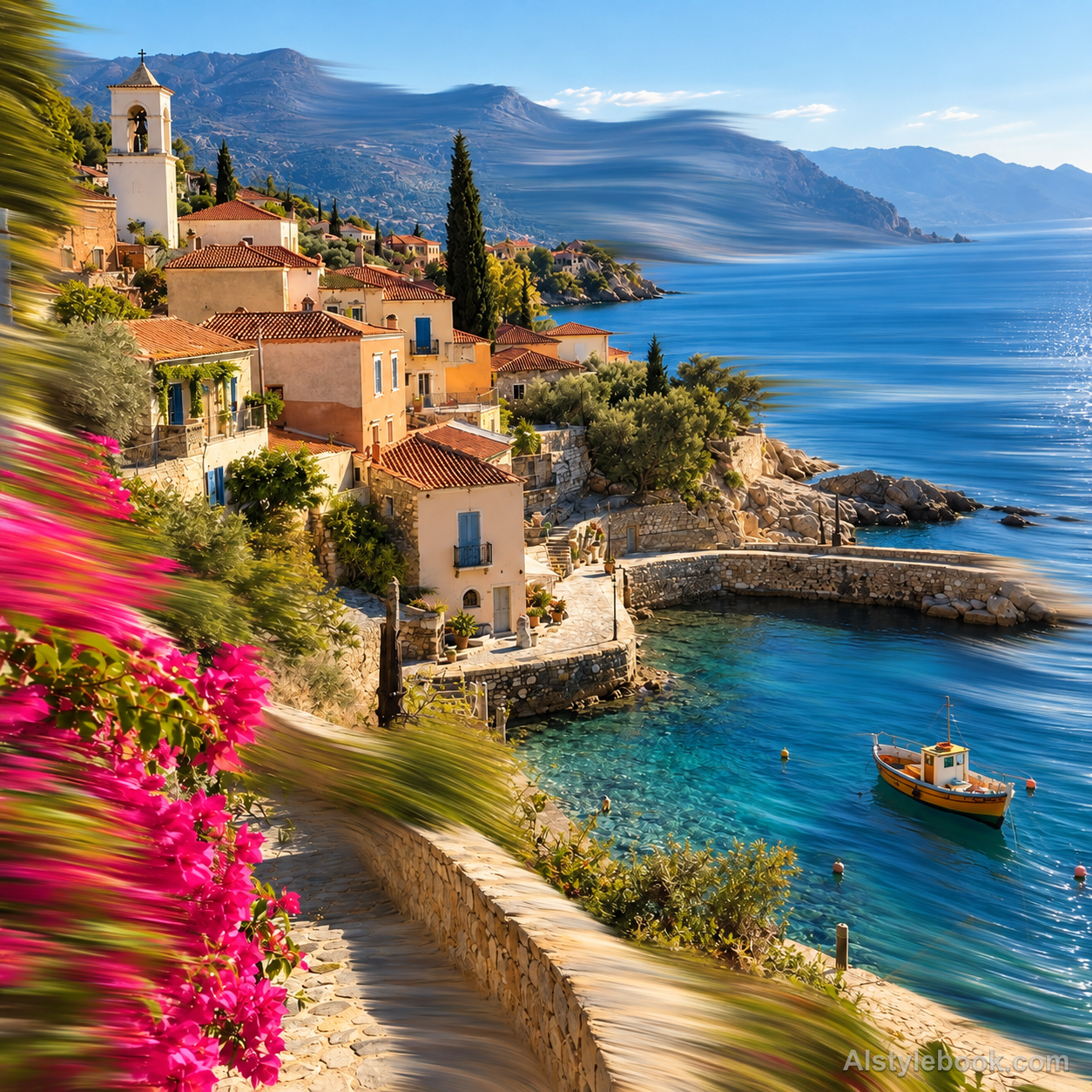
LandscapeStyle effect
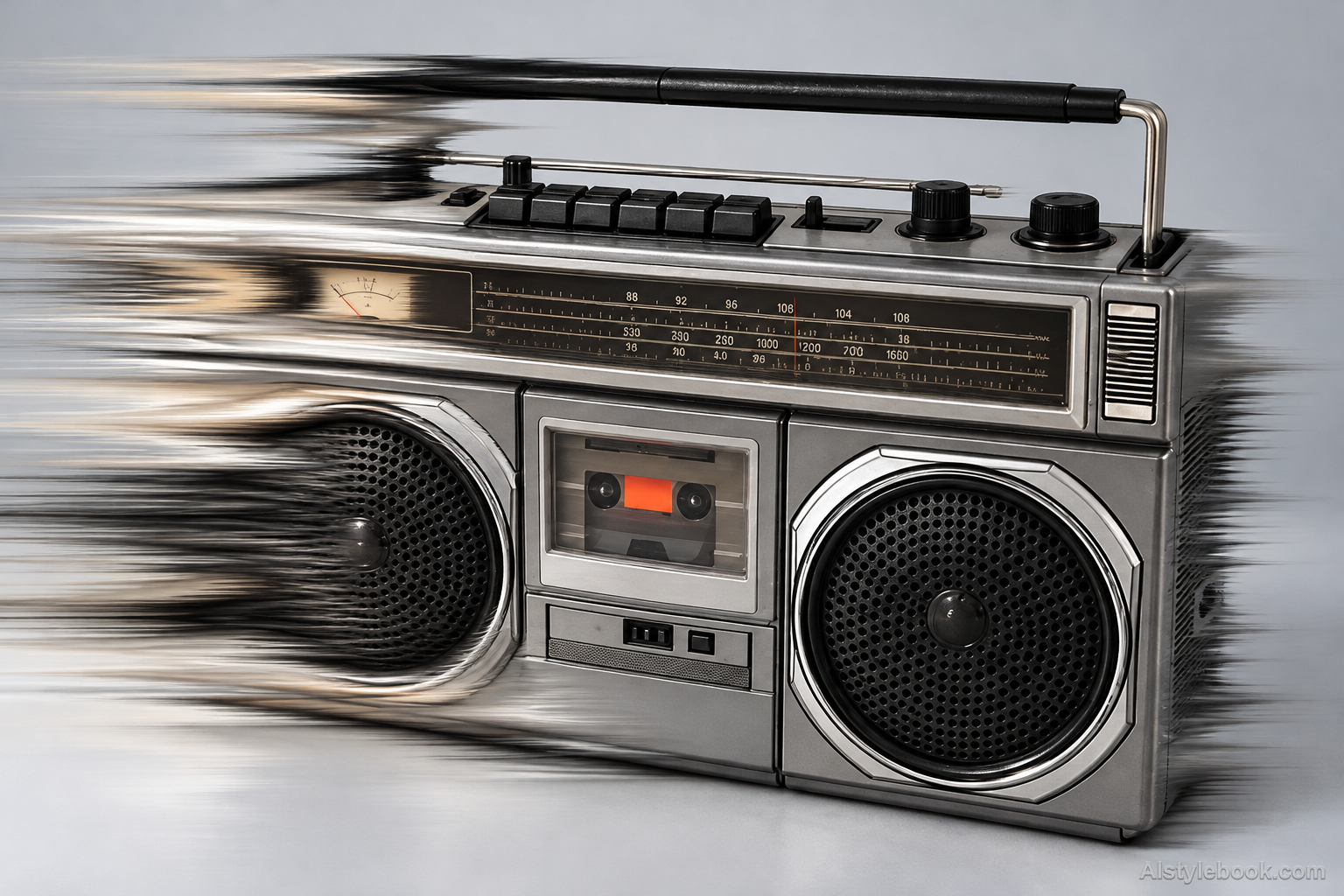
ObjectsStyle effect
The visual language
What is Directional Smudge?
Directional smudge drags and blends neighboring colors along local gestures into soft, tapering marks. Readable edges coexist with pulled passages, making the change feel like an active blending gesture rather than camera motion.
Smudging drags and mixes nearby colors through selected gestures.
Tapering hair streaks beside clear eyes can suggest pushing wet paint rather than moving a camera across the whole scene.
How the style changes different subjects
- Portrait
- Selected areas stretch into color strips or trails, increasing motion while potentially distorting small features.
- Landscape
- Scenic forms extend directionally, contrasting intact regions with flowing areas.
- Objects
- Pulled edges and colors elongate surfaces and can change proportions.
- Subjects
- Choose moving figures, night scenes, vehicles or bold-color objects with identifying details outside the strongest stretch.
Bring the style to your photos
Reusable style prompt for Directional Smudge
Apply a localized photographic raster smudge effect, preserving natural photographic texture and clearly readable detail across at least half of the image. In selected broad sweeping lanes, drag existing adjacent pixels into long tapering elastic color streaks with a soft digital smudge tool. Mix neighboring photographic colors smoothly, leaving intact sharp edges beside locally dragged areas. Vary the direction with each local gesture rather than applying one uniform camera-motion vector. Keep recognizable forms and original color relationships. Do not repaint the scene, add brush marks, pigment, impasto, canvas grain or illustration.Use the same style prompt for portraits, landscapes and objects.
Create with this styleKeep exploring


