
Light & Image Effects
Pixel-Sorting Smear
Style guide
Selected bright areas extend vertically into sharp color bars, with threshold boundaries and intact forms creating continuous digital smearing.
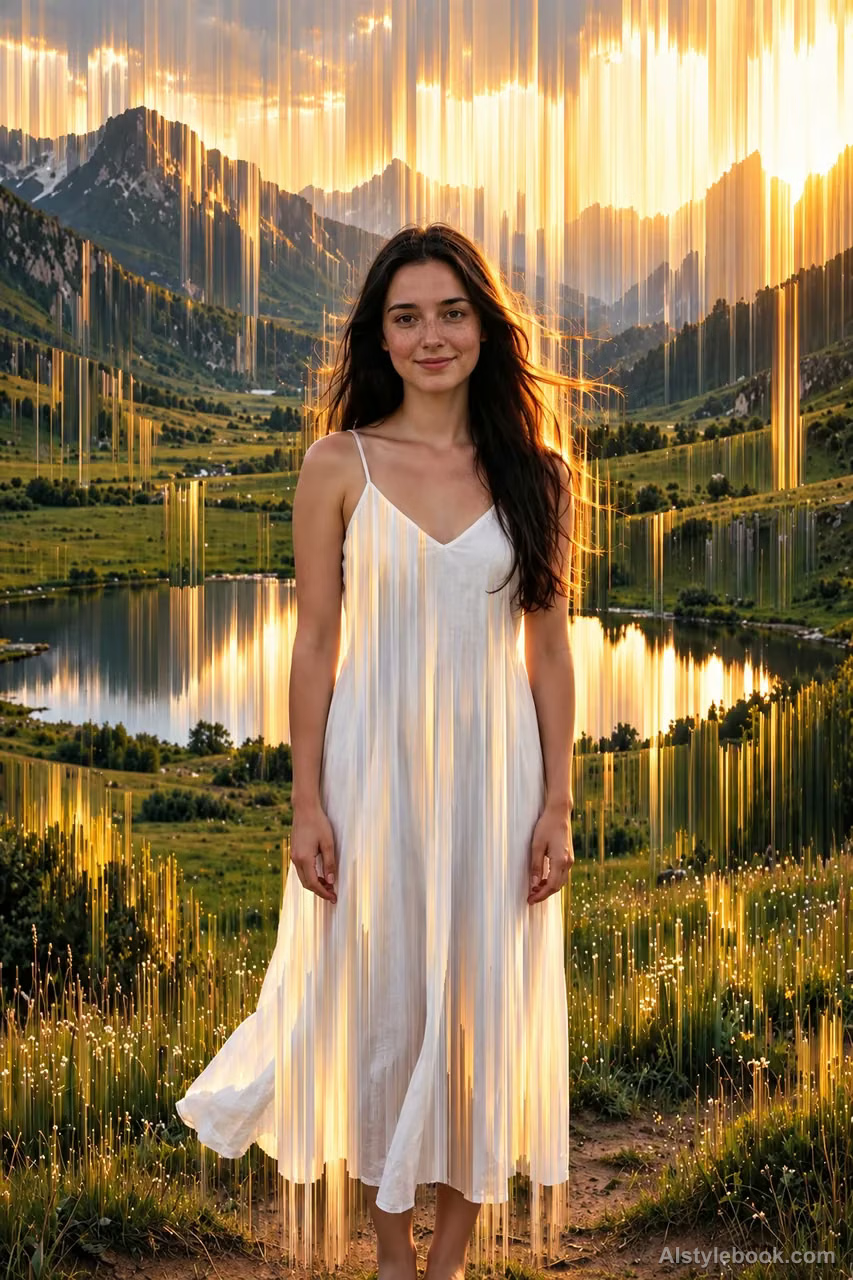
PortraitStyle effect
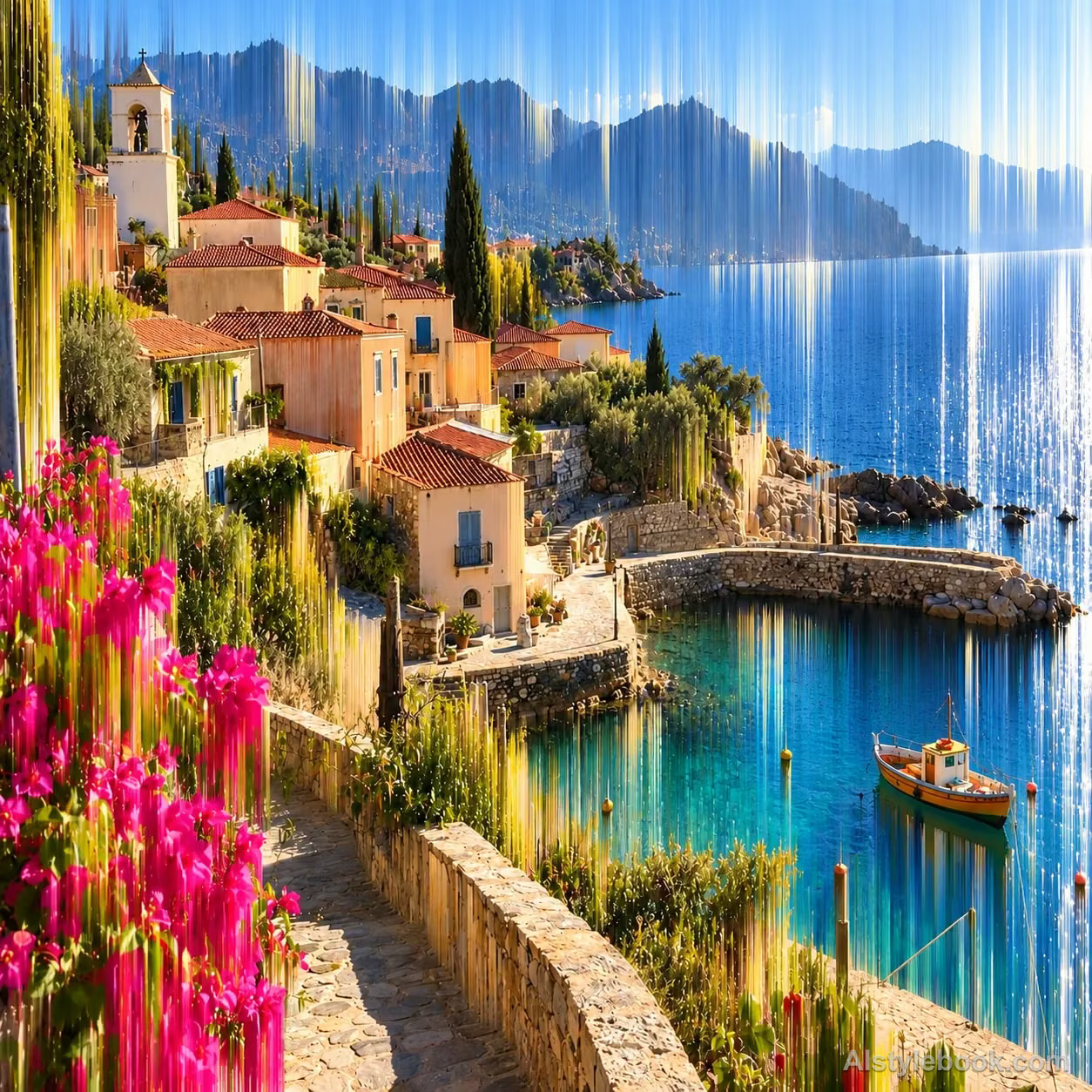
LandscapeStyle effect
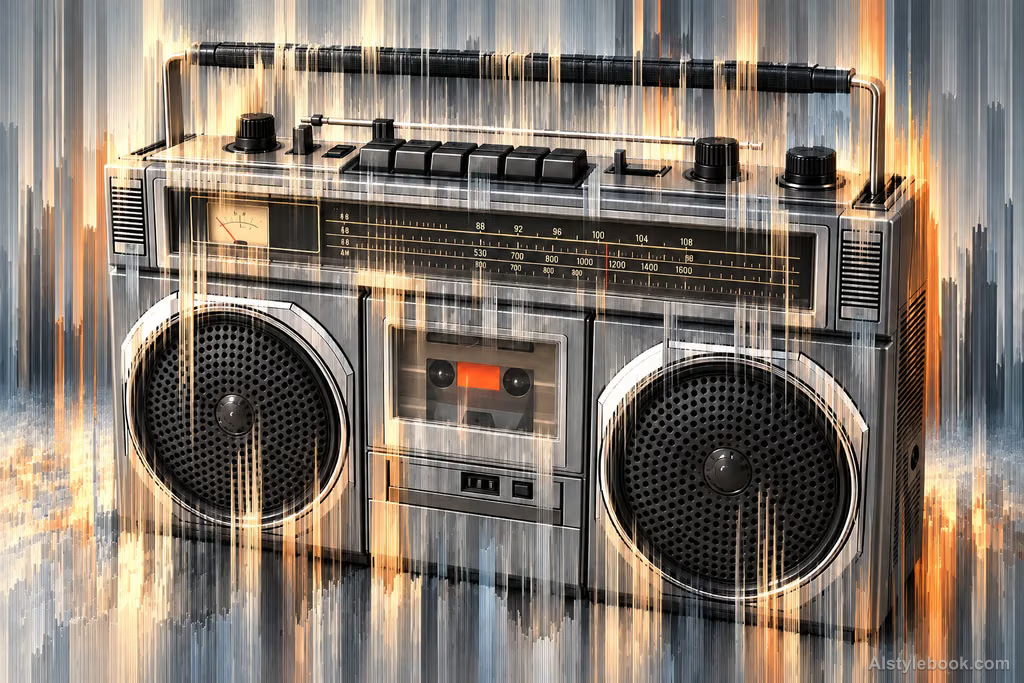
ObjectsStyle effect
The visual language
What is Pixel-Sorting Smear?
Selected bright regions extend vertically into sharp color bars with readable threshold boundaries. Intact and smeared regions contrast while the distortion follows a consistent direction.
Pixel sorting rearranges selected image values into ordered runs while retaining their colors.
Window highlights stretched into vertical streams beside a stable wall can suggest localized digital melting.
How the style changes different subjects
- Portrait
- Selected areas stretch into color strips or trails, increasing motion while potentially distorting small features.
- Landscape
- Scenic forms extend directionally, contrasting intact regions with flowing areas.
- Objects
- Pulled edges and colors elongate surfaces and can change proportions.
- Subjects
- Choose moving figures, night scenes, vehicles or bold-color objects with identifying details outside the strongest stretch.
Bring the style to your photos
Reusable style prompt for Pixel-Sorting Smear
Process the image as directional pixel-sorting flow. Stretch selected midtone and highlight regions vertically into perfectly straight, narrow, tightly neighboring color streaks. Give their starts and ends clear threshold boundaries, with continuous color dragging along each streak. Preserve enough intact regions to carry major contours and detail. Organize the streams by source values, alternating dense and sparse passages for sharply structured, rhythmic digital vertical elongation.Use the same style prompt for portraits, landscapes and objects.
Create with this styleKeep exploring


