
Light & Image Effects
Error-Level Visualization
Style guide
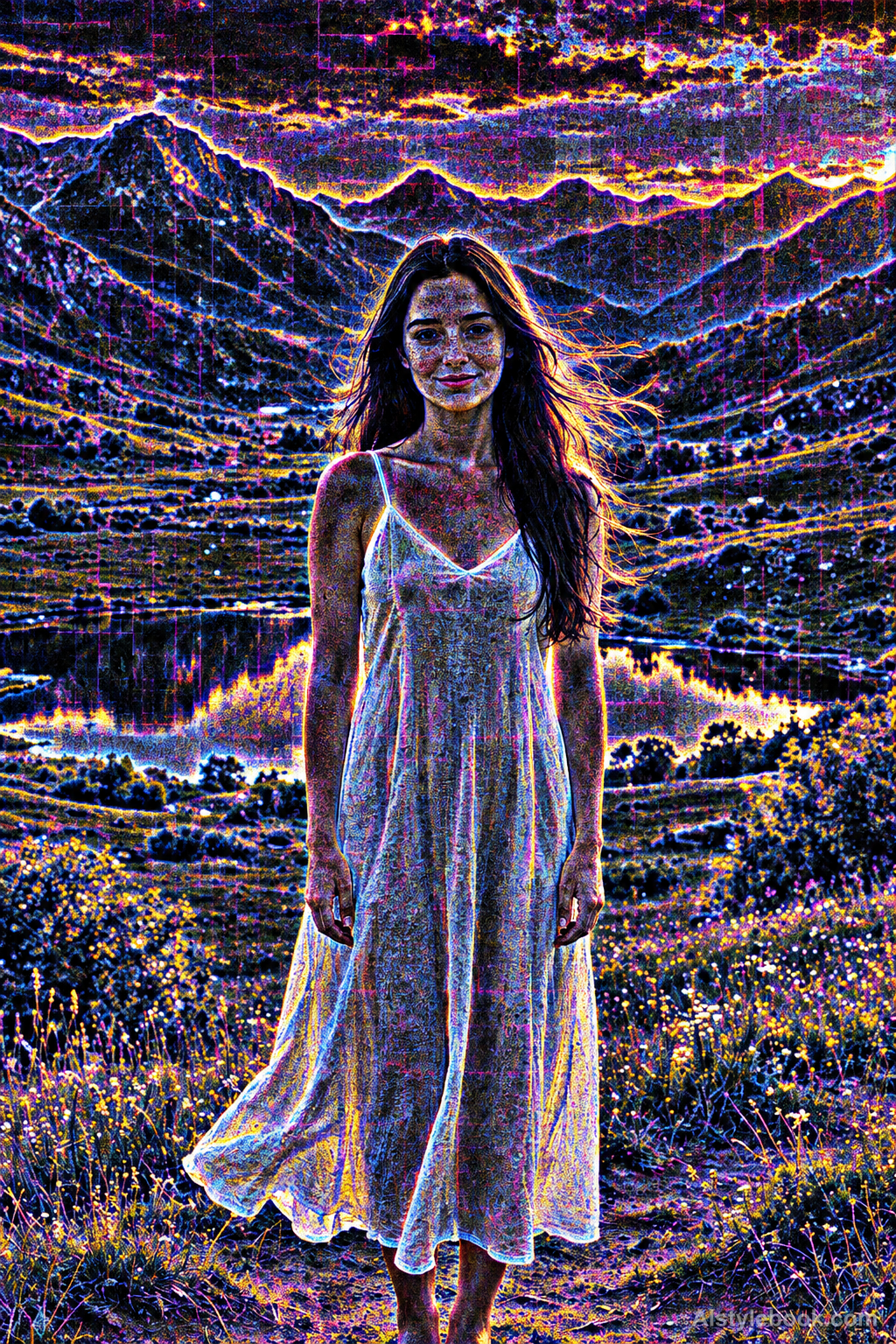
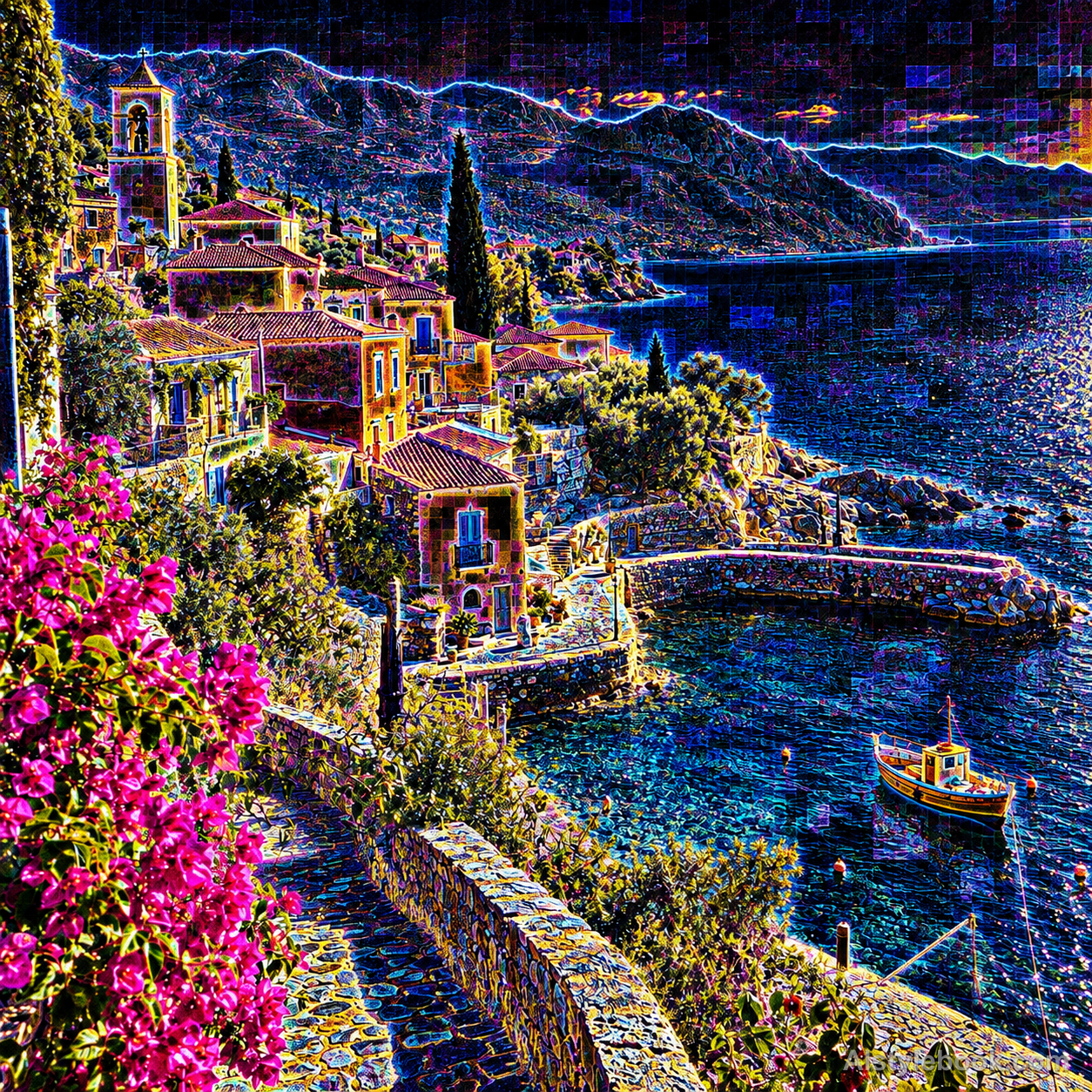
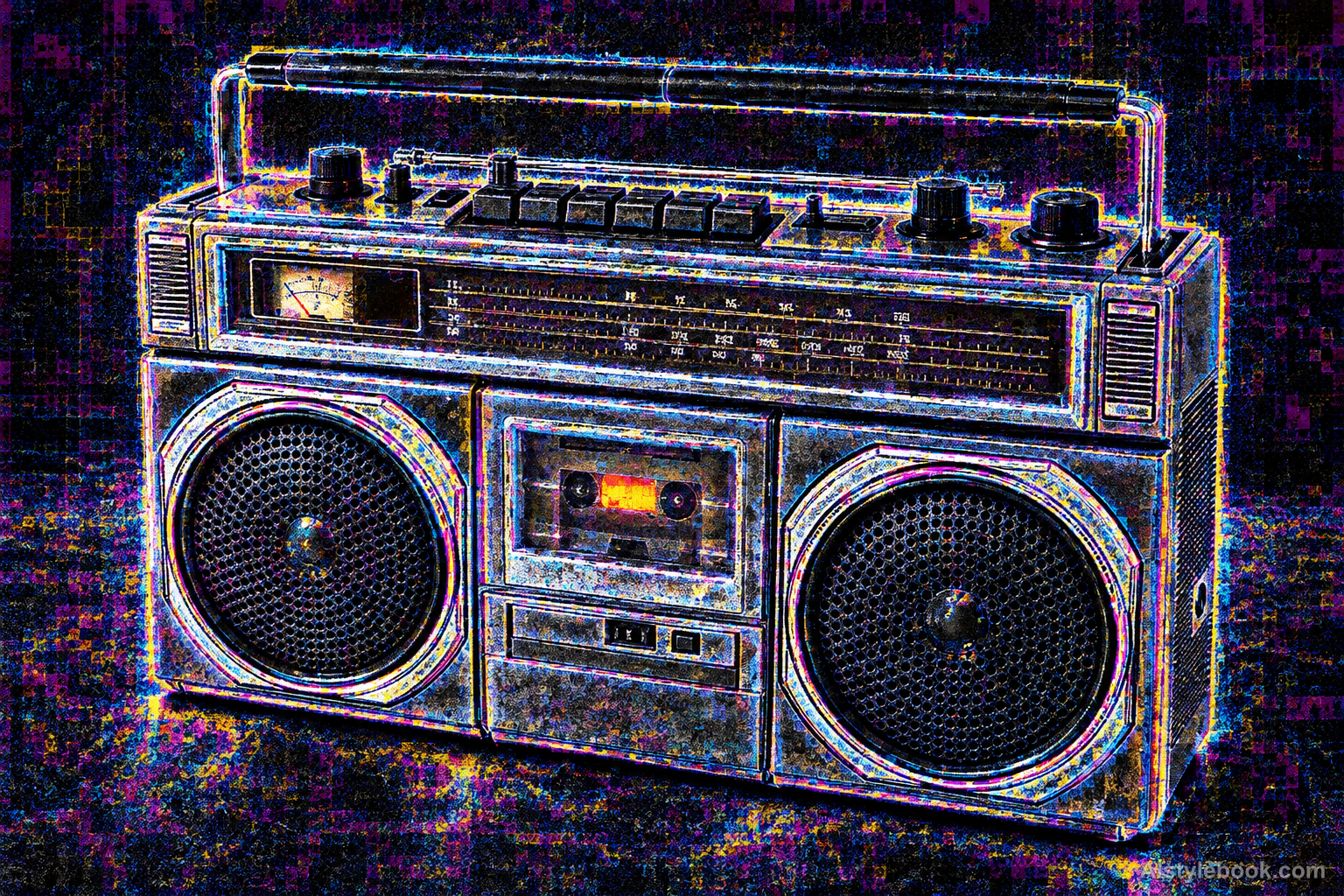
High-contrast luminous edges, granular noise and blockwise brightness differences form an error-level-inspired technical image.
The visual language
What is Error-Level Visualization?
This artistic interpretation borrows the visual language of digital image analysis. A dark field, bright boundaries and simulated compression textures carry blue-white, magenta and warm yellow grains, using these marks as graphic elements rather than measured image data.
Error-level analysis examines recompression residuals, but bright patterns alone do not establish manipulation.
Blue-white particles along building edges can evoke an analysis display without supplying forensic findings.
How the style changes different subjects
- Portrait
- Directional colors, false color or bright edge grain replace natural tones, leaving shapes and regions to identify the face.
- Landscape
- Rule-based color fields give scenery a technical-visualization appearance rather than natural lighting.
- Objects
- Structural color regions and bright edges replace much of the original material and hue.
- Subjects
- Choose geometric buildings, sculptures, equipment or clear figures whose curves, corners and tonal boundaries separate the color regions.
Bring the style to your photos
Reusable style prompt for Error-Level Visualization
Create an artistic error-level visualization of the image: suppress broad low-contrast areas toward black, emphasize fine edges and texture with bright blue-white, magenta and warm yellow residues, and reveal subtle rectangular compression-grid differences. Preserve recognizable structural boundaries while using uneven local brightness and granular high-frequency detail. Treat this as a stylized technical visualization, without factual diagnostic claims, evidence annotations, labels, heat-scale legends or measurement numbers. Avoid smooth rainbow thermal zones.Use the same style prompt for portraits, landscapes and objects.
Create with this styleKeep exploring


