
Light & Image Effects
Datamosh Compression
Style guide
Blocky compression residues smear colors across neighboring regions in a disrupted video-like image.

PortraitStyle effect

LandscapeStyle effect
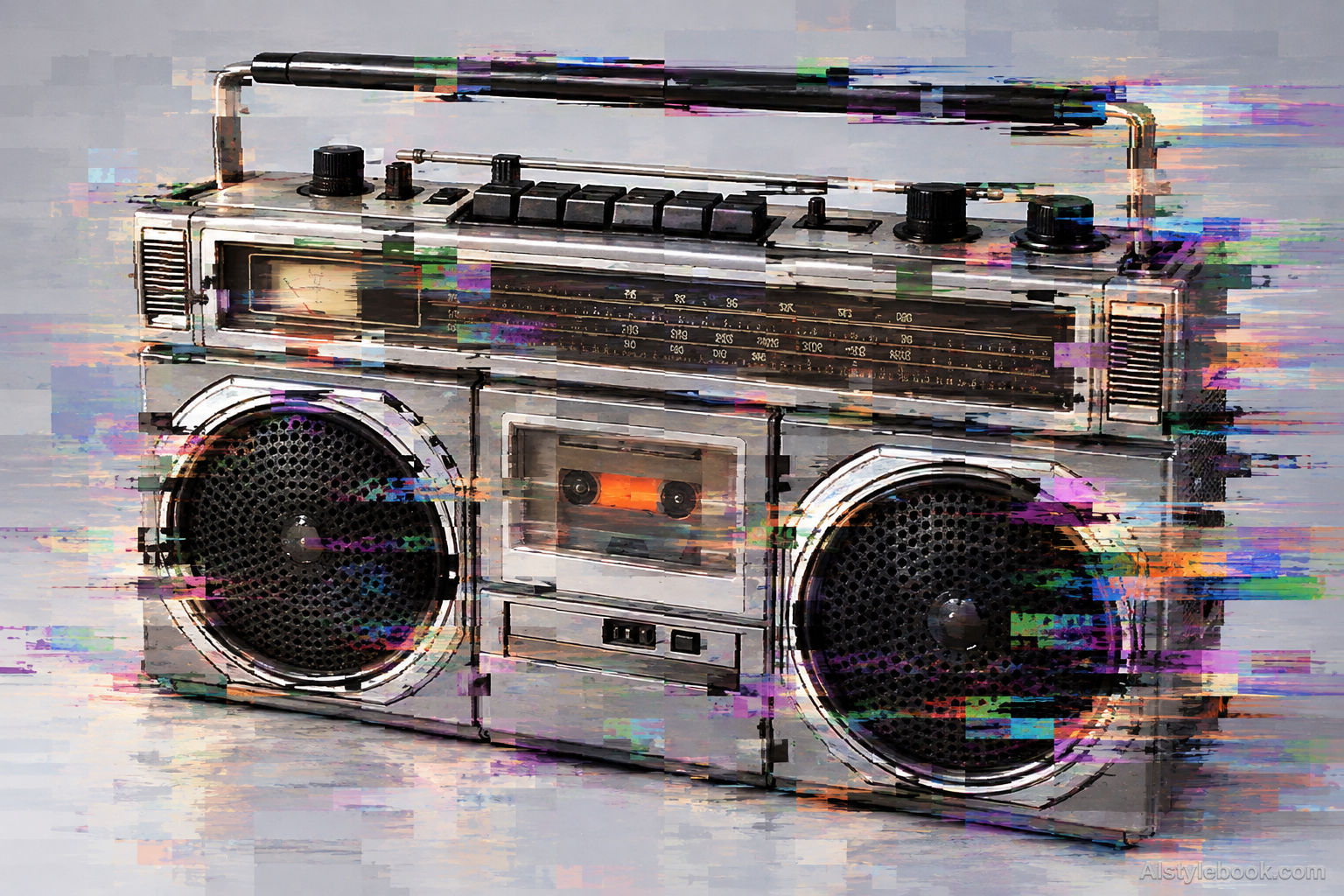
ObjectsStyle effect
The visual language
What is Datamosh Compression?
Datamosh compression evokes locally broken video decoding through blocky residues. Colors and fragments push into neighboring regions along motion-like paths, contrasting readable contours with unstable dragged areas.
Datamoshing borrows disrupted inter-frame prediction, distinct from analog tracking errors.
An arm carrying fragments of earlier background beside a clearer face can suggest one frame persisting into another.
How the style changes different subjects
- Portrait
- Tracking shifts, color fringes or block trails interrupt selected features and clothing.
- Landscape
- Directional smears or mismatched blocks turn scenery into an unstable video image.
- Objects
- Displaced edges and reflections contrast with intact parts of the object's shape.
- Subjects
- Choose stage figures, night streets, electronics or machines with a readable face or silhouette as a stable anchor.
Bring the style to your photos
Reusable style prompt for Datamosh Compression
Create a still-frame datamosh aesthetic using conspicuous interframe compression artifacts: rectangular macroblocks, displaced color patches and directional motion-residue smears that carry image fragments into neighboring areas. Keep enough of the original silhouettes and composition to identify the content while letting selected regions break apart into blocky temporal-looking trails. Artifacts should have uneven local intensity and hard block boundaries. Avoid simple RGB channel offsets, scanline-only treatment, random colored confetti or a uniform blur.Use the same style prompt for portraits, landscapes and objects.
Create with this styleKeep exploring


