
Illustration & Design
Flat Vector Illustration
Style guide
A limited palette of solid colors and crisp contours creates simple two-dimensional forms with a clear, light appearance.

PortraitStyle effect

LandscapeStyle effect
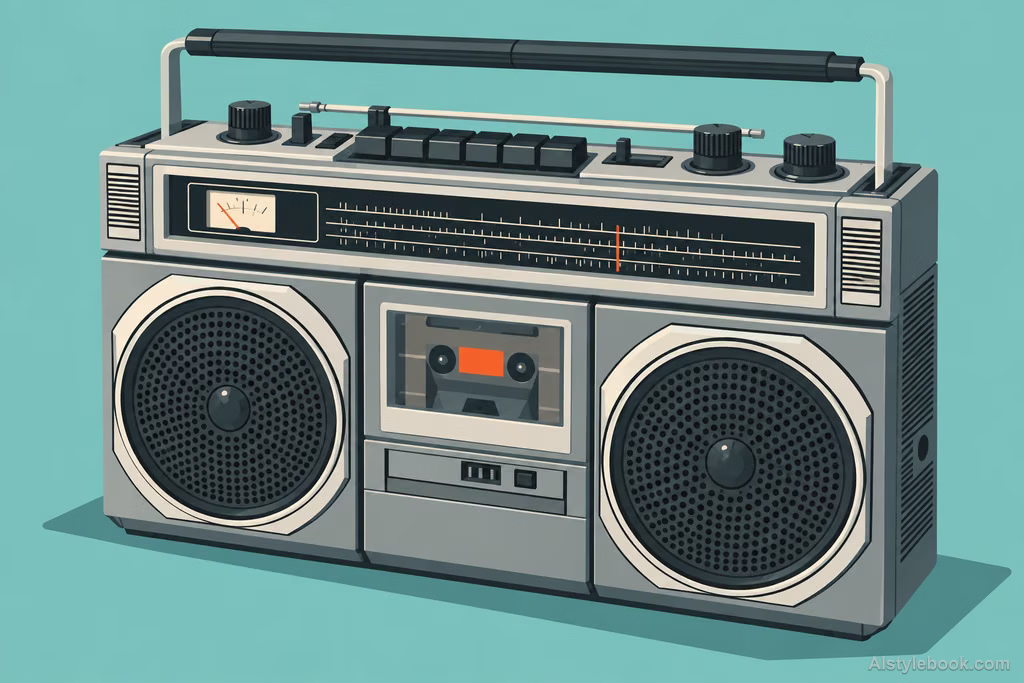
ObjectsStyle effect
The visual language
What is Flat Vector Illustration?
Interlocking solid-color shapes replace surface detail, while scale, value and a few flat shadows establish layers. Crisp silhouettes remain readable at small sizes.
Look first at the boundaries between colors: a few shapes carry the volume instead of continuous shading.
A cup might need only a body, handle and side shadow to remain recognizable.
How the style changes different subjects
- Portrait
- Clear color shapes simplify features, clothing and pose; hair and silhouette carry recognition.
- Landscape
- Layered planes simplify buildings, trees and terrain into a direct composition.
- Objects
- A few light-dark shapes replace reflections, emphasizing handles, openings and other structural features.
- Subjects
- Choose simple poses, skylines, plants or geometrically clear objects with uncluttered backgrounds.
Bring the style to your photos
Reusable style prompt for Flat Vector Illustration
Reduce the subject to two-dimensional color shapes with clean boundaries and a distinct silhouette, using a limited, harmonious palette of solid colors. Separate layers through shape proportions, tonal differences, and a few essential flat shadows. Keep curves smooth and simplify details selectively while retaining immediately recognizable contours. Make the image fresh and clear, without realistic textures, complex gradients, or the soft glow of volumetric rendering.Use the same style prompt for portraits, landscapes and objects.
Create with this styleKeep exploring


