
Light & Image Effects
Gaussian Soft Focus
Style guide
Uniform softness reduces detail across the frame, leaving quiet contours and slowly blending color.

PortraitStyle effect

LandscapeStyle effect
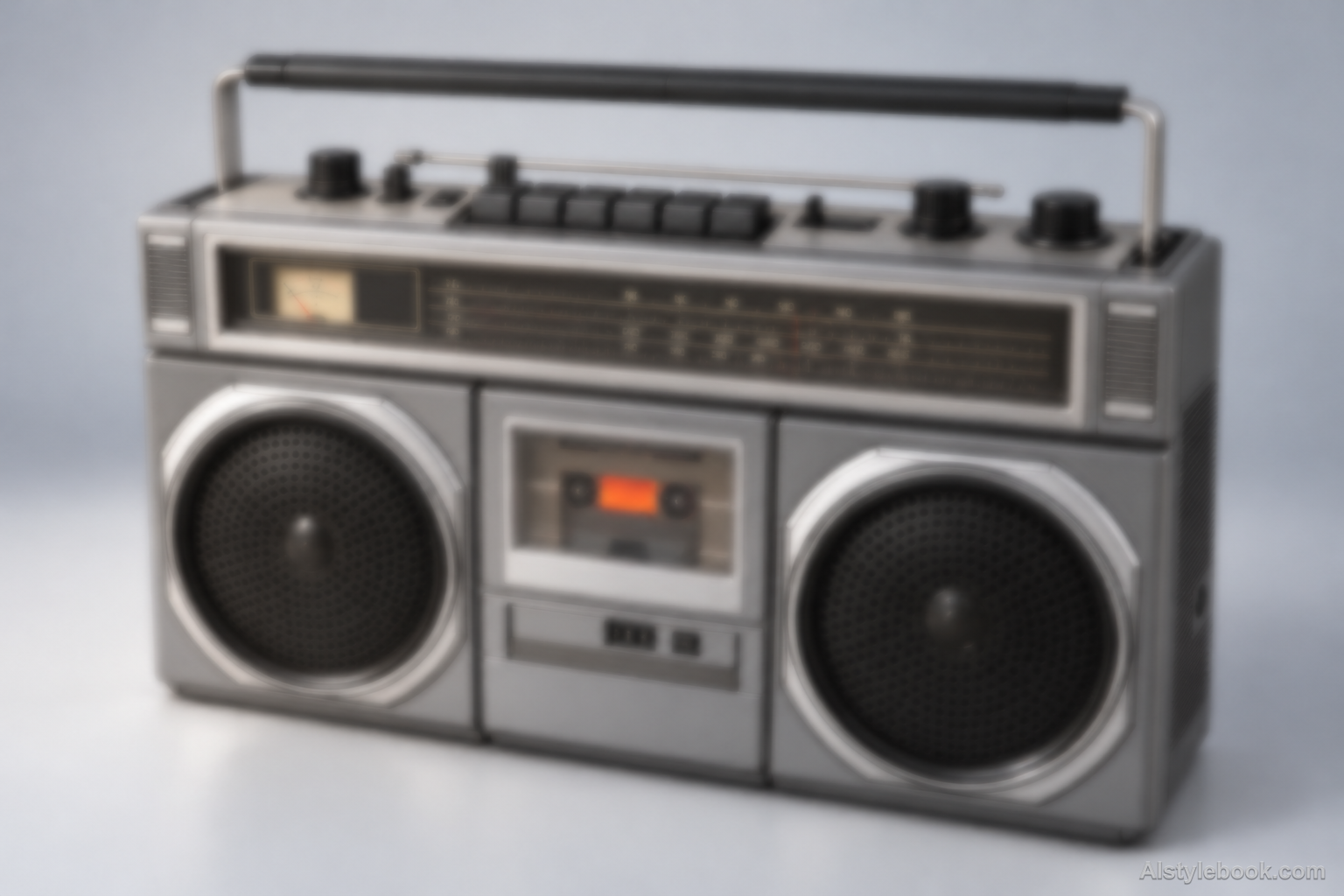
ObjectsStyle effect
The visual language
What is Gaussian Soft Focus?
Gaussian soft focus evenly reduces fine detail and sharp boundaries across the frame. With no preferred motion direction or deliberately sharp center, recognition rests on larger contours and broad tonal masses.
Gaussian blur smooths neighboring image values without a motion direction or selected sharp band.
Softened window edges and skin detail beside intact broad tones can suggest diffusion rather than movement.
How the style changes different subjects
- Portrait
- Fine skin texture and edges soften, placing emphasis on facial light and overall shape.
- Landscape
- Leaves, architectural textures and distant detail merge into a hazier scene organized by broad tonal areas.
- Objects
- Hard edges and highlights soften, while tiny lettering, texture and components may become less legible.
- Subjects
- Choose softly lit portraits, flowers, misty scenery or simple still lifes. Use a lighter effect when small text or precise structure matters.
Bring the style to your photos
Reusable style prompt for Gaussian Soft Focus
Apply a uniform Gaussian soft-focus treatment across the complete image. Fine texture and small edges should blur evenly in every direction, while larger silhouettes, broad tonal masses and the principal composition remain recognizable. Use smooth natural transitions with no preferred motion vector, sharp central zone, artificial bokeh discs or added glow particles. Keep the original color relationships and exposure balanced. The effect should feel softly defocused rather than smeared, fogged over or painted.Use the same style prompt for portraits, landscapes and objects.
Create with this styleKeep exploring


