
Pixels & Characters
Isometric Pixel Extrusion
Style guide
A sampled image grid rises into aligned columns, with source-colored tops and shaded sides.
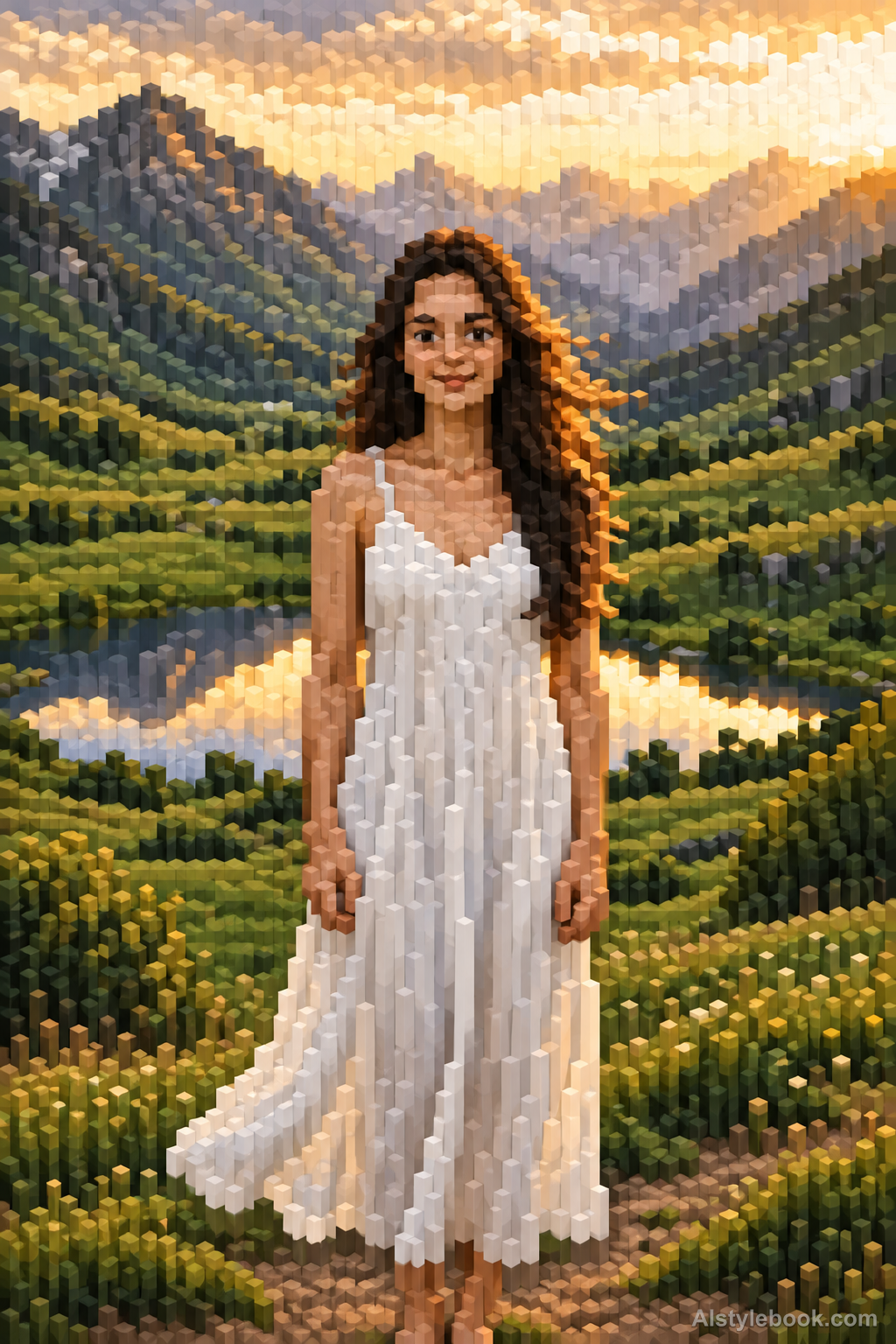
PortraitStyle effect

LandscapeStyle effect
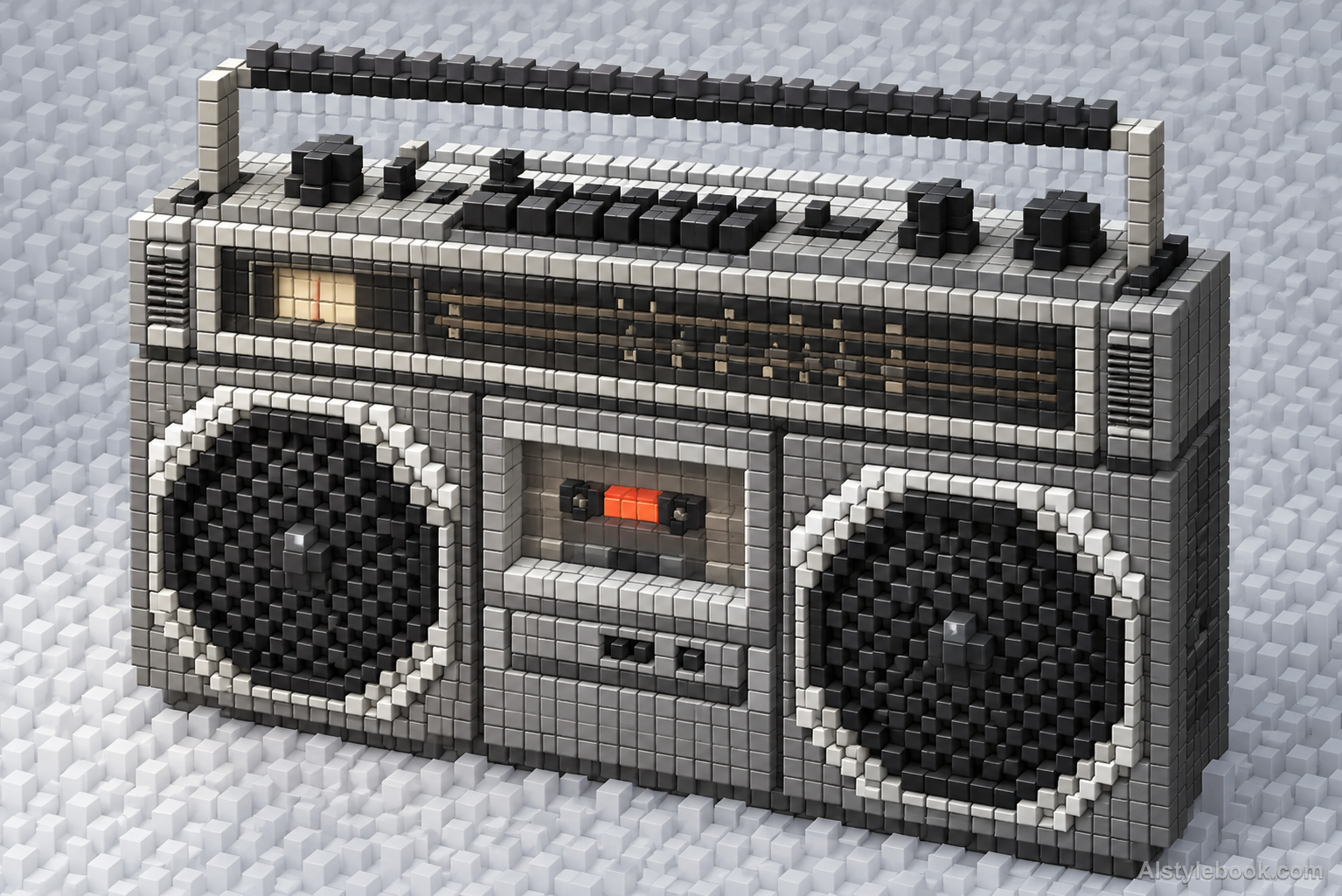
ObjectsStyle effect
The visual language
What is Isometric Pixel Extrusion?
Isometric extrusion samples a flat image on a regular grid, then raises each cell according to tone. Top faces preserve the source color positions while sides reveal depth. The result reads as an image height field, distinct from rebuilding a complete voxel scene.
Pixel extrusion retains image-grid locations while adding height, unlike rebuilding an object in volumetric cells.
Raised bright roof samples beside lower dark streets can resemble colored image terrain.
How the style changes different subjects
- Portrait
- Pixel columns translate face and clothing tones into both color and height.
- Landscape
- A raised image terrain retains color on tops while sidewalls add shadows.
- Objects
- Objects become sampled height surfaces rather than complete reconstructions of their original geometry.
- Subjects
- Choose frontal portraits, clear tonal patterns or single objects whose brightness regions make the raised columns easy to read.
Bring the style to your photos
Reusable style prompt for Isometric Pixel Extrusion
Sample the source image on one square grid and extrude each cell into a solid rectangular column whose height follows its tonal value. Use one consistent orthographic isometric view, with all columns parallel and clearly aligned to the original two-dimensional image coordinates. Color the flat top faces from their source samples and shade side faces more darkly to show stepped relief. Preserve the image as a readable height field rather than a fully modeled scene. Avoid random voxel buildings, perspective convergence, smooth rounded pillars or additional objects.Use the same style prompt for portraits, landscapes and objects.
Create with this styleKeep exploring


