
Pixels & Characters
Pixel Mosaic
Style guide
Square natural fragments build a readable image from dense to sparse, with fine strata and warm-white openings creating soft material pixels.
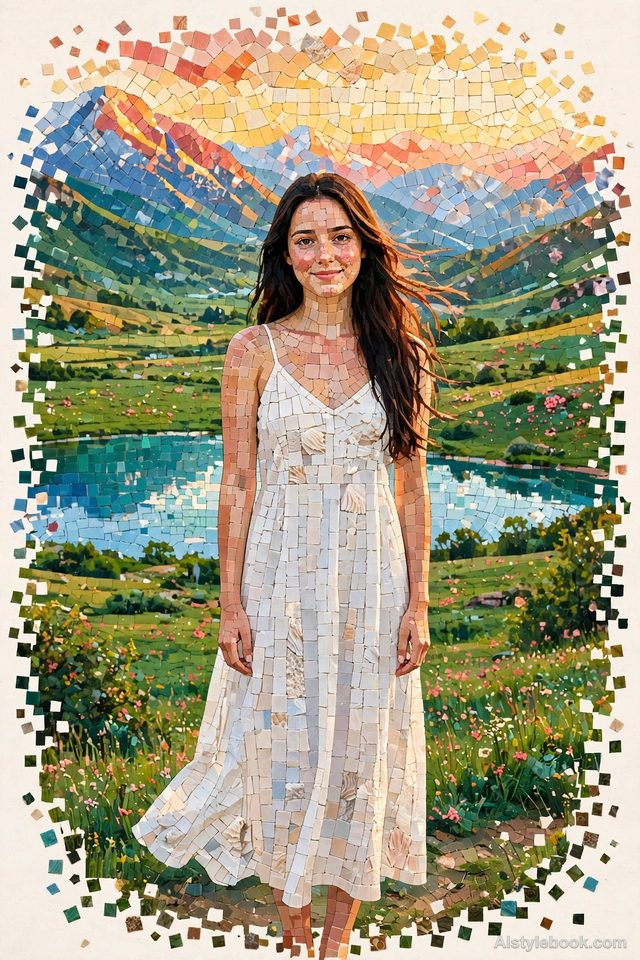
PortraitStyle effect
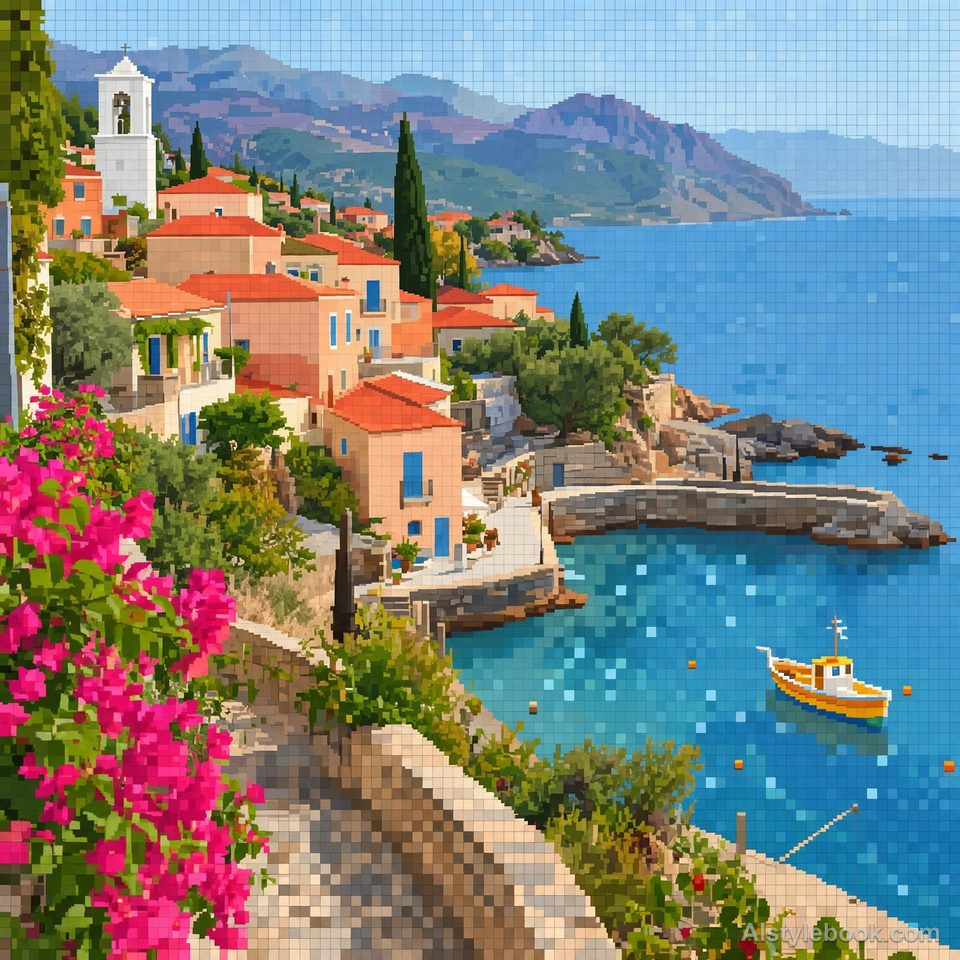
LandscapeStyle effect
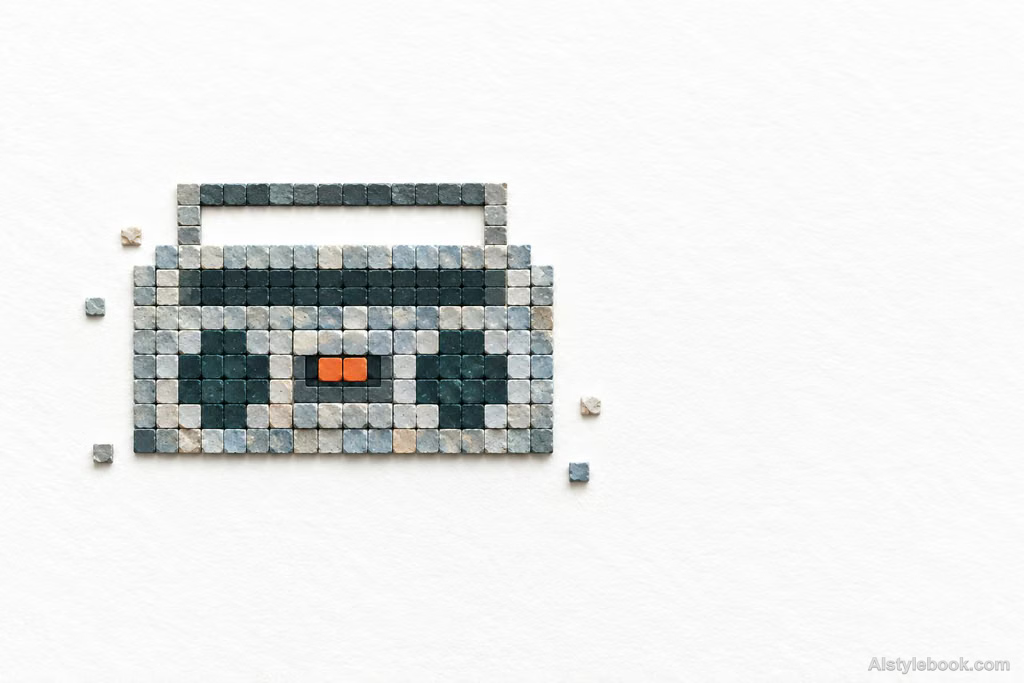
ObjectsStyle effect
The visual language
What is Pixel Mosaic?
Square natural fragments assemble the image from dense to sparse, with tiny strata and shadows giving pixels material thickness. Warm-white openings soften the grid’s effect as forms transition between fragments and a whole.
Pixel mosaic turns digital units into separate material pieces with thickness and shadows.
Dense squares at a canopy's center becoming sparse toward its edge can alternate between tree and assembled fragments.
How the style changes different subjects
- Portrait
- Sampled color cells rebuild face and clothing, emphasizing hair and tonal regions over small features.
- Landscape
- Adjacent cells preserve scenery through color differences and area size.
- Objects
- Color units simplify curves and reflections, favoring shape over literal material.
- Subjects
- Choose broad-color portraits, buildings, flowers, fruit or clear objects large enough to remain readable.
Bring the style to your photos
Reusable style prompt for Pixel Mosaic
Reconstruct the subject from similarly sized square fragments of natural material. Arrange modules with grid-like order, allowing small chipped edges, fine shell-like or mineral layering, powdery grains, and shallow surface relief. Pack the core densely, then let fragments become sparse and detached toward broad warm-white paper. Brighten and harmonize the existing colors while preserving natural layered variation. Balance a small, concentrated image against extensive empty space with an asymmetrical composition.Use the same style prompt for portraits, landscapes and objects.
Create with this styleKeep exploring


