
Pixels & Characters
2D Pixel Art Style
Style guide
Crisp stepped contours, limited solid pixel clusters and discrete tonal steps create deliberately designed 2D pixel art.
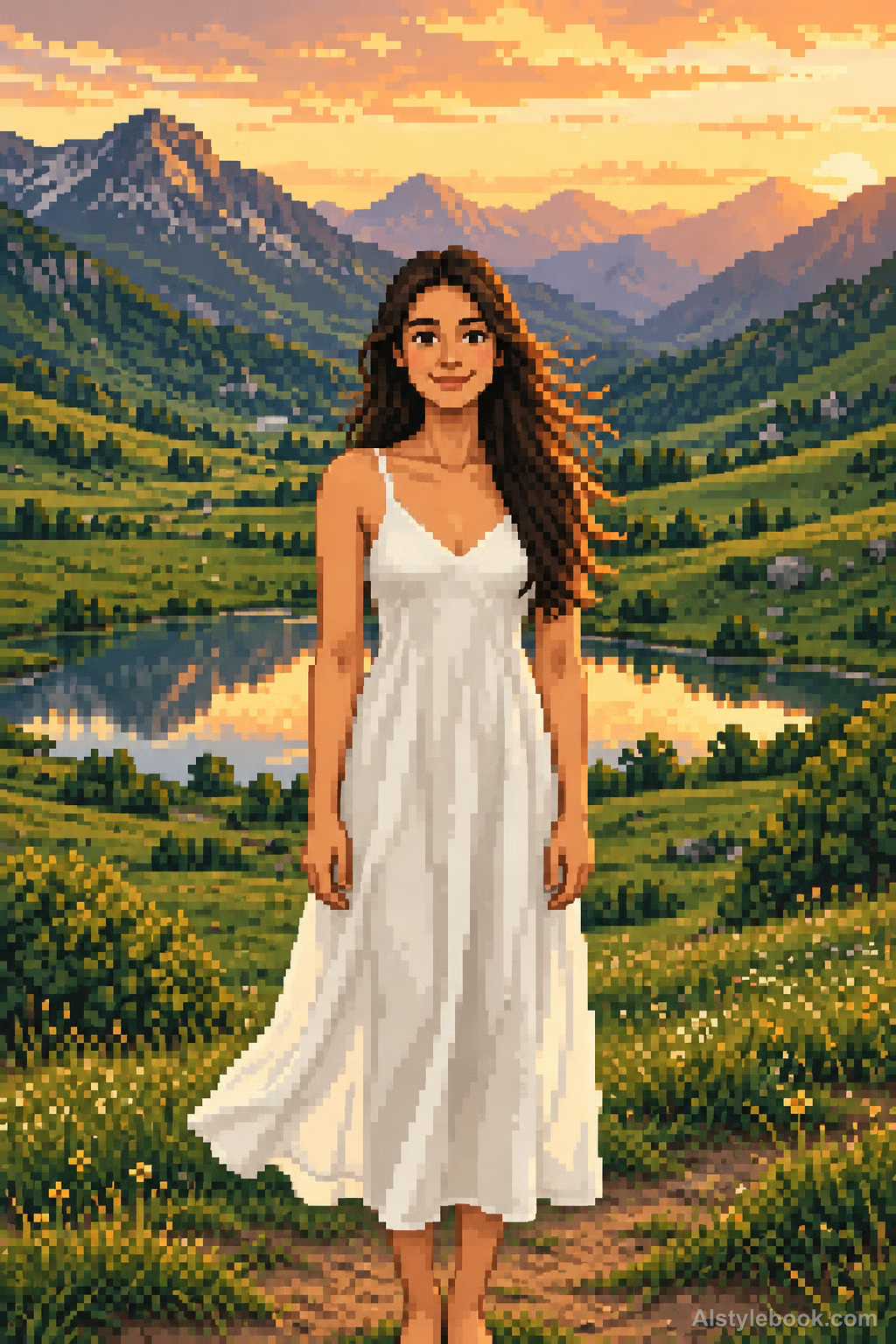
PortraitStyle effect
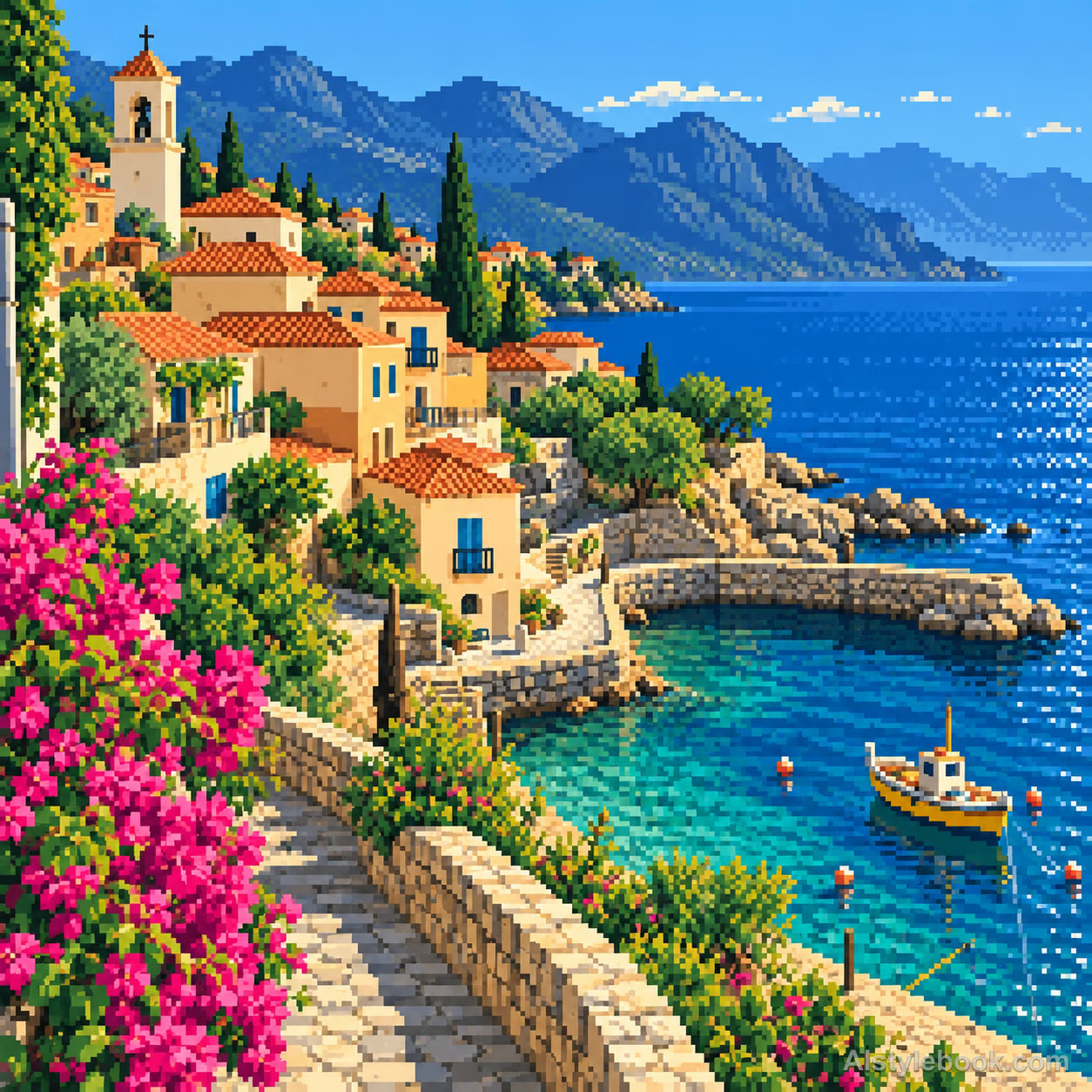
LandscapeStyle effect

ObjectsStyle effect
The visual language
What is 2D Pixel Art Style?
On a consistent square grid, deliberate single-pixel steps build contours and limited solid clusters describe tone. Discrete shades and sparse controlled dithering retain a genuine 2D pixel structure.
Pixel art treats each grid placement as a drawing decision rather than merely reducing a photograph.
An eye only a few cells wide can still express direction through one carefully placed highlight.
How the style changes different subjects
- Portrait
- Stepped pixels and limited tones reduce face and hair to their main identifying features.
- Landscape
- Ridges, roofs and canopies follow grid steps as small distant details merge.
- Objects
- Discrete color clusters replace curves and highlights, reducing fine lettering.
- Subjects
- Choose close figures, pets, isolated buildings or simple objects with a few broad shapes.
Bring the style to your photos
Reusable style prompt for 2D Pixel Art Style
Redraw the entire image as 2D pixel art on one consistent square grid. Construct contours with deliberate single-pixel stair steps and build shapes from a limited, harmonious palette of solid color clusters, using only a few discrete shading tones per material. Express key details with restrained single pixels and use controlled dithering sparingly. Keep pixel edges crisp so original forms and space emerge through deliberate flat pixel design.Use the same style prompt for portraits, landscapes and objects.
Create with this styleKeep exploring


