
Light & Image Effects
Red-Cyan Anaglyph
Style guide
Horizontally offset red and cyan channels create a retro stereoscopic double image with readable tonal structure.
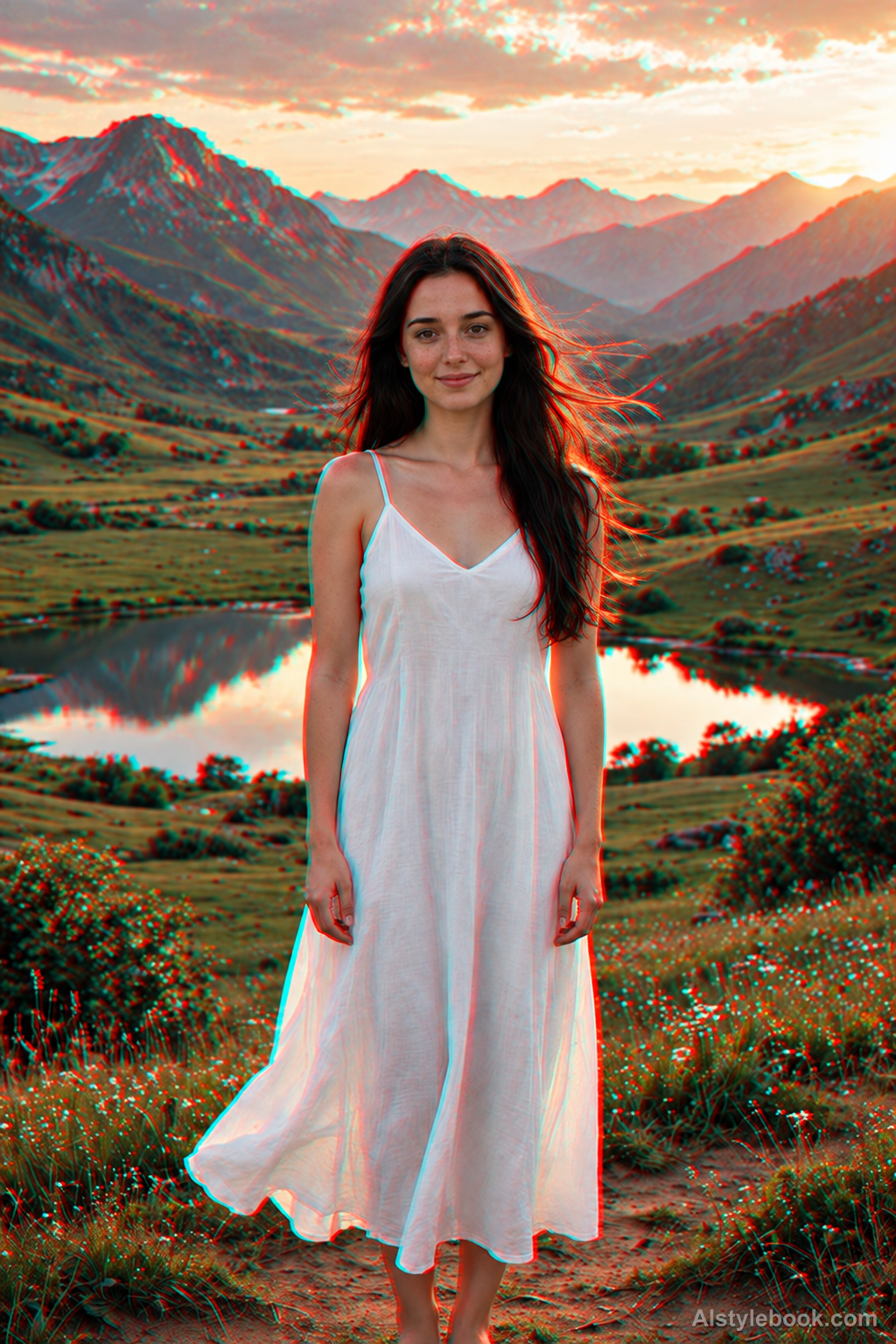
PortraitStyle effect
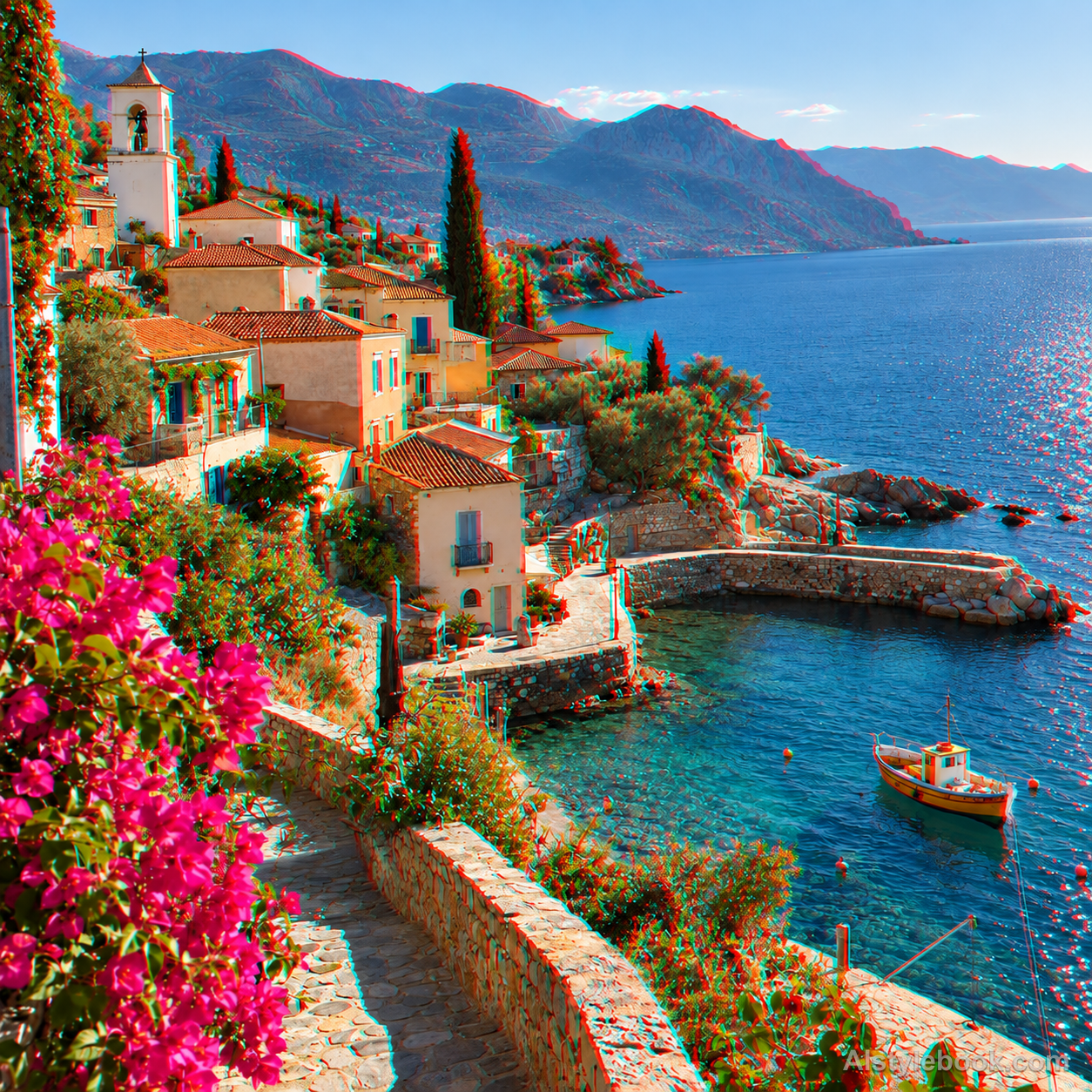
LandscapeStyle effect

ObjectsStyle effect
The visual language
What is Red-Cyan Anaglyph?
A red-cyan anaglyph assigns two slightly displaced image views to red and cyan channels. Their overlap stays comparatively neutral, while paired color ghosts along contours recall vintage stereoscopic prints.
Anaglyph images separate views through color channels; a decorative double image does not guarantee valid stereoscopic depth.
Stronger cup-rim separation than distant-wall separation can evoke that printed viewing experience.
How the style changes different subjects
- Portrait
- Paired colored edges or shifted channels appear around features while proportions remain largely intact.
- Landscape
- Building lines, branches and skylines reveal colored displacement clearly.
- Objects
- Hard contours and high-contrast details gain colored fringes while material remains readable.
- Subjects
- Choose backlit portraits, buildings, branches or clear objects with distinct light-dark boundaries.
Bring the style to your photos
Reusable style prompt for Red-Cyan Anaglyph
Create a red-cyan anaglyph image with two horizontally separated views: red outlines displaced gently to one side and cyan outlines to the other. Keep shared overlapping areas near neutral, with strong channel separation on depth boundaries and silhouettes. Preserve the main arrangement and readable midtones. Use only the red and cyan stereoscopic pair rather than arbitrary RGB glitch fragments, vertical misregistration or repeated tiles.Use the same style prompt for portraits, landscapes and objects.
Create with this styleKeep exploring


