
3D & Miniatures
Wireframe Render
Style guide
Fine cyan luminous mesh follows volumetric curvature, leaving dark faces empty for a clear digital-skeleton structure.
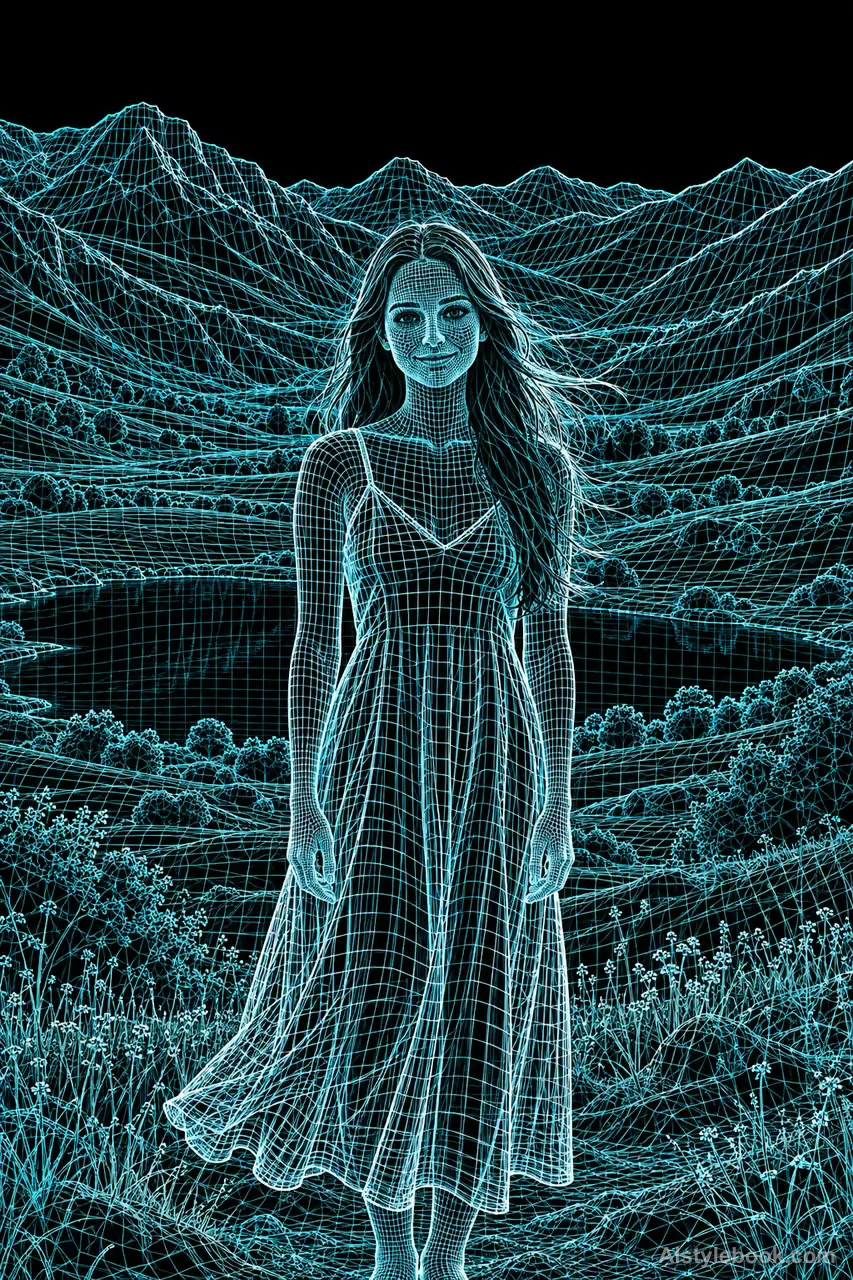
PortraitStyle effect

LandscapeStyle effect

ObjectsStyle effect
The visual language
What is Wireframe Render?
Fine mesh lines turn with surface curvature, leaving dark faces empty for a skeletal effect. Cyan glow emphasizes connected edges rather than covering a fully shaded surface.
Wireframe imagery exposes connected surface geometry rather than decorating a filled object.
Grid lines compressing near a sphere's edge can describe its curvature while leaving the background visible.
How the style changes different subjects
- Portrait
- Meshes or discrete samples replace skin, preserving features through geometric contours.
- Landscape
- Grids or point groups expose spatial structure while reducing solid material.
- Objects
- Objects resemble sampled surfaces whose curvature, occlusion and density carry recognition.
- Subjects
- Choose buildings, sculptures, machines or clear figures against simple dark backgrounds that reveal the open structure.
Bring the style to your photos
Reusable style prompt for Wireframe Render
Reconstruct the subject's volume entirely from fine luminous cyan polygon edges, leaving mesh interiors empty and dark against deep black. Use controlled quadrilateral topology that follows contours, curvature, and structural divisions. Describe space through mesh density and line brightness, allowing a few highlight edges to approach white. Keep the network clean and connected with clear occlusion. Show only the structural skeleton, without filled faces, material textures, or added interface elements.Use the same style prompt for portraits, landscapes and objects.
Create with this styleKeep exploring


