
3D & Miniatures
Point-Cloud Scan
Style guide
Disconnected colored samples rebuild stable geometry on black, using density changes and occlusion gaps to express space.
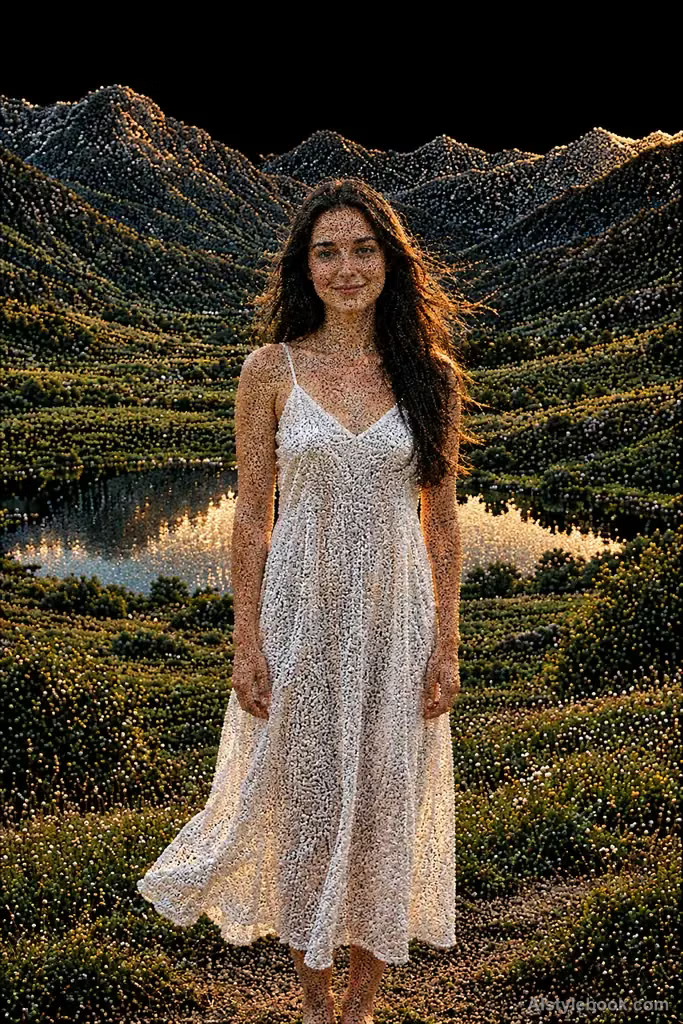
PortraitStyle effect
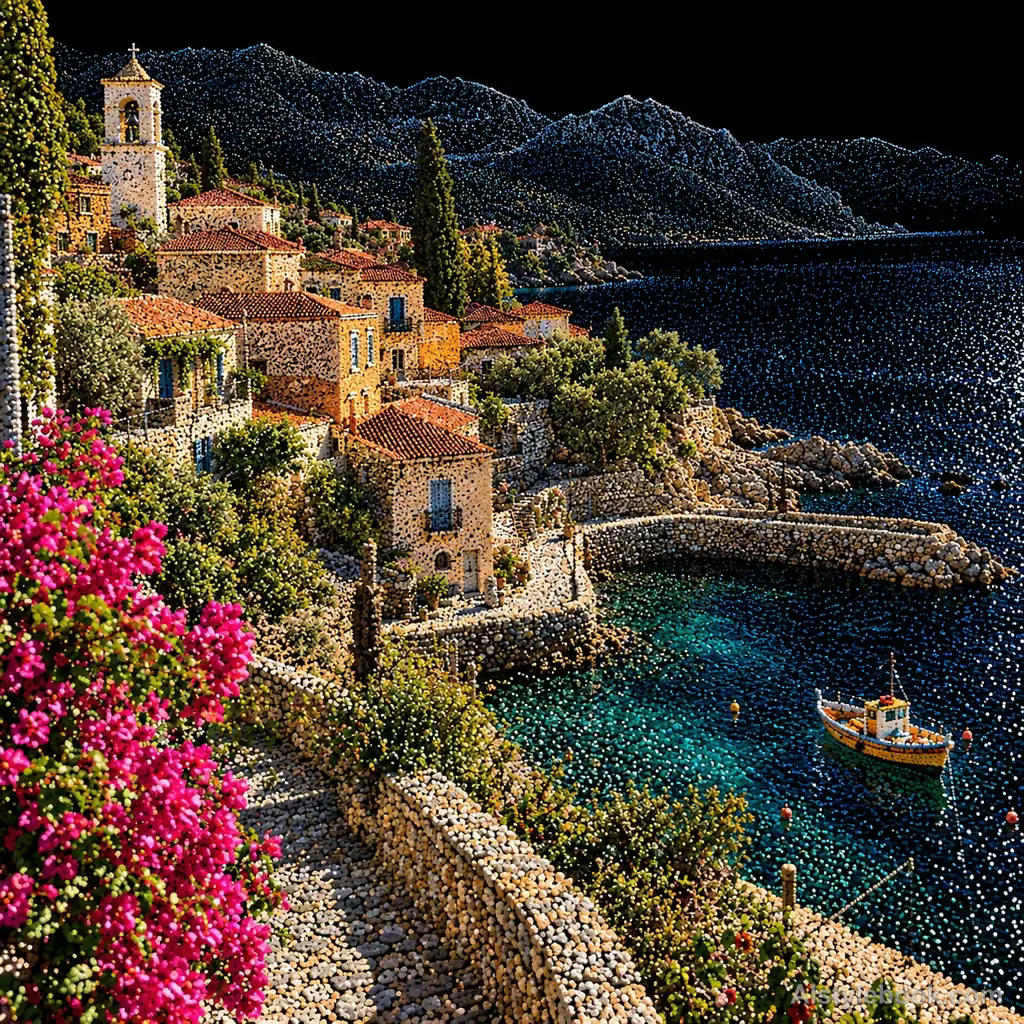
LandscapeStyle effect
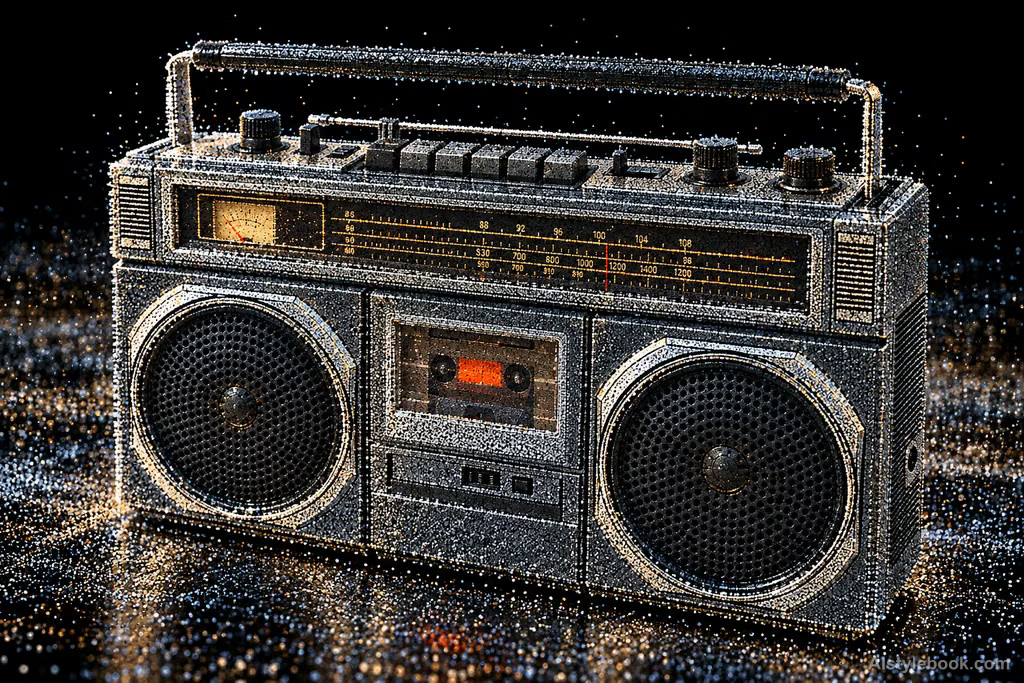
ObjectsStyle effect
The visual language
What is Point-Cloud Scan?
Disconnected colored points occupy visible surfaces, with density and occlusion gaps describing geometry. Black background exposes sampling spaces so forms remain stable and visibly discrete.
Point clouds describe sampled surfaces without necessarily connecting points into meshes.
A building made from separate colored points, with hidden areas missing, can remain geometrically readable at a distance.
How the style changes different subjects
- Portrait
- Meshes or discrete samples replace skin, preserving features through geometric contours.
- Landscape
- Grids or point groups expose spatial structure while reducing solid material.
- Objects
- Objects resemble sampled surfaces whose curvature, occlusion and density carry recognition.
- Subjects
- Choose buildings, sculptures, machines or clear figures against simple dark backgrounds that reveal the open structure.
Bring the style to your photos
Reusable style prompt for Point-Cloud Scan
Convert the existing visible surfaces into a colored scanned point cloud against black, constructing all volume solely from disconnected fine points. Vary spacing slightly, with denser sampling in nearer or defining regions and credible missing-data gaps around edges and occlusions. Derive point colors from the original palette and express stable geometry through density, scale and depth overlap, keeping broad contours clear and close detail visibly discrete.Use the same style prompt for portraits, landscapes and objects.
Create with this styleKeep exploring


