
3D & Miniatures
Surface-Normal Visualization
Style guide
Cyan, pink, violet-blue and green continuously encode surface direction, revealing volume through orientation-based color fields.
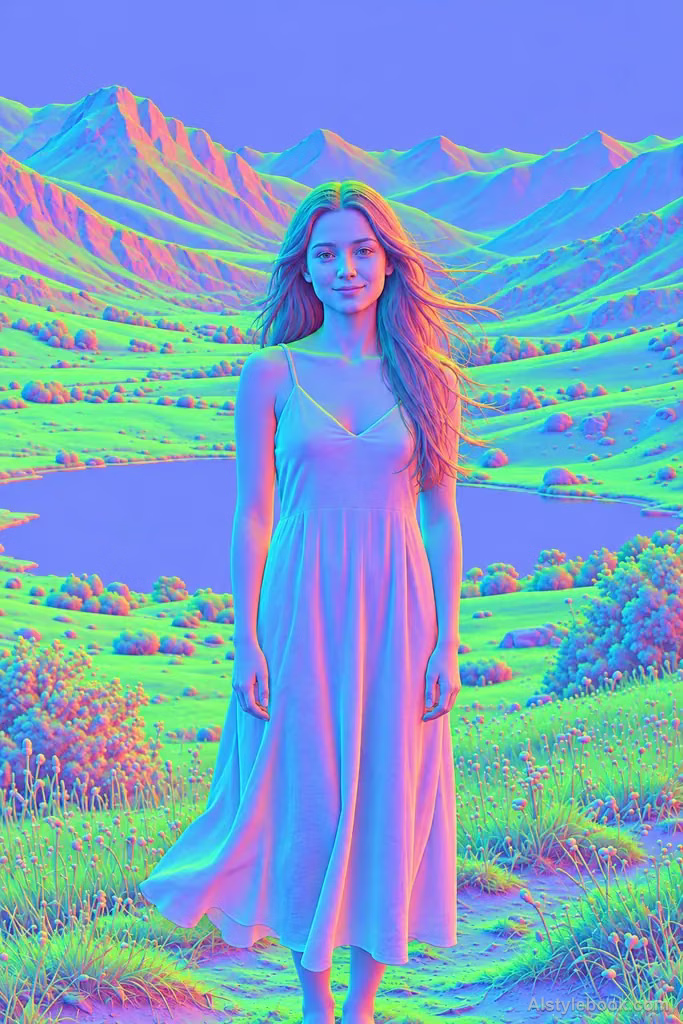
PortraitStyle effect
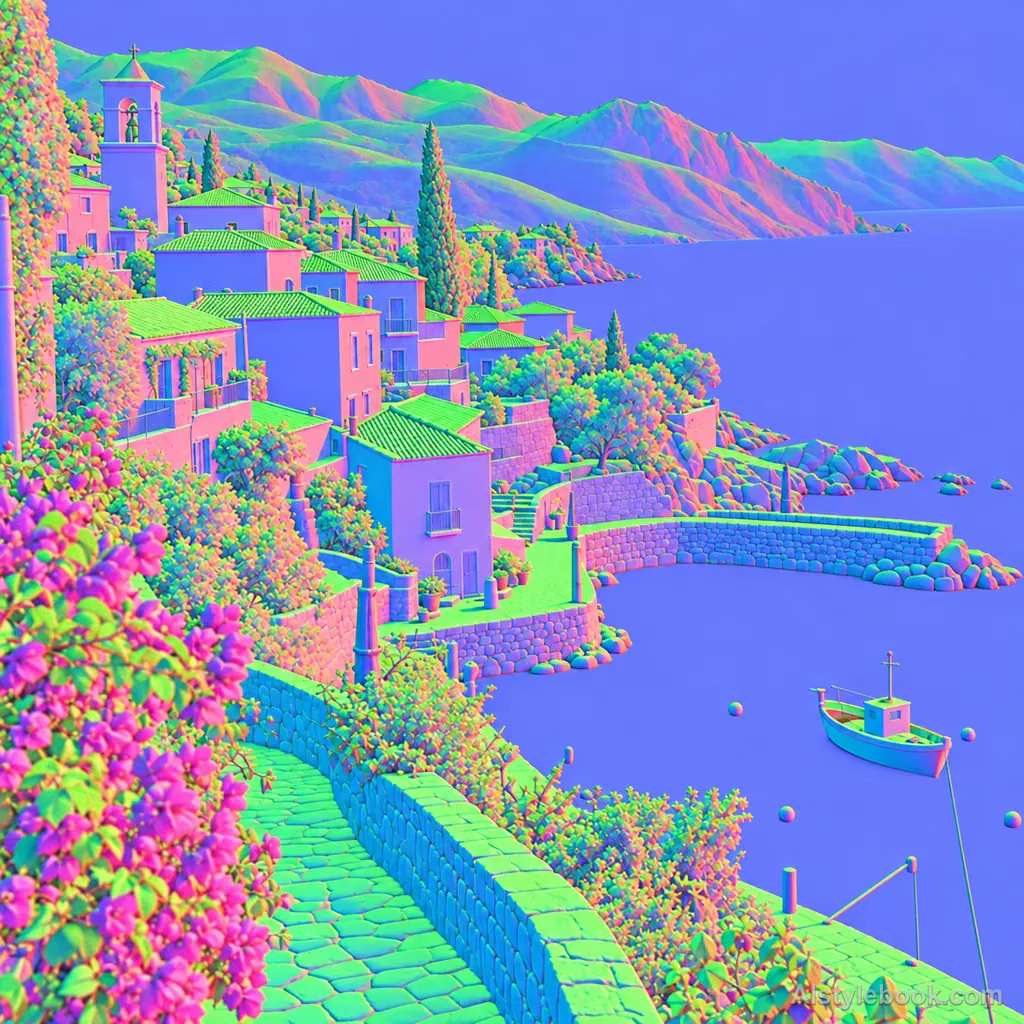
LandscapeStyle effect
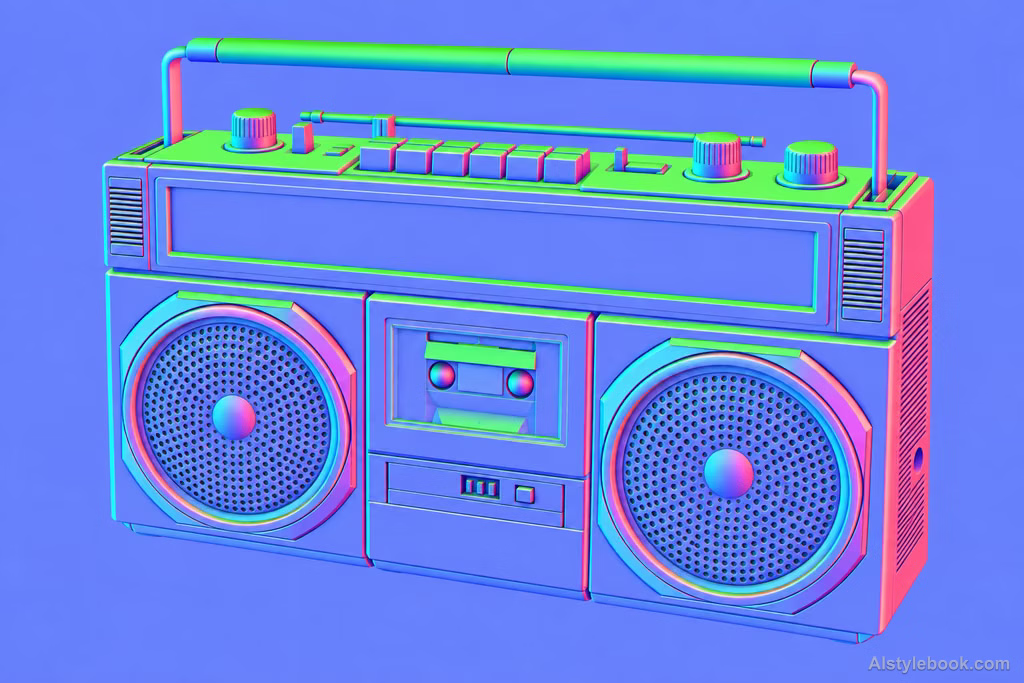
ObjectsStyle effect
The visual language
What is Surface-Normal Visualization?
Color directly encodes surface orientation, changing smoothly across curves and abruptly at corners. The visual language of normals explains volume while color ceases to describe original materials.
A surface normal is a direction perpendicular to a surface; color encoding makes related orientations look similar.
A gray sphere shown in shifting pink, blue and green describes direction rather than painted material.
How the style changes different subjects
- Portrait
- Directional colors, false color or bright edge grain replace natural tones, leaving shapes and regions to identify the face.
- Landscape
- Rule-based color fields give scenery a technical-visualization appearance rather than natural lighting.
- Objects
- Structural color regions and bright edges replace much of the original material and hue.
- Subjects
- Choose geometric buildings, sculptures, equipment or clear figures whose curves, corners and tonal boundaries separate the color regions.
Bring the style to your photos
Reusable style prompt for Surface-Normal Visualization
Reconstruct the image through surface-normal direction encoding. Use lavender-blue for forward-facing surfaces, cyan for left-facing surfaces, pink-red for right-facing surfaces and green for upward-facing surfaces. Let color change smoothly across curves and abruptly only at genuine corners. Color serves local orientation entirely; use unlit continuous fields to reveal the form's turns, retaining coherent volumes and contours through directional gradients.Use the same style prompt for portraits, landscapes and objects.
Create with this styleKeep exploring


