
Style comparison
Pixel Art vs Voxel Art for AI Images: See the Difference
Both can look blocky. The useful distinction is whether the image is built from flat pixel shapes or visible cubic volume.
Choose pixel art for a flat, deliberately stepped image with a limited palette. Choose voxel art for a scene that looks assembled from cubes, with visible faces and contact shadows.
One reference. What changes?
View the reference image

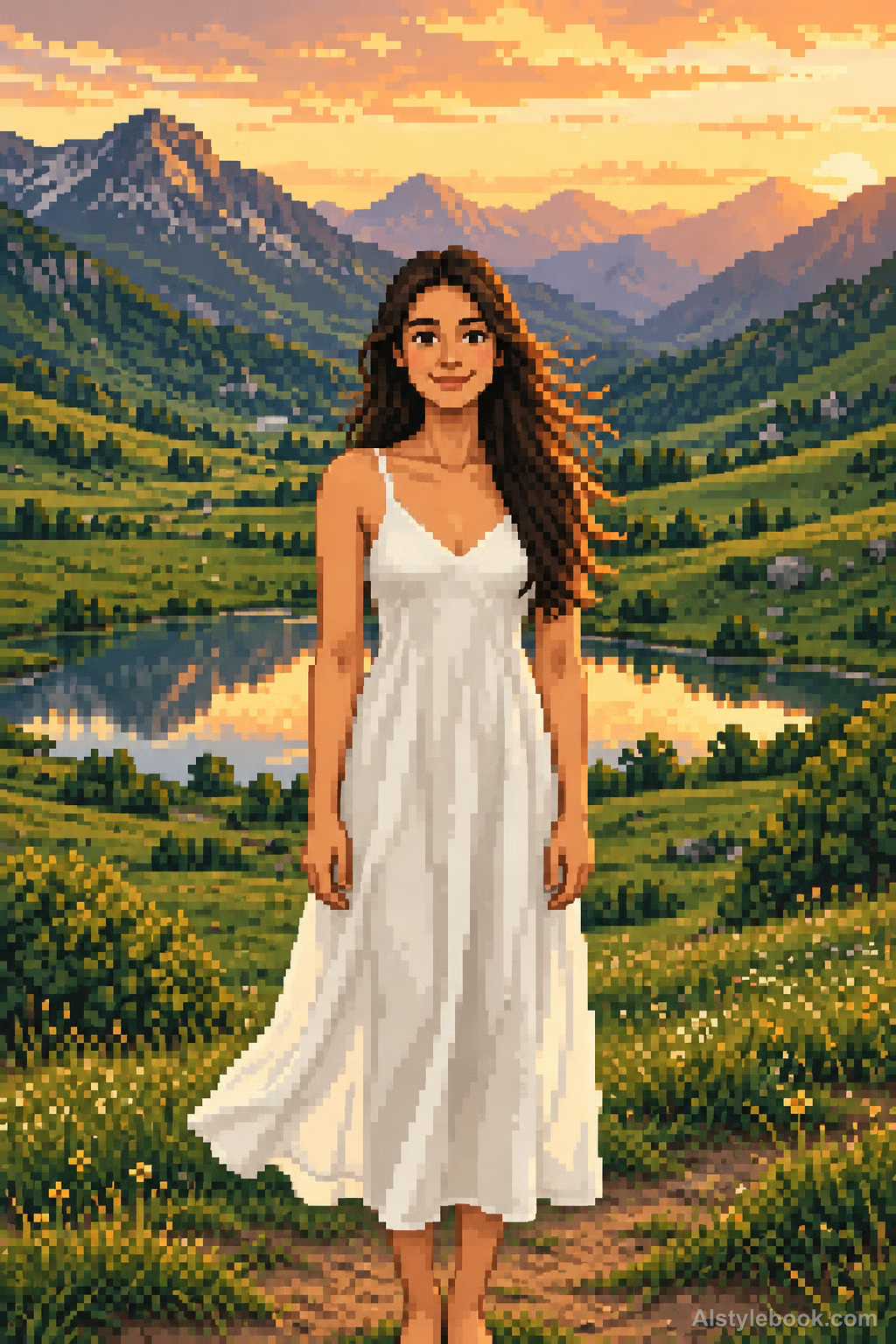
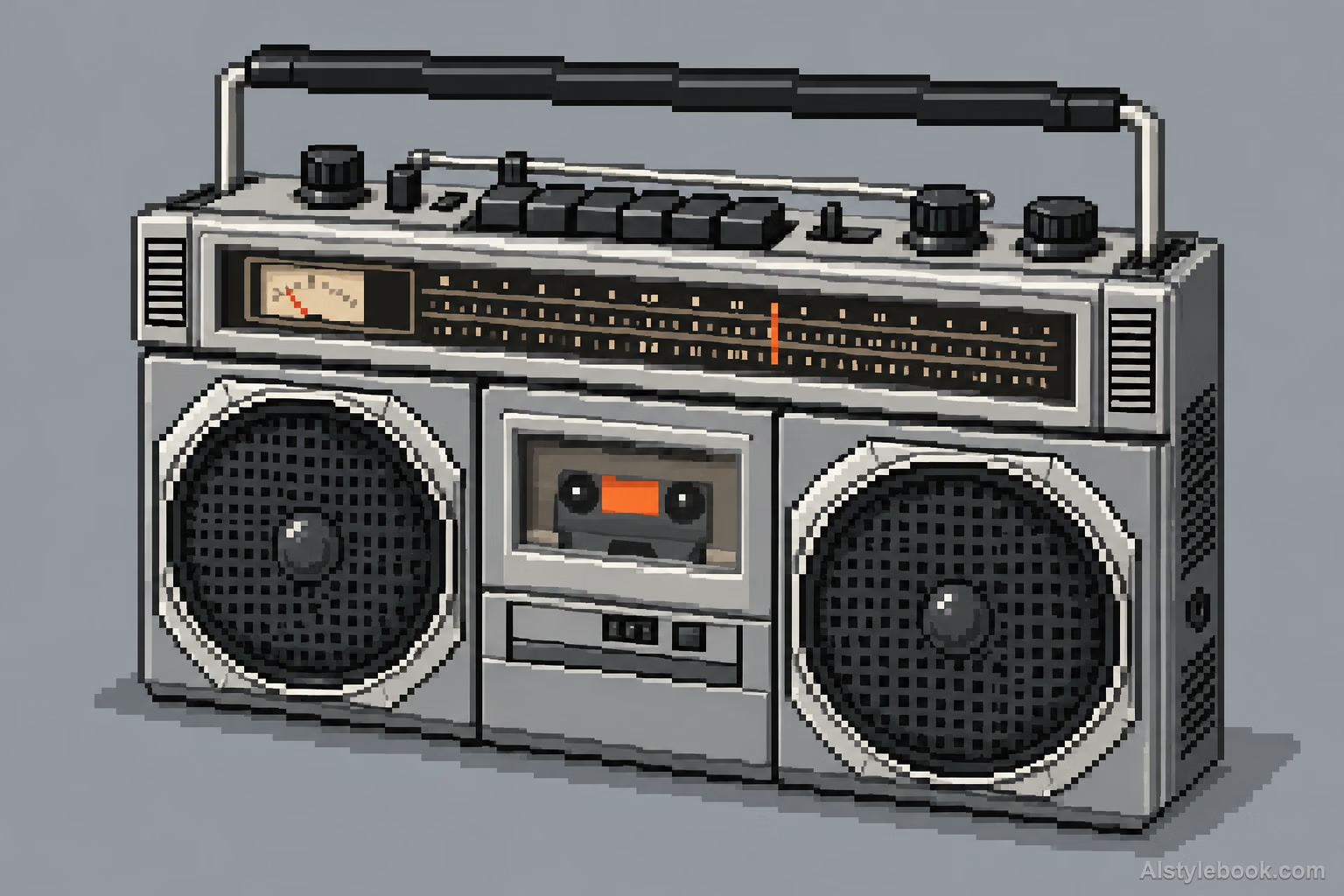
2D Pixel Sprite Art ↗
Start here for a sprite-like illustration where the square grid and discrete shading do most of the work.
Check the pixel scale, diagonals and small details. Random block noise is different from deliberately arranged pixel shapes.
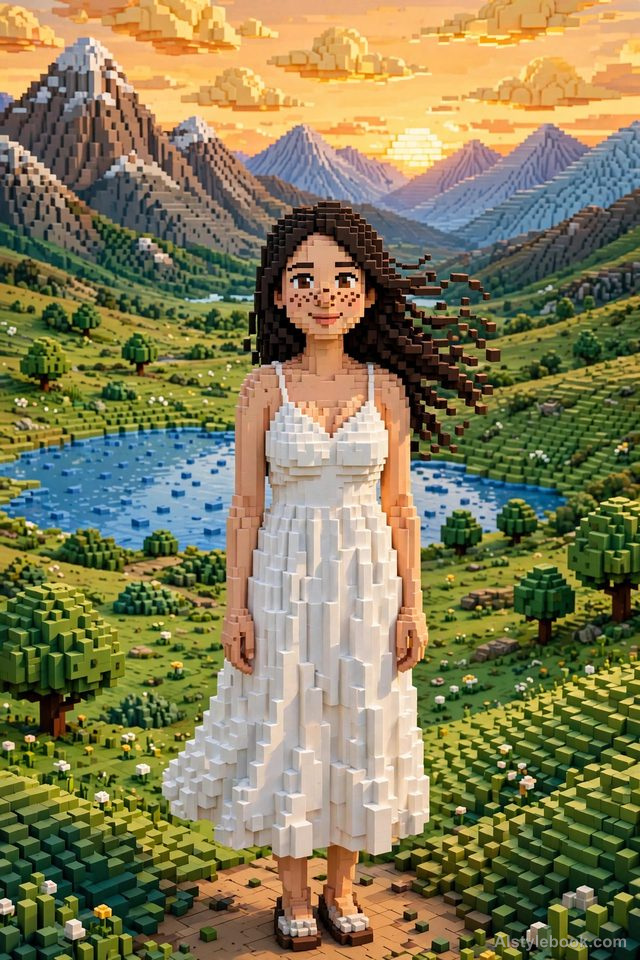
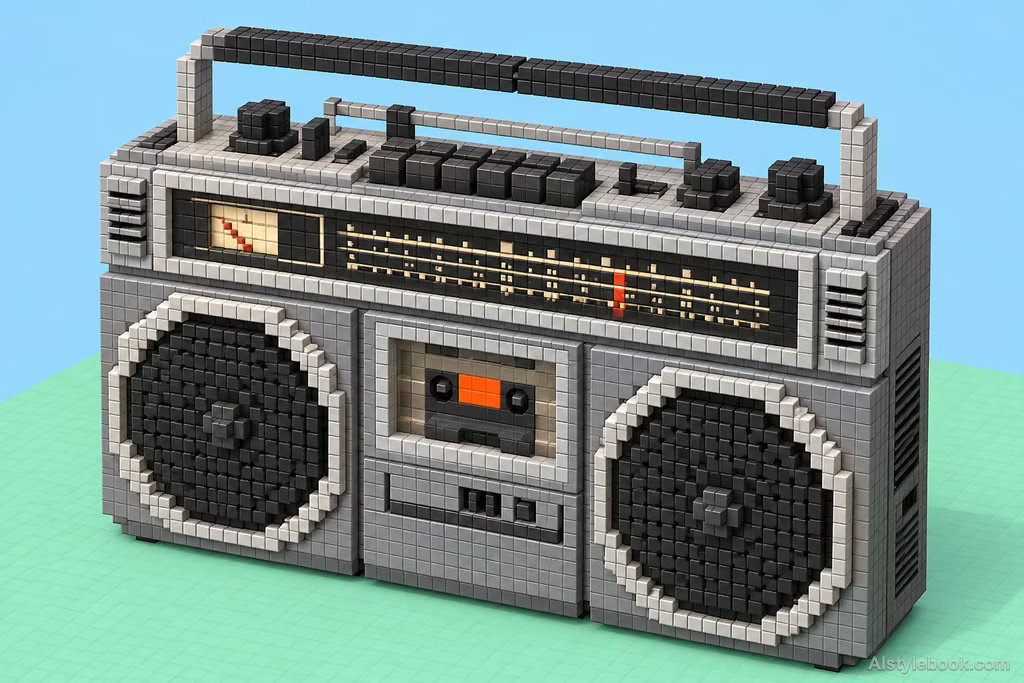
Voxel Art ↗
Start here for a block-built figure or miniature world where depth is part of the desired effect.
Inspect cube scale, contact shadows and perspective. The visible example is a block-built interpretation, not proof of strict isometric projection.
| What to compare | 2D Pixel Sprite Art | Voxel Art |
|---|---|---|
| Building unit | Flat square color clusters | Cubic blocks with visible faces |
| Depth | Suggested through a few shading tones | Emphasized by block sides and shadows |
| Contour | Steps along a drawn silhouette | Steps along a block-built surface |
Compare landscapes and objects too
Landscape
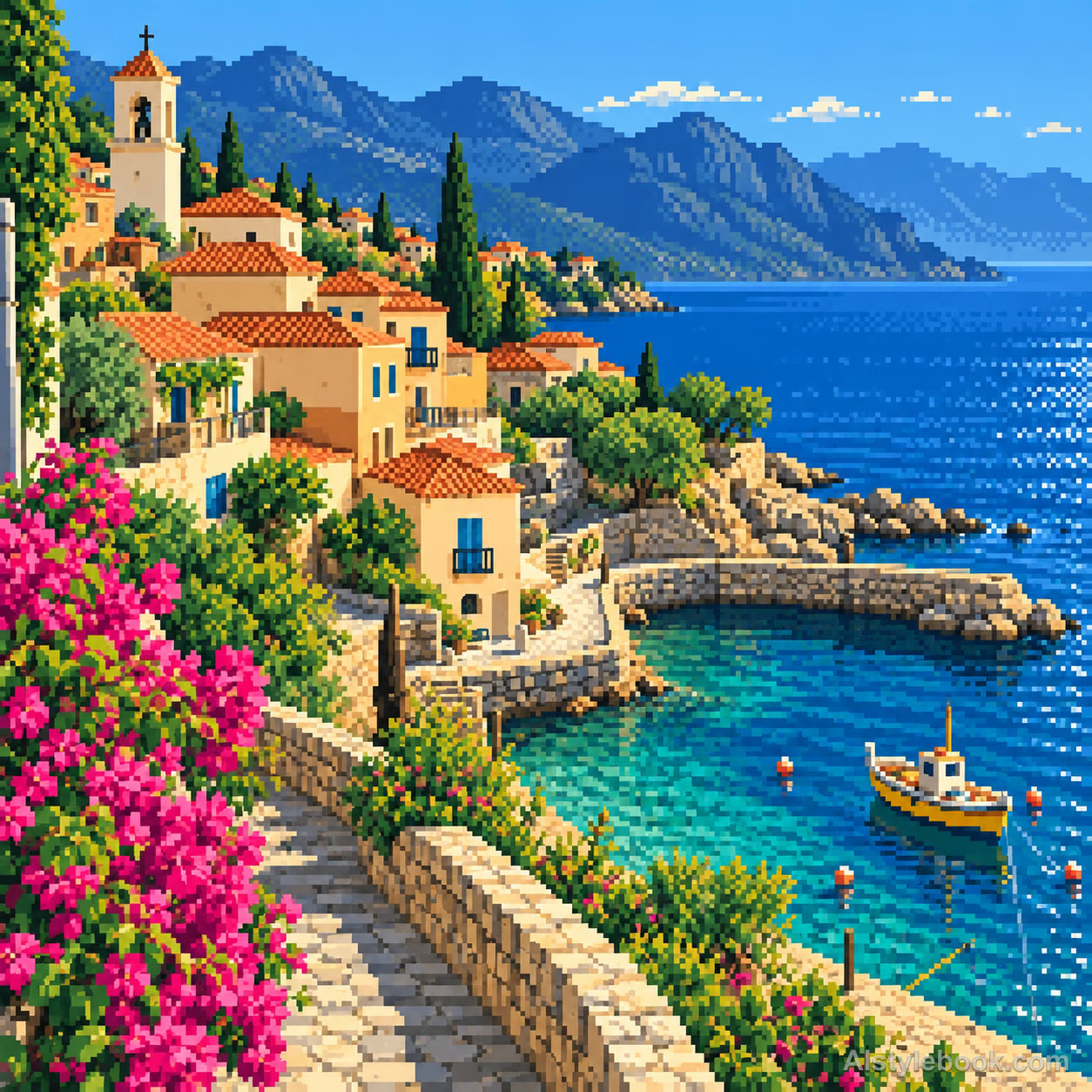
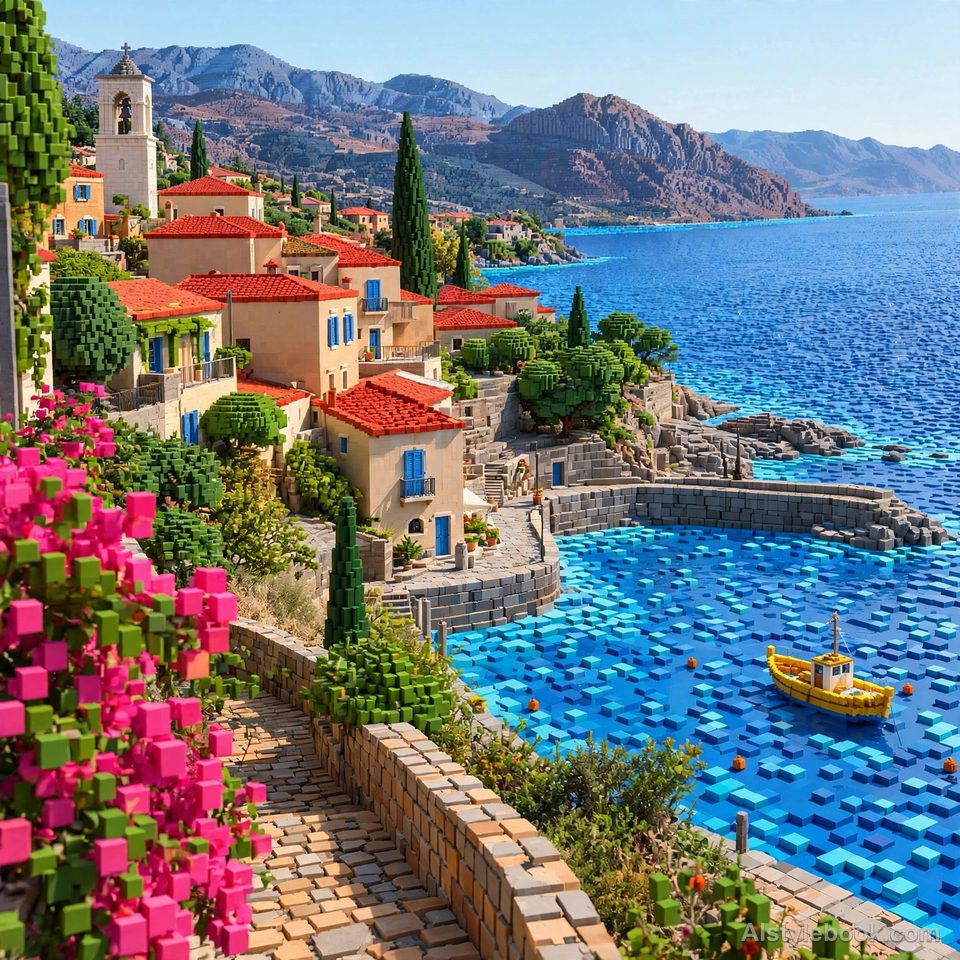
Object
Try it with your own image
- Keep the same reference and framing. First decide whether you want a flat image or an object-like, block-built scene.
- For pixel art, specify one square grid, crisp edges and a limited palette. For voxel art, specify consistent cubes, visible block faces and shadows between blocks.
- Compare the outline and the face at the intended display size. Then check the other subjects below to see whether the same direction suits your material.
An AI-generated pixel look is still a raster image; it does not automatically provide an editable sprite sheet. A voxel-looking image is not a 3D model or voxel file. Fine grids, cube geometry and perspective still need inspection.
Copy a style prompt
These are the public style prompts from the atlas. Combine one with your own subject or reference image; results vary between models.
2D Pixel Sprite Art
Redraw the entire image as 2D pixel art on one consistent square grid. Construct contours with deliberate single-pixel stair steps and build shapes from a limited, harmonious palette of solid color clusters, using only a few discrete shading tones per material. Express key details with restrained single pixels and use controlled dithering sparingly. Keep pixel edges crisp so original forms and space emerge through deliberate flat pixel design.Voxel Art
Reconstruct the subject on a uniform-scale cubic grid, creating clearly stepped outer contours. Express detail through block colors, arrangements, and height differences. Use strict orthographic isometric projection with parallel corresponding edges, no vanishing points, and equal scale along all axes. Let soft lighting emphasize stacked blocks and contact shadows. Preserve square surfaces for the finish of a finely crafted three-dimensional pixel model.