
Pixels & Characters
Binary Digit Art
Style guide
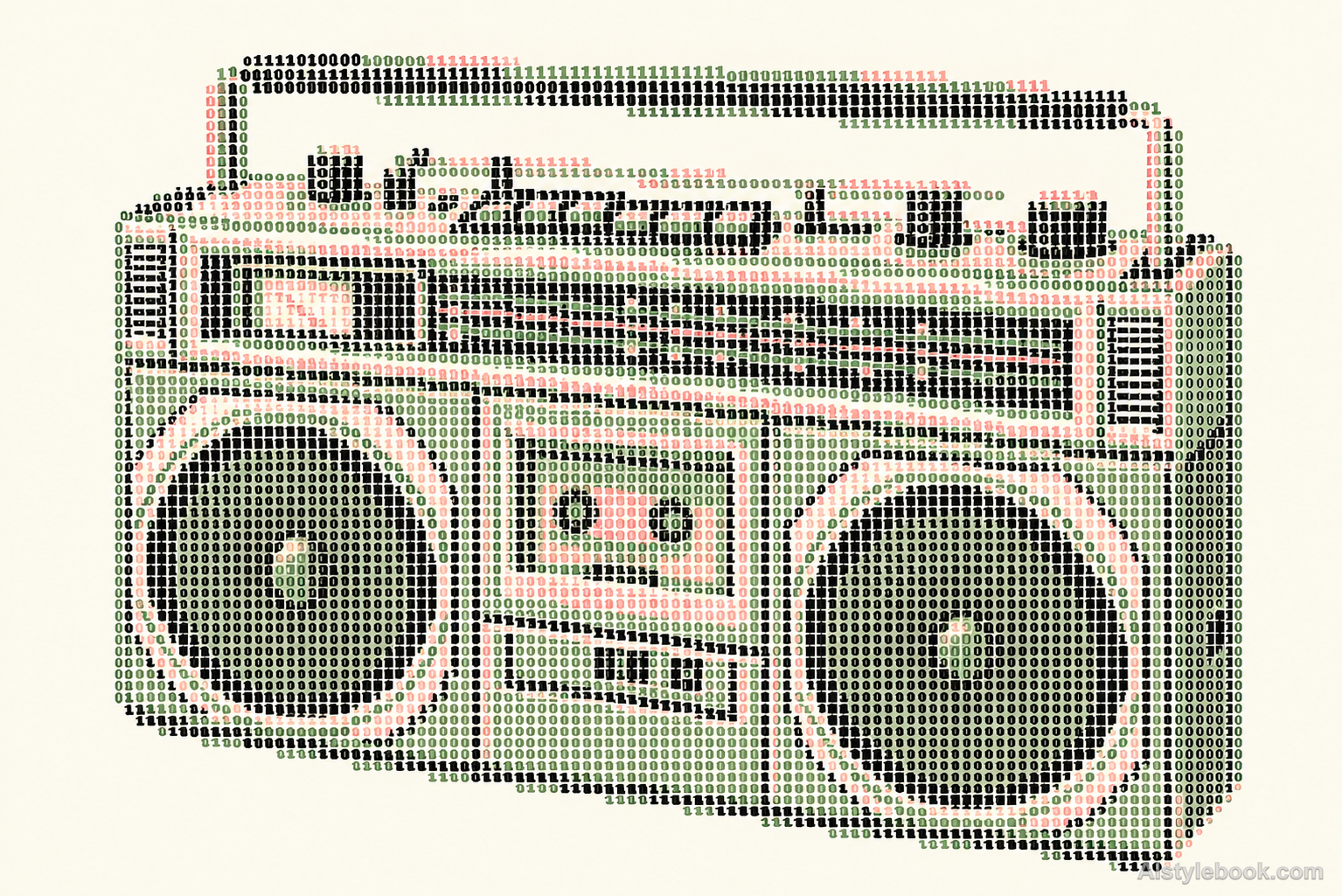
Only monospaced 0 and 1 glyphs build the image, using black, sage and pale-pink character density and color zones.


The visual language
What is Binary Digit Art?
Monospaced digits follow fixed rows and columns, describing the whole subject from a distance while retaining gaps between glyphs up close. Character colors divide structural roles; lighter regions use fewer marks and blank cells.
Binary digit art uses the shapes of zeroes and ones as visual units, without necessarily encoding a recoverable image file.
Sparse pale digits and dense dark ones can resolve into a subject at a distance.
How the style changes different subjects
- Portrait
- Character density rebuilds face and hair, favoring tonal shape over fine features and skin color.
- Landscape
- Fixed character grids simplify buildings, trees and terrain, merging small details.
- Objects
- Sparse or empty cells supply highlights, while tiny object lettering may disappear.
- Subjects
- Choose close portraits, buildings, silhouettes or single objects with simple backgrounds and clear tones.
Variant relationship
A two-glyph and color-separated variant of ASCII Art. Compare with ASCII Art.
ASCII Art uses the differing stroke densities of many keyboard symbols to suggest tone. This variant restricts the alphabet to 0 and 1, keeping glyphs uniform and organizing forms through black, sage and pale-pink zones; individual digits remain legible up close.
Bring the style to your photos
Reusable style prompt for Binary Digit Art
Rebuild the source image entirely from clearly legible monospaced digits 0 and 1 on a warm off-white background. Preserve the main silhouettes, composition and identifying spatial relationships at character-grid resolution. Use one fixed cell spacing, one consistent glyph size and upright thin-stroke digits; reserve blank cells for light. Make black digits define strong structure, sage-green digits describe middle planes and pale dusty-pink digits describe selected lighter source regions. Every mark making the subject must be an actual separated 0 or 1, never punctuation, letters, dots, solid pixel blocks or a photo covered with text. Use no extra captions, titles, brand names, background decorations, gradients, grids drawn behind the digits or photographic shading.Use the same style prompt for portraits, landscapes and objects.
Create with this styleKeep exploring


