
Pixels & Characters
Unicode Block Art
Style guide
Half-block and quarter-block glyphs build crisp color regions within a regular terminal grid.

PortraitStyle effect

LandscapeStyle effect
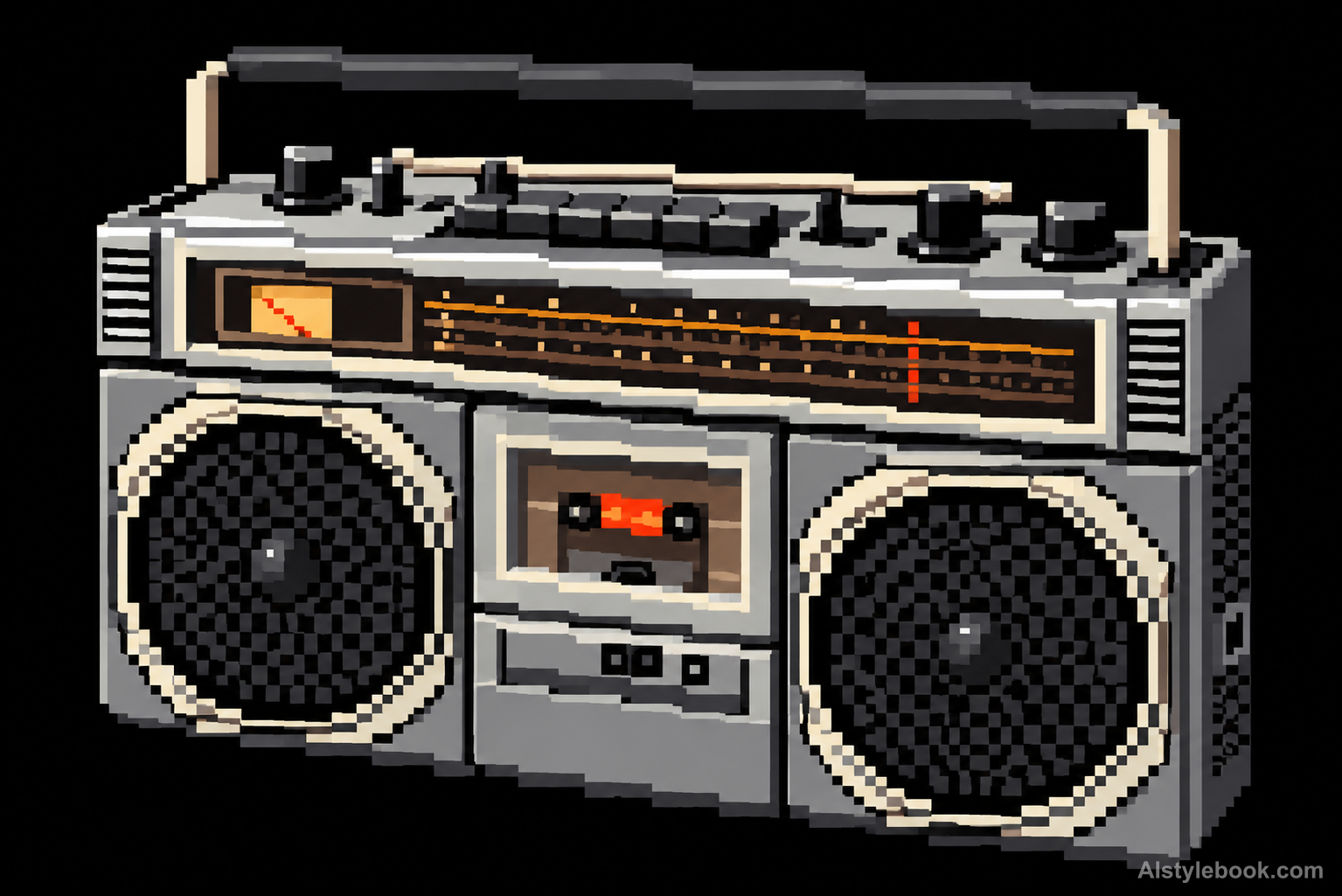
ObjectsStyle effect
The visual language
What is Unicode Block Art?
Block art divides each monospaced cell into halves or quarters. Filled portions join into stepped color regions, preserving the broad image while exposing its terminal-grid construction. Detail comes from block occupancy rather than the shapes of letters.
Block characters fill fractions of fixed text cells rather than tracing arbitrary contours.
A sloped roof assembled from partial blocks can look continuous from afar while exposing its terminal-cell structure nearby.
How the style changes different subjects
- Portrait
- Stepped pixels and limited tones reduce face and hair to their main identifying features.
- Landscape
- Ridges, roofs and canopies follow grid steps as small distant details merge.
- Objects
- Discrete color clusters replace curves and highlights, reducing fine lettering.
- Subjects
- Choose close figures, pets, isolated buildings or simple objects with a few broad shapes.
Bring the style to your photos
Reusable style prompt for Unicode Block Art
Reconstruct the entire image using Unicode full-block, half-block and quarter-block glyph shapes on one fixed monospaced cell grid. Let adjacent filled quadrants connect into stepped silhouettes while empty quadrants expose a dark charcoal ground. Sample a restrained range of original colors for each filled block. Keep cells aligned, internal block edges sharp and details limited by the cell resolution. Produce a flat terminal mosaic without letter outlines, antialiasing, gradients or an underlying photograph.Use the same style prompt for portraits, landscapes and objects.
Create with this styleKeep exploring


