
Pixels & Characters
ASCII Art
Style guide
Monospaced keyboard symbols form volume through density on a clear white grid, creating a coarse terminal-image character.
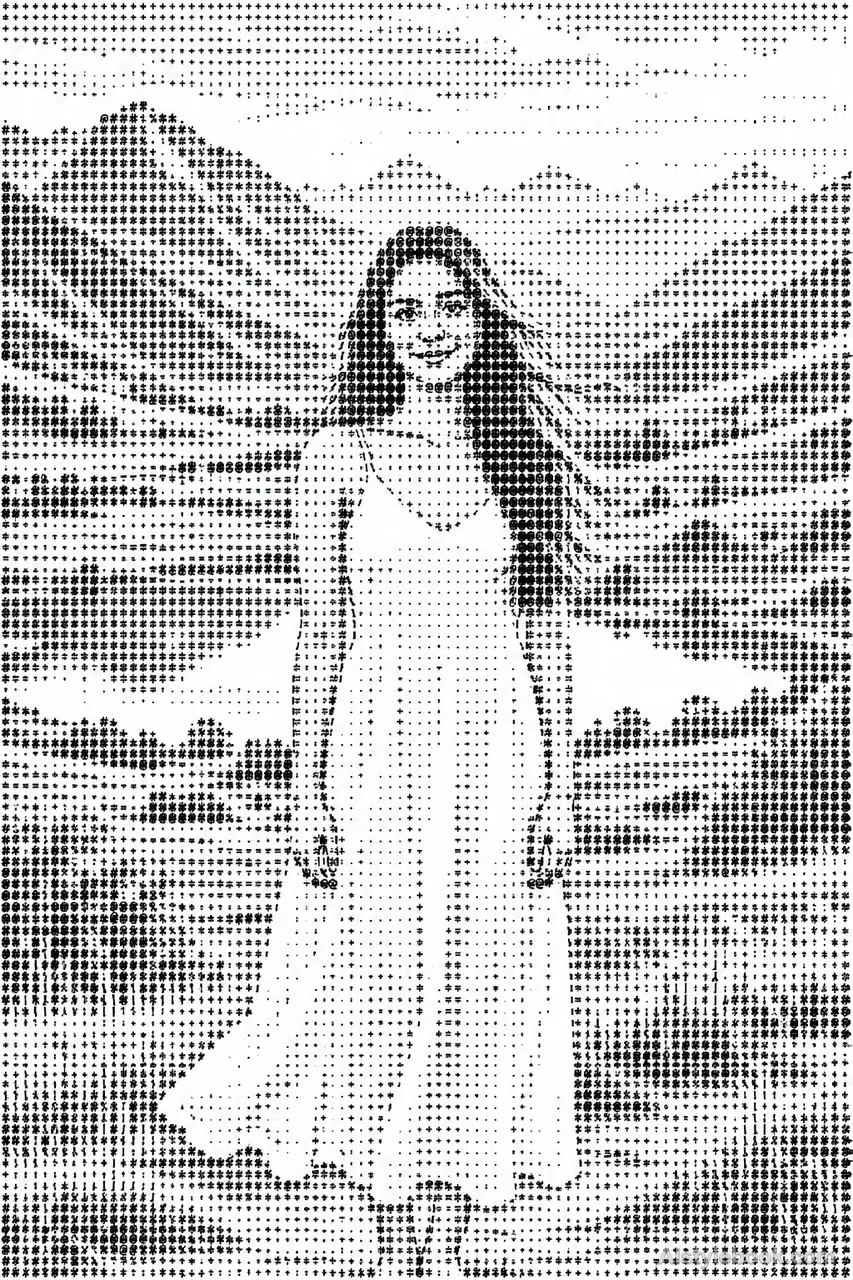
PortraitStyle effect
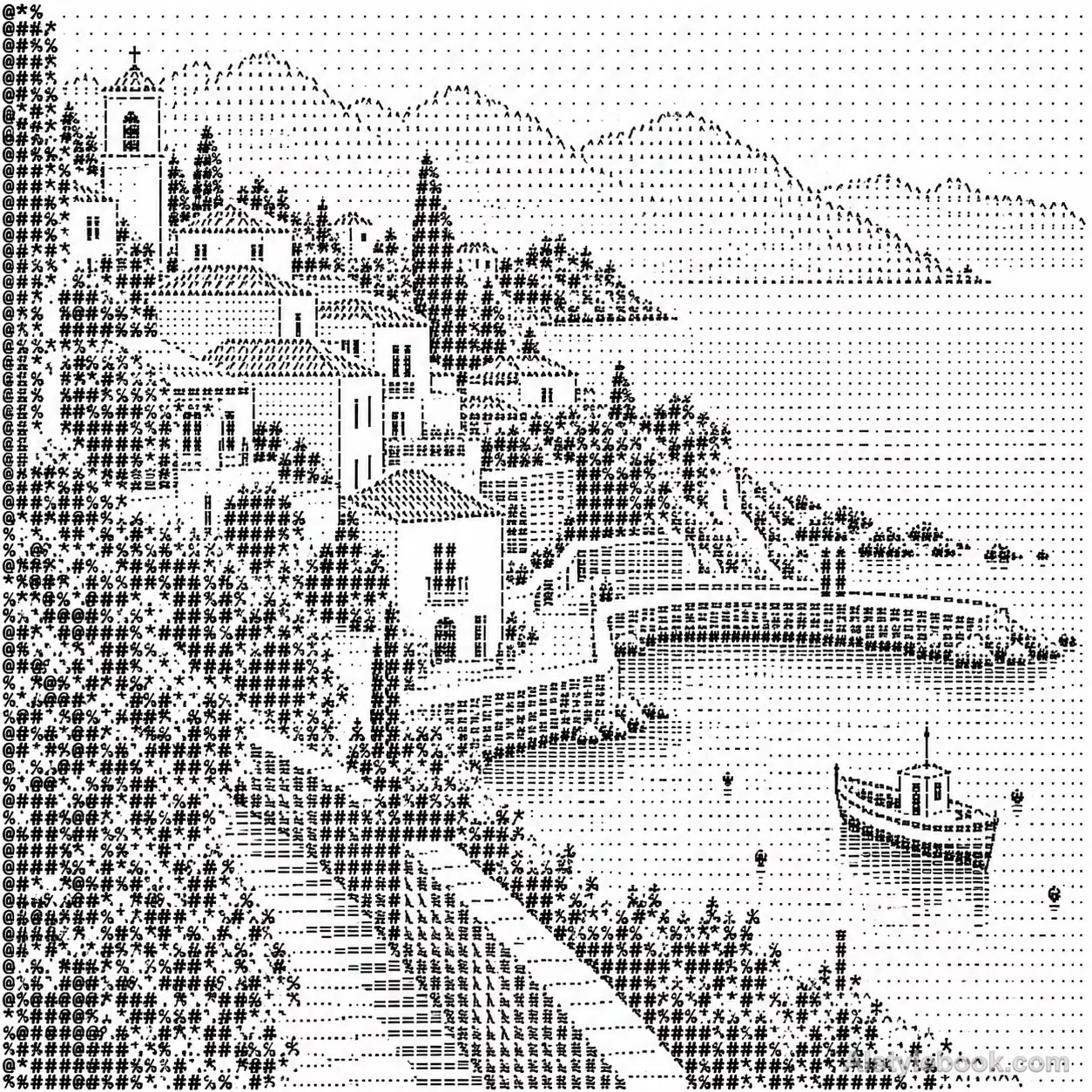
LandscapeStyle effect
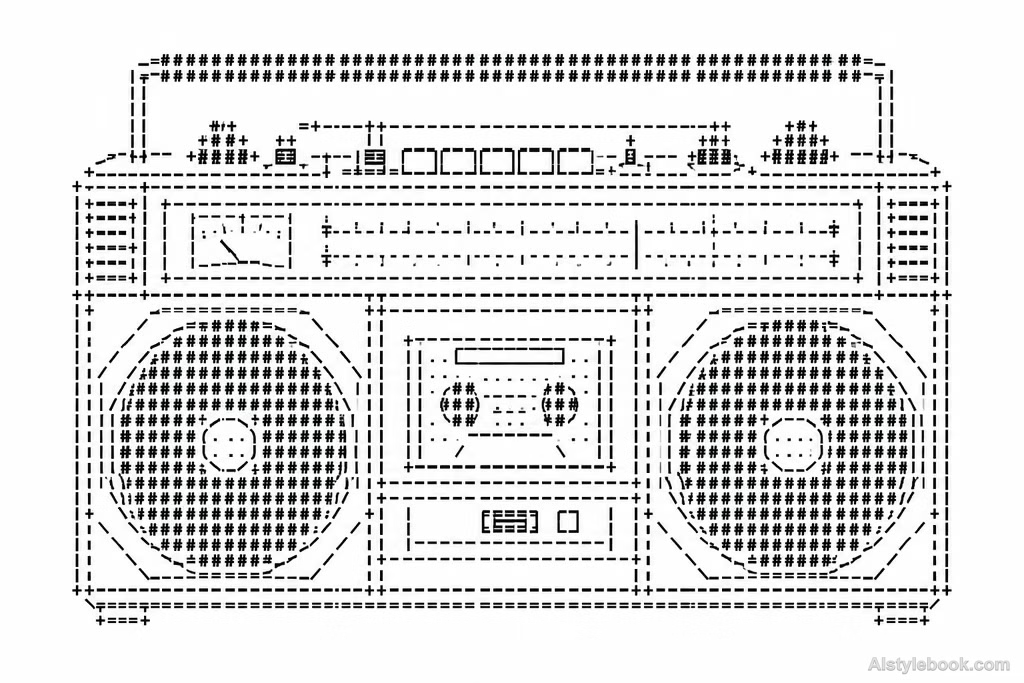
ObjectsStyle effect
The visual language
What is ASCII Art?
Monospaced keyboard symbols sit on a regular grid, using character density to build tone. Readable glyphs up close merge into a coarse image from a distance.
ASCII art maps tonal values to the coverage of equal-spaced glyphs.
Dense hashes for hair and sparse punctuation for cheeks can resolve into a portrait when viewed from farther away.
How the style changes different subjects
- Portrait
- Character density rebuilds face and hair, favoring tonal shape over fine features and skin color.
- Landscape
- Fixed character grids simplify buildings, trees and terrain, merging small details.
- Objects
- Sparse or empty cells supply highlights, while tiny object lettering may disappear.
- Subjects
- Choose close portraits, buildings, silhouettes or single objects with simple backgrounds and clear tones.
Bring the style to your photos
Reusable style prompt for ASCII Art
Construct the subject on white using clearly separated monospaced keyboard symbols, all placed on a regular grid at a uniform size. Individual characters must remain recognizable. Describe contours, tones, and space through differences in symbol stroke density, arrangement, and blank cells, simplifying detail to character resolution. Make the result resemble a coarse terminal image composed entirely of symbols, without an underlying photograph or smooth shading.Use the same style prompt for portraits, landscapes and objects.
Create with this styleKeep exploring


