
Pixels & Characters
Diagonal-Stroke Screen
Style guide
Short diagonal strokes repeat across a uniform grid, with length and tone forming a directional weave.
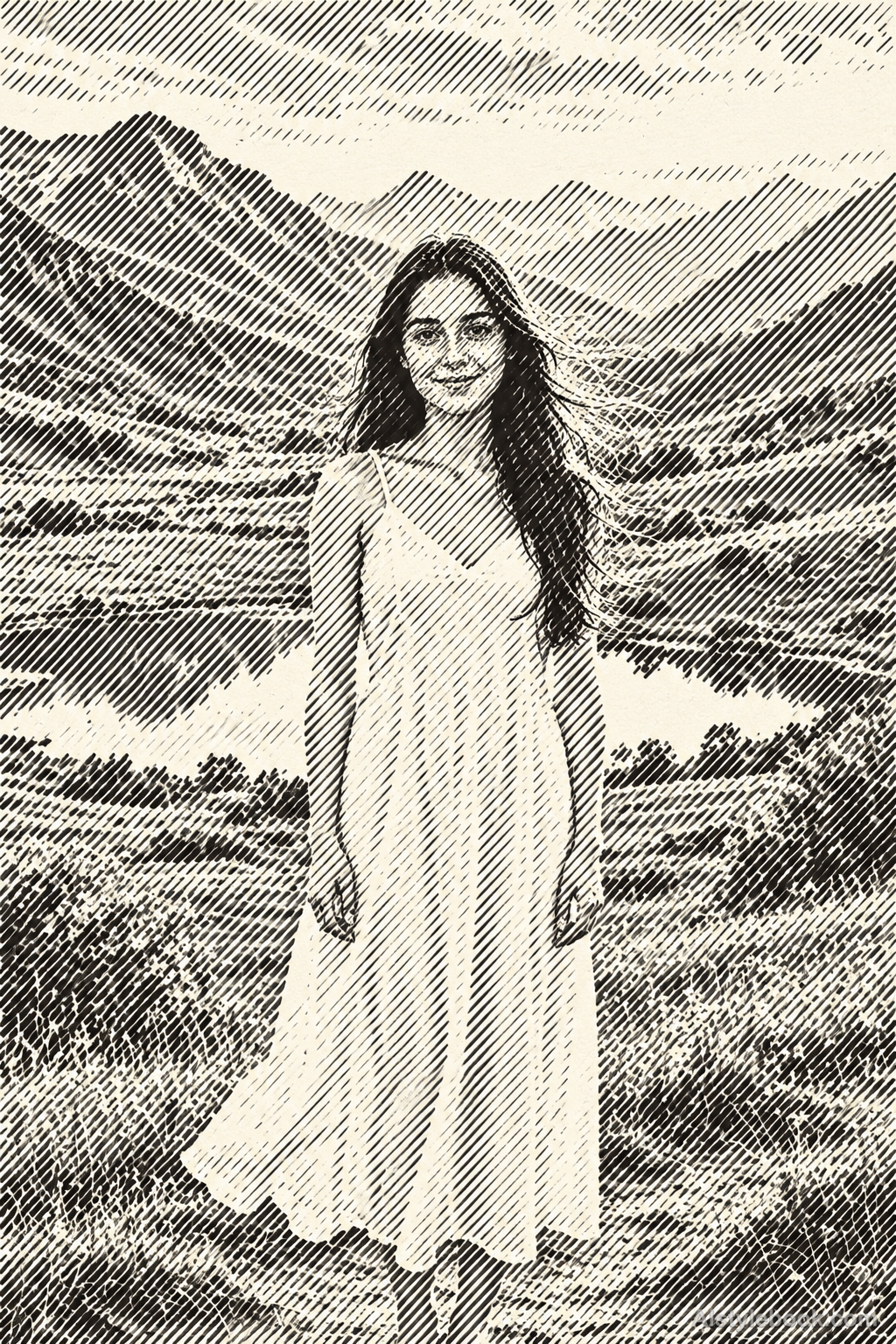
PortraitStyle effect
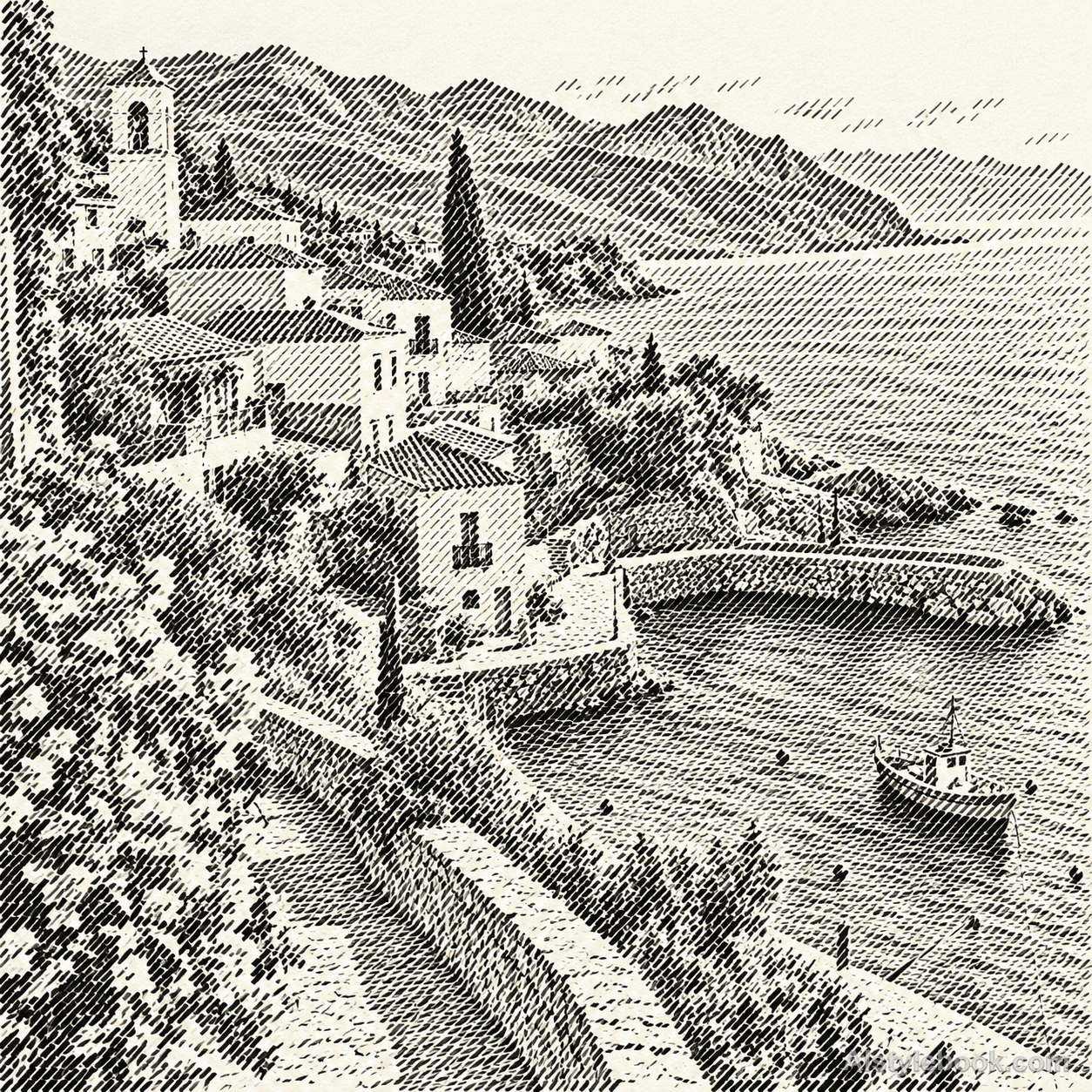
LandscapeStyle effect
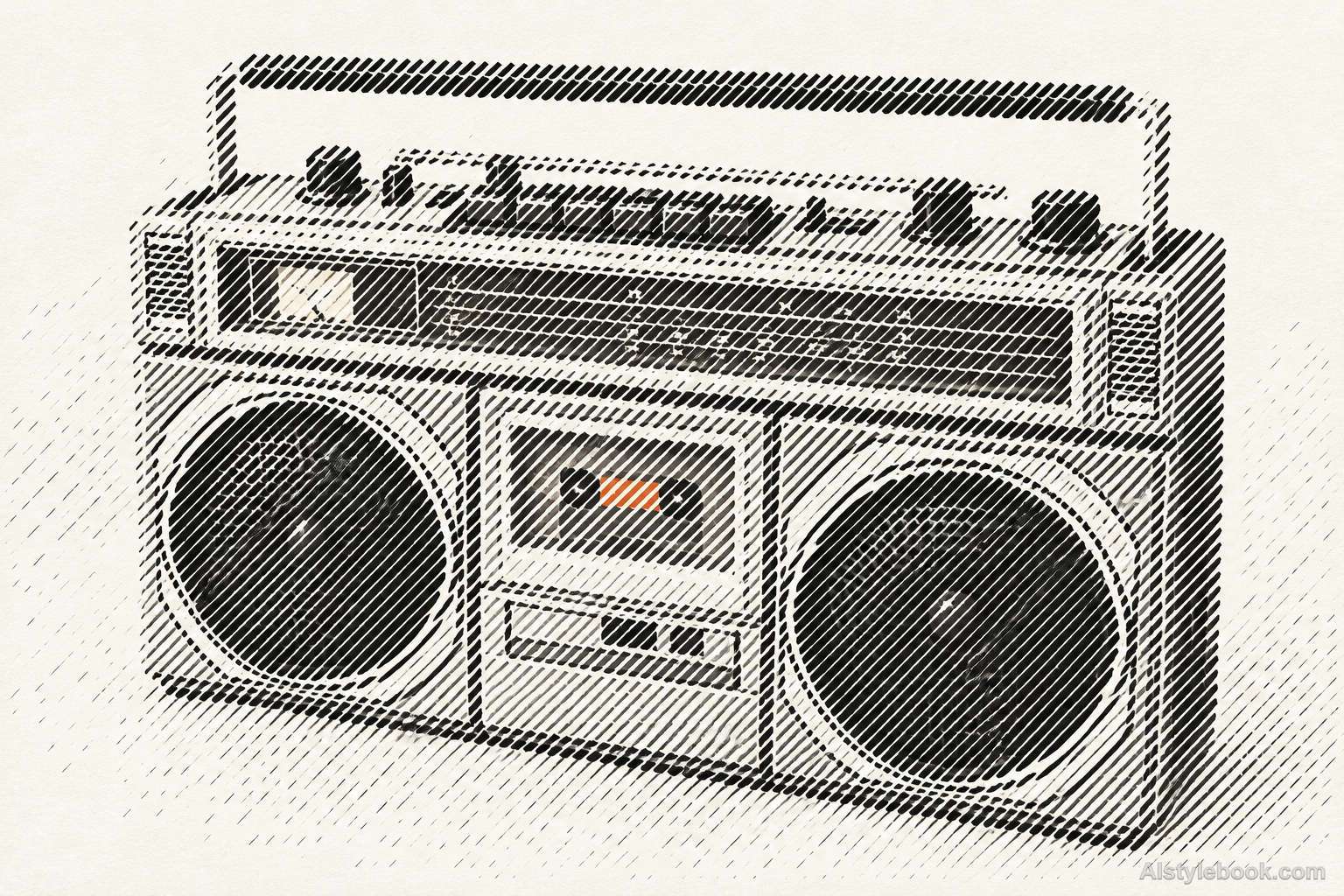
ObjectsStyle effect
The visual language
What is Diagonal-Stroke Screen?
A diagonal screen compresses the image into short slashes with one fixed angle and spacing. Stroke length and occupancy control tone. Breaks between marks preserve a glyph-like rhythm, distinct from hand hatching that changes direction freely with form.
Diagonal screens create tone through stroke length and occupancy within a common orientation.
Longer, denser marks across a cup and shadow can reveal form while retaining row-based glyph rhythm.
How the style changes different subjects
- Portrait
- Fixed dots or glyph units sample facial tones into regular density changes.
- Landscape
- Consistently spaced units turn scenery into clear outlines with abstracted texture.
- Objects
- Unit size or coverage models curves as an ordered tonal field.
- Subjects
- Choose large portraits, buildings, flowers or single still lifes with broad tonal areas readable at a distance.
Bring the style to your photos
Reusable style prompt for Diagonal-Stroke Screen
Rebuild the image solely from discrete short forward-slash strokes arranged on a uniform cell grid. Give every slash the same diagonal direction, precise edges and consistent basic weight; vary length, darkness and sparse occupancy to express the source tonal structure. Maintain visible breaks between neighboring strokes, keeping contours recognizable through the field rather than continuous outline drawing. Use a restrained monochrome ink palette on off-white, without crossing strokes, letters, diagonal motion blur or a continuous photograph beneath the marks.Use the same style prompt for portraits, landscapes and objects.
Create with this styleKeep exploring


