
Pixels & Characters
Flat-Tile Photo Mosaic
Style guide
Regular rectangular tiles sample local image colors, turning continuous detail into an orderly mosaic.
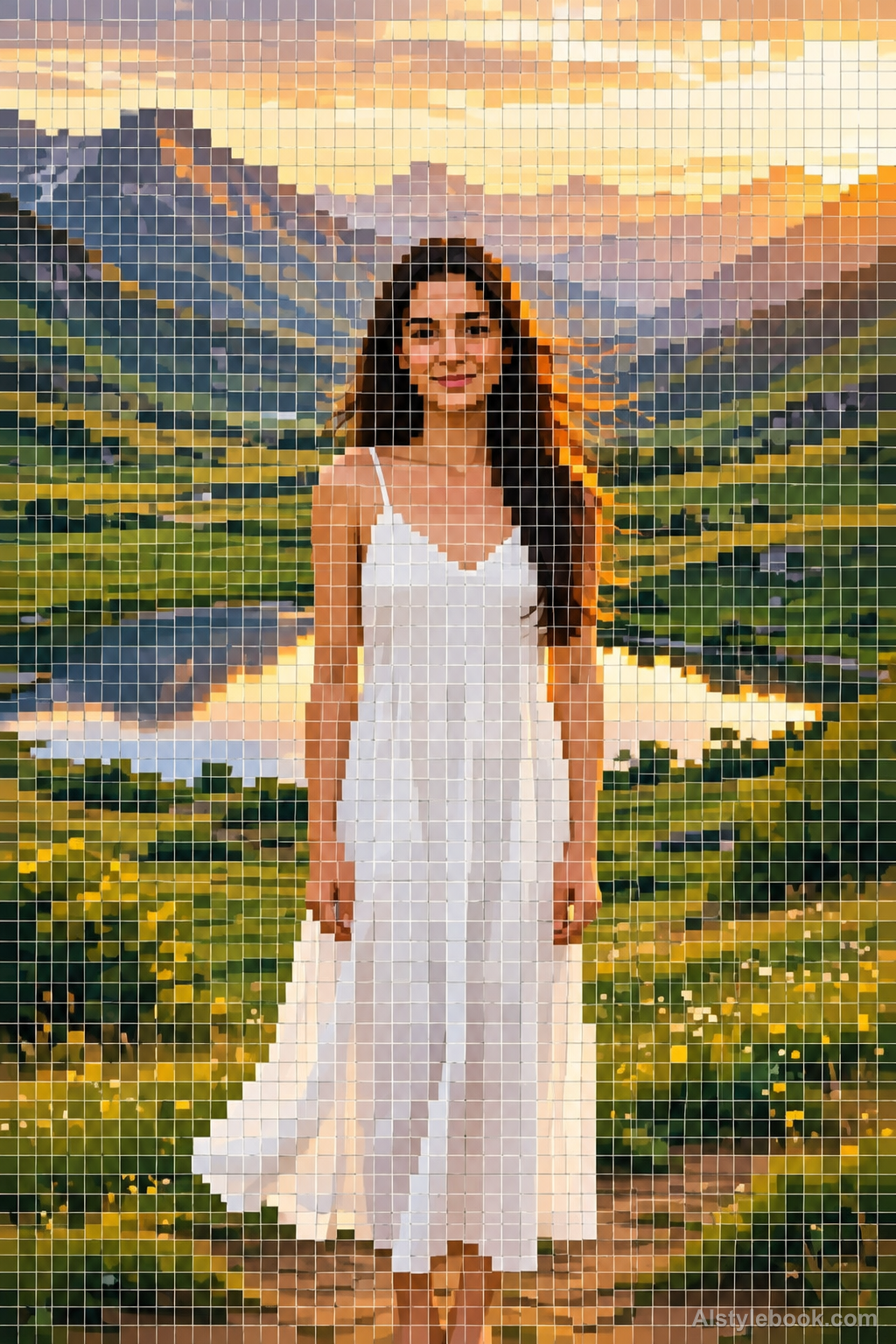
PortraitStyle effect
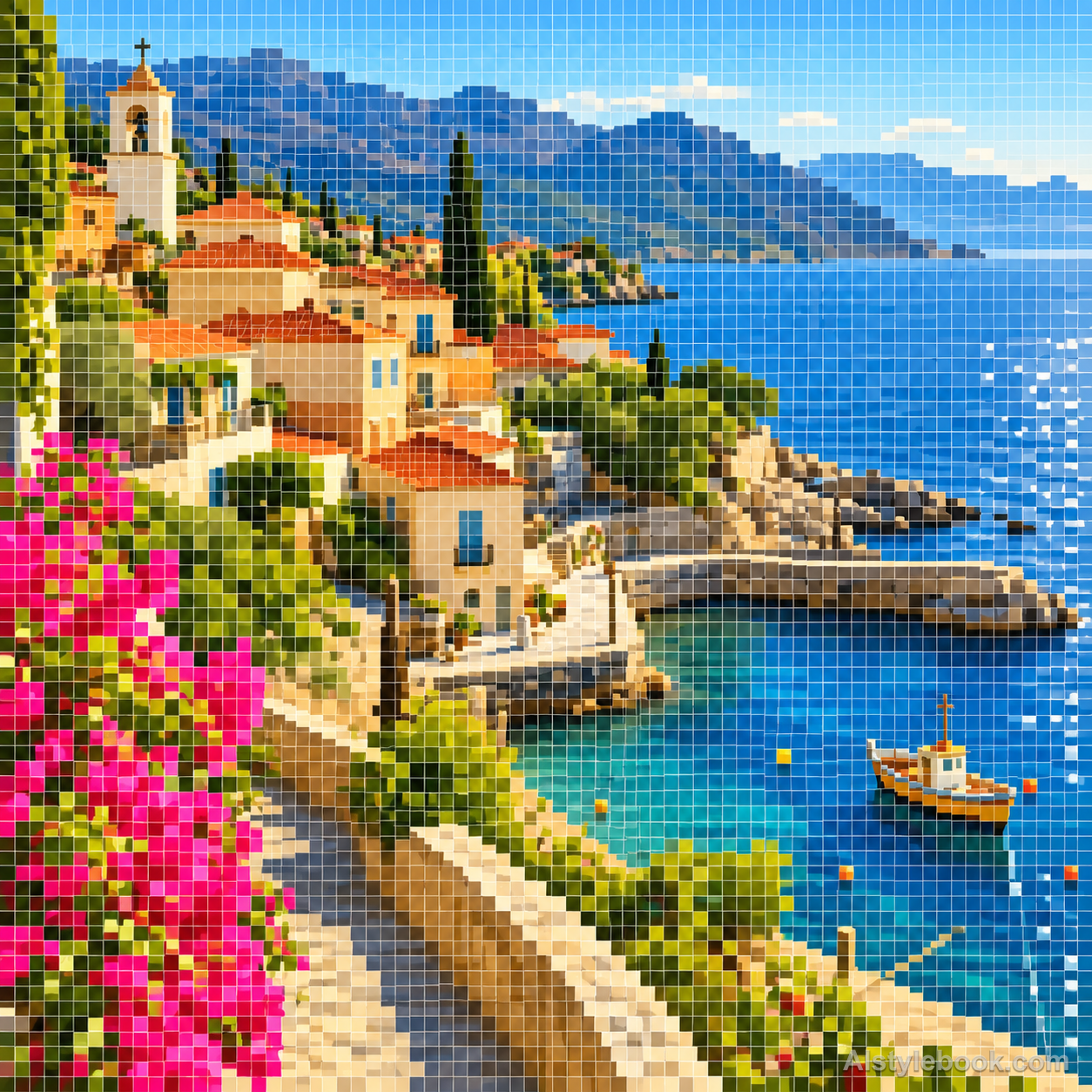
LandscapeStyle effect

ObjectsStyle effect
The visual language
What is Flat-Tile Photo Mosaic?
A flat-tile mosaic samples local regions and assigns each one a single average color. It contains neither miniature photographs nor simulated stone. Instead, it reveals the color relationships left by reduced resolution, with regular seams making each sample visible.
Flat photo mosaics replace local detail with representative sampled colors.
Windows reduced to blue-gray squares beside a warm roof band can preserve a scene as a readable color map.
How the style changes different subjects
- Portrait
- Sampled color cells rebuild face and clothing, emphasizing hair and tonal regions over small features.
- Landscape
- Adjacent cells preserve scenery through color differences and area size.
- Objects
- Color units simplify curves and reflections, favoring shape over literal material.
- Subjects
- Choose broad-color portraits, buildings, flowers, fruit or clear objects large enough to remain readable.
Bring the style to your photos
Reusable style prompt for Flat-Tile Photo Mosaic
Divide the complete image into one regular grid of flat square color tiles. Assign each tile a single average color sampled from its corresponding source region, retaining the original large-scale light, color and composition. Separate cells with very narrow neutral seams and keep every tile perfectly flat, opaque and sharp. Let small details disappear naturally into the sampling resolution. Avoid tiny photographs inside tiles, natural stone fragments, displaced pieces, three-dimensional cubes or decorative border layouts.Use the same style prompt for portraits, landscapes and objects.
Create with this styleKeep exploring


