
Pixels & Characters
Hexagonal Mosaic
Style guide
Uniform honeycomb cells cover the image with sampled colors and crisp hexagonal boundaries.

PortraitStyle effect
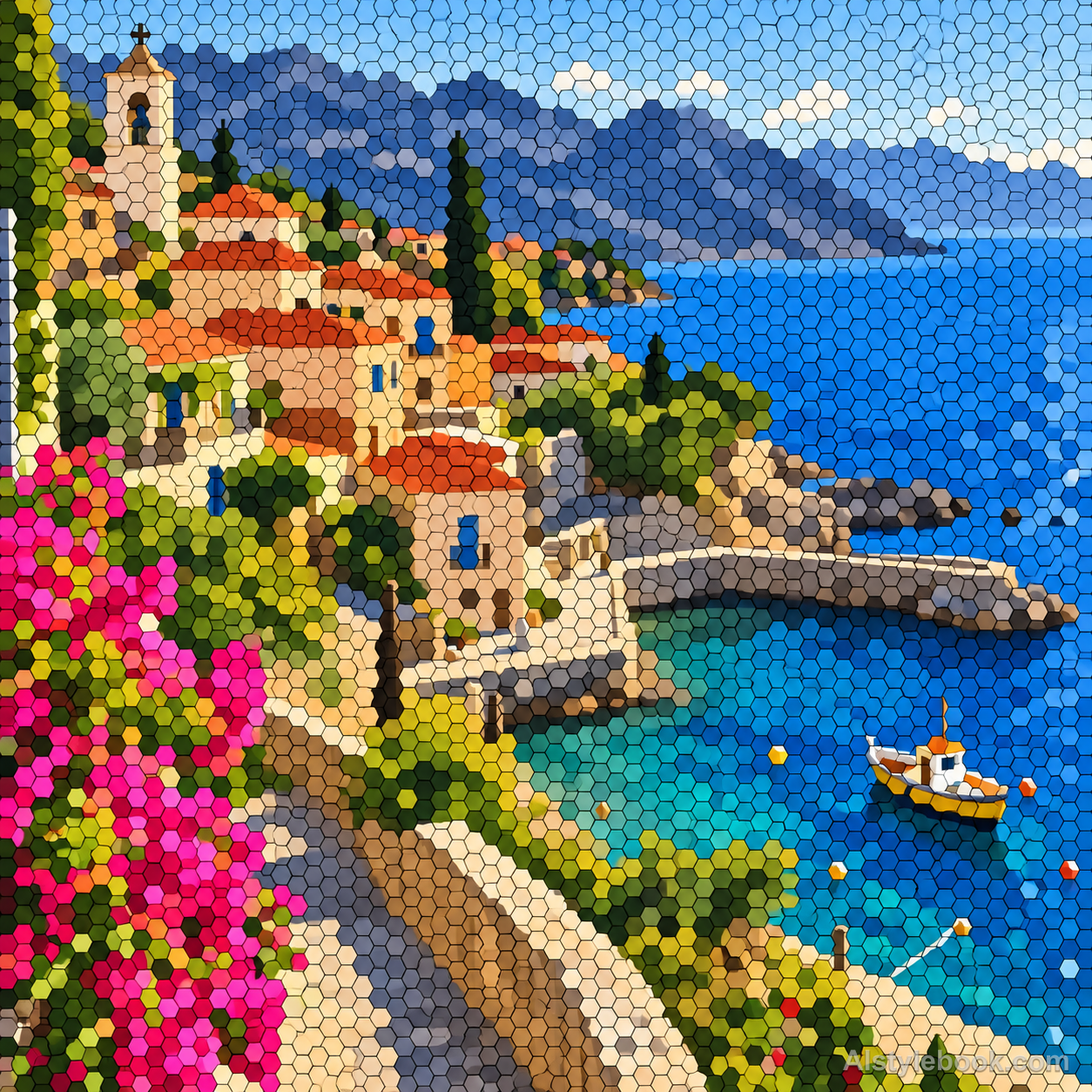
LandscapeStyle effect
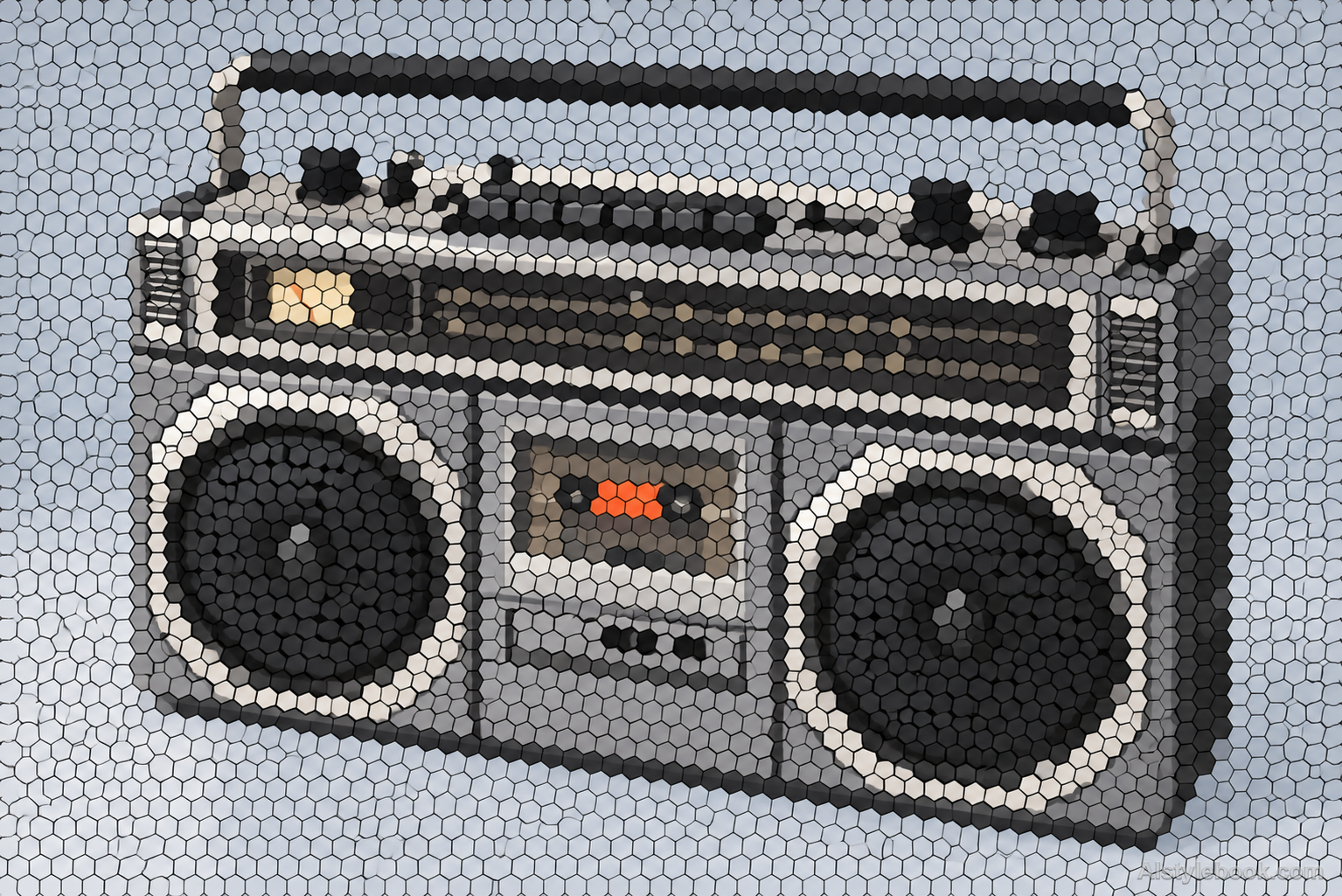
ObjectsStyle effect
The visual language
What is Hexagonal Mosaic?
Hexagonal mosaics replace square pixels with edge-sharing regular honeycomb cells. Each tile keeps a local average color. Boundaries running in six directions give diagonal contours a different rhythm from a square grid, with consistent seams remaining part of the graphic structure.
Hexagonal sampling gives contours six-directional boundaries instead of square-grid steps.
A diagonal coast described by adjoining sand and sea cells can gain a distinctive honeycomb rhythm.
How the style changes different subjects
- Portrait
- Sampled color cells rebuild face and clothing, emphasizing hair and tonal regions over small features.
- Landscape
- Adjacent cells preserve scenery through color differences and area size.
- Objects
- Color units simplify curves and reflections, favoring shape over literal material.
- Subjects
- Choose broad-color portraits, buildings, flowers, fruit or clear objects large enough to remain readable.
Bring the style to your photos
Reusable style prompt for Hexagonal Mosaic
Reconstruct the full image as a contiguous honeycomb of equal-size regular hexagonal tiles. Orient every hexagon consistently and assign each cell a single flat average color from its source region. Keep slender uniform seams visible and preserve broad tonal relationships so contours emerge from adjacent color cells. Use a two-dimensional, matte, evenly lit finish with precise shared edges. Avoid irregular Voronoi cells, square pixels, beveled gemstones, gaps, raised hexagonal towers or an unchanged photograph behind the tiles.Use the same style prompt for portraits, landscapes and objects.
Create with this styleKeep exploring


