
Pixels & Characters
Four-Tone Handheld Pixel
Style guide
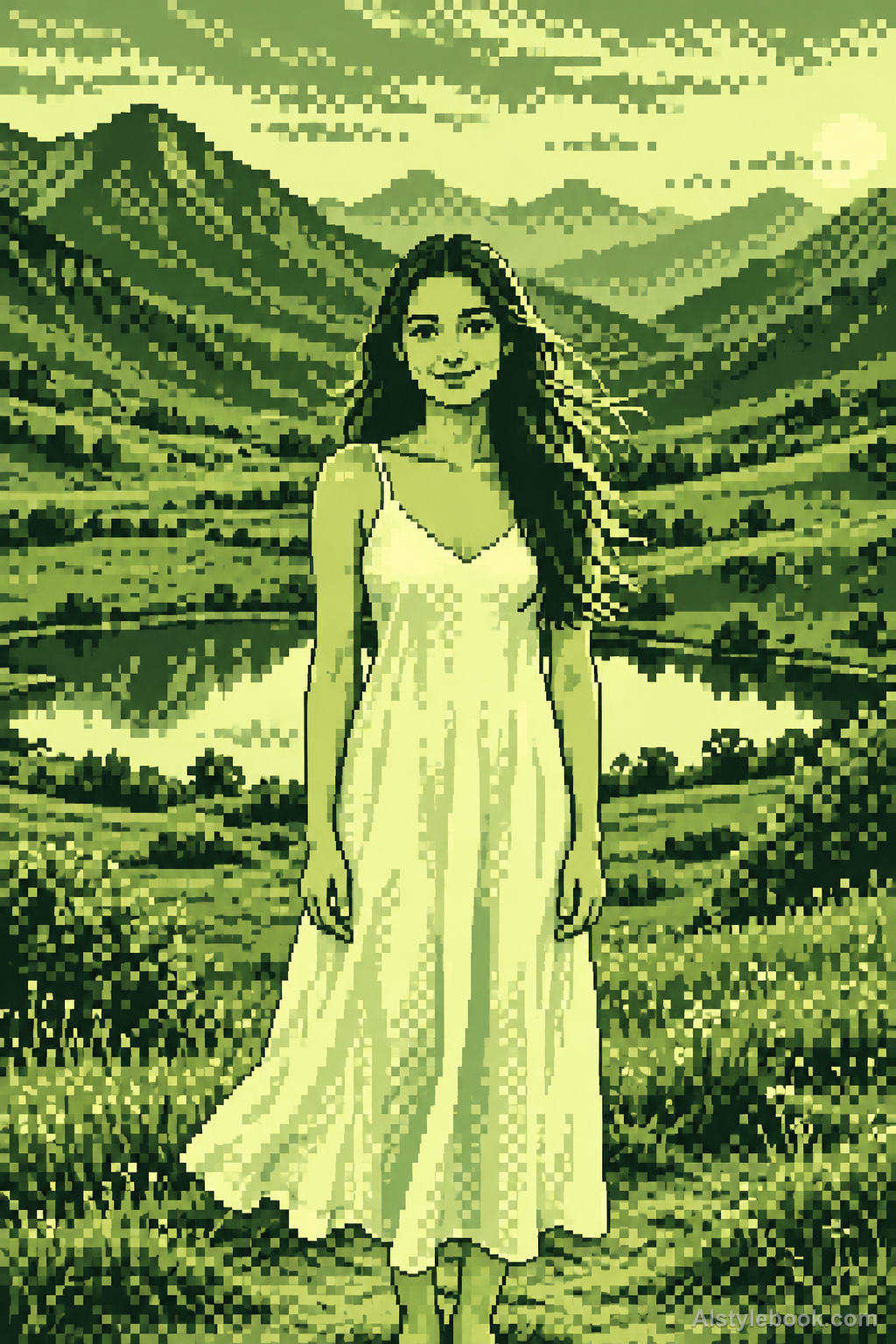
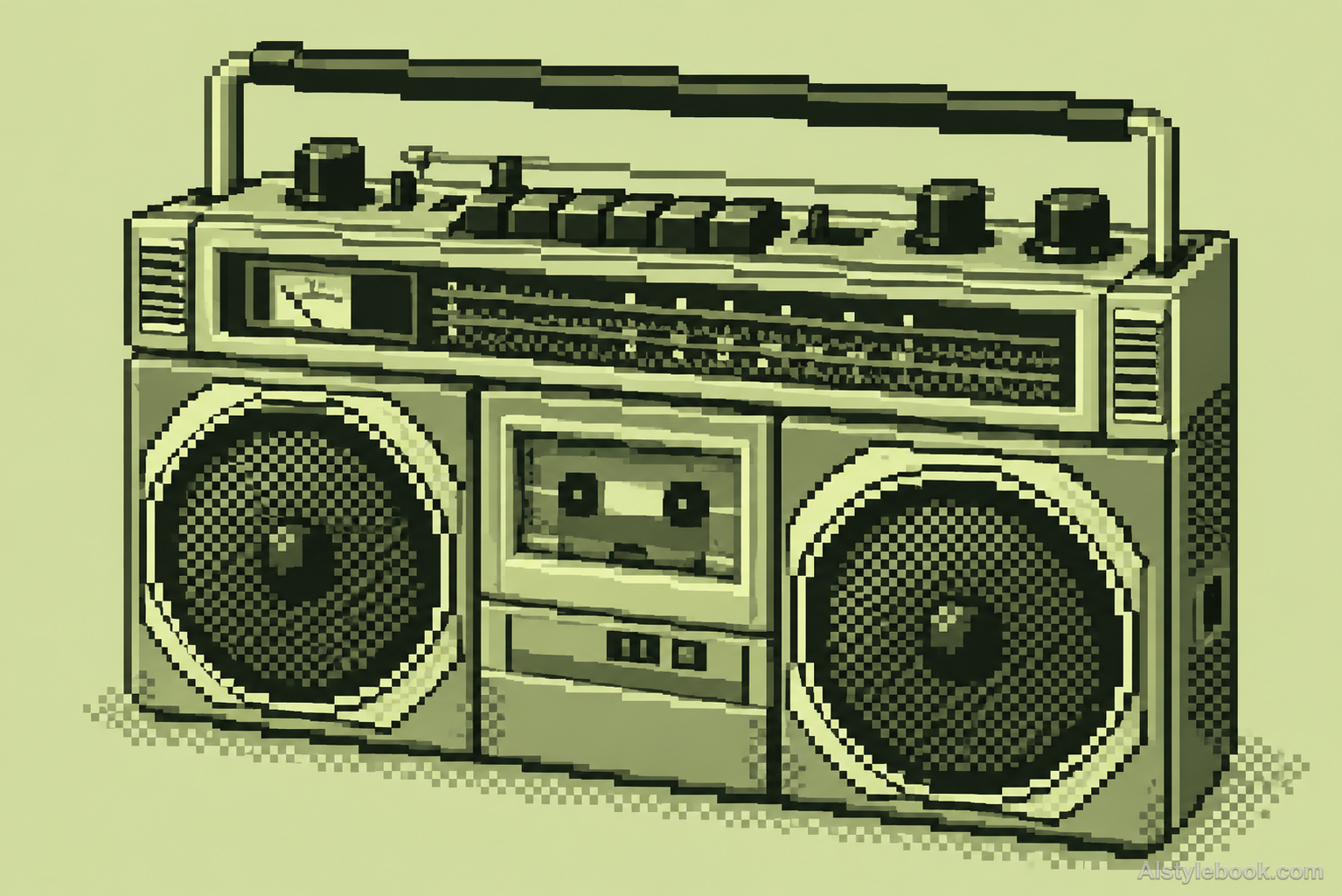
A mainly four-tone gray-green palette and square pixel grid describe form through value regions and local checker dithering.

The visual language
What is Four-Tone Handheld Pixel?
Uniform square-pixel steps redraw contours and compress shading into a few gray-green values. Connected clusters keep the subject readable, with local checker dithering bridging values for an early-handheld appearance.
Four-tone handheld imagery redraws detail within one grid and a small tonal palette.
Two foliage clusters and selective checkerboard shadow can suggest careful drawing within limited display capacity.
How the style changes different subjects
- Portrait
- Stepped pixels and limited tones reduce face and hair to their main identifying features.
- Landscape
- Ridges, roofs and canopies follow grid steps as small distant details merge.
- Objects
- Discrete color clusters replace curves and highlights, reducing fine lettering.
- Subjects
- Choose close figures, pets, isolated buildings or simple objects with a few broad shapes.
Variant relationship
A four-tone gray-green palette variant of 2D Pixel Sprite Art. Compare with 2D Pixel Sprite Art.
2D Pixel Sprite Art can use varied limited palettes. This variant fixes four values from pale yellow-green to deep green, using value regions and sparse checker dithering instead of varied hues or smooth transitions. It adds no handheld casing or game interface.
Bring the style to your photos
Reusable style prompt for Four-Tone Handheld Pixel
Preserve the source framing, recognizable contours and spatial relationships while redrawing the whole picture as low-resolution handheld pixel artwork. Use one uniform visible square grid, as if designed at approximately 160 pixels across and enlarged with crisp nearest-neighbor edges. Use ONLY four solid tones: pale yellow-green, light gray-green, dark olive-green and nearly black green. Build deliberate connected pixel clusters, single-pixel stair-step contours and clearly separated value regions. Add sparse two-tone checkerboard dithering only at selected tone transitions. No other hues, antialiasing, photographic texture, smooth gradients, scanline glow, handheld hardware frame, game HUD, text, sprites unrelated to the source or logos.Use the same style prompt for portraits, landscapes and objects.
Create with this styleKeep exploring


