
Pixels & Characters
One-Bit Dither
Style guide
Black-white square pixels create middle tones through checkerboards and diffusion clusters, with crisp edges and white gaps forming dense rhythm.
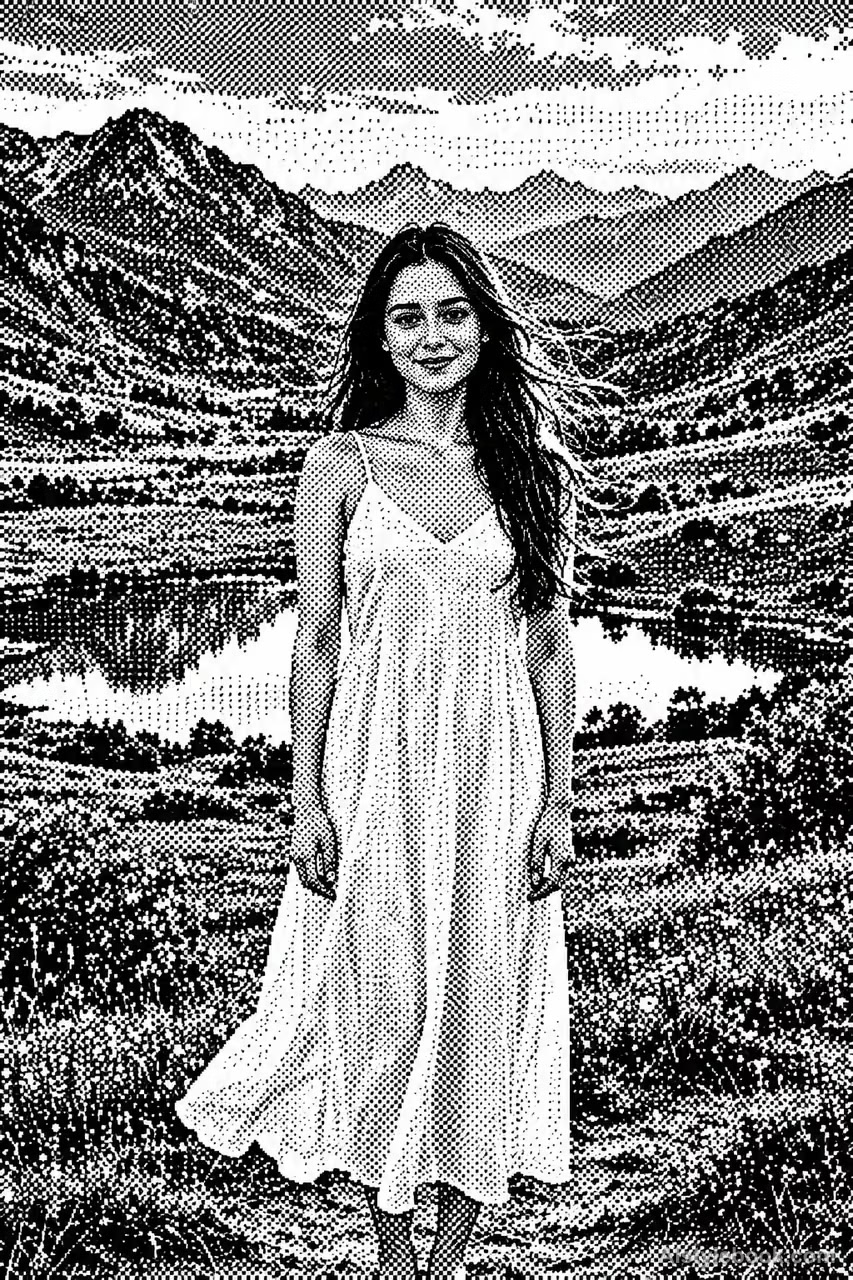
PortraitStyle effect
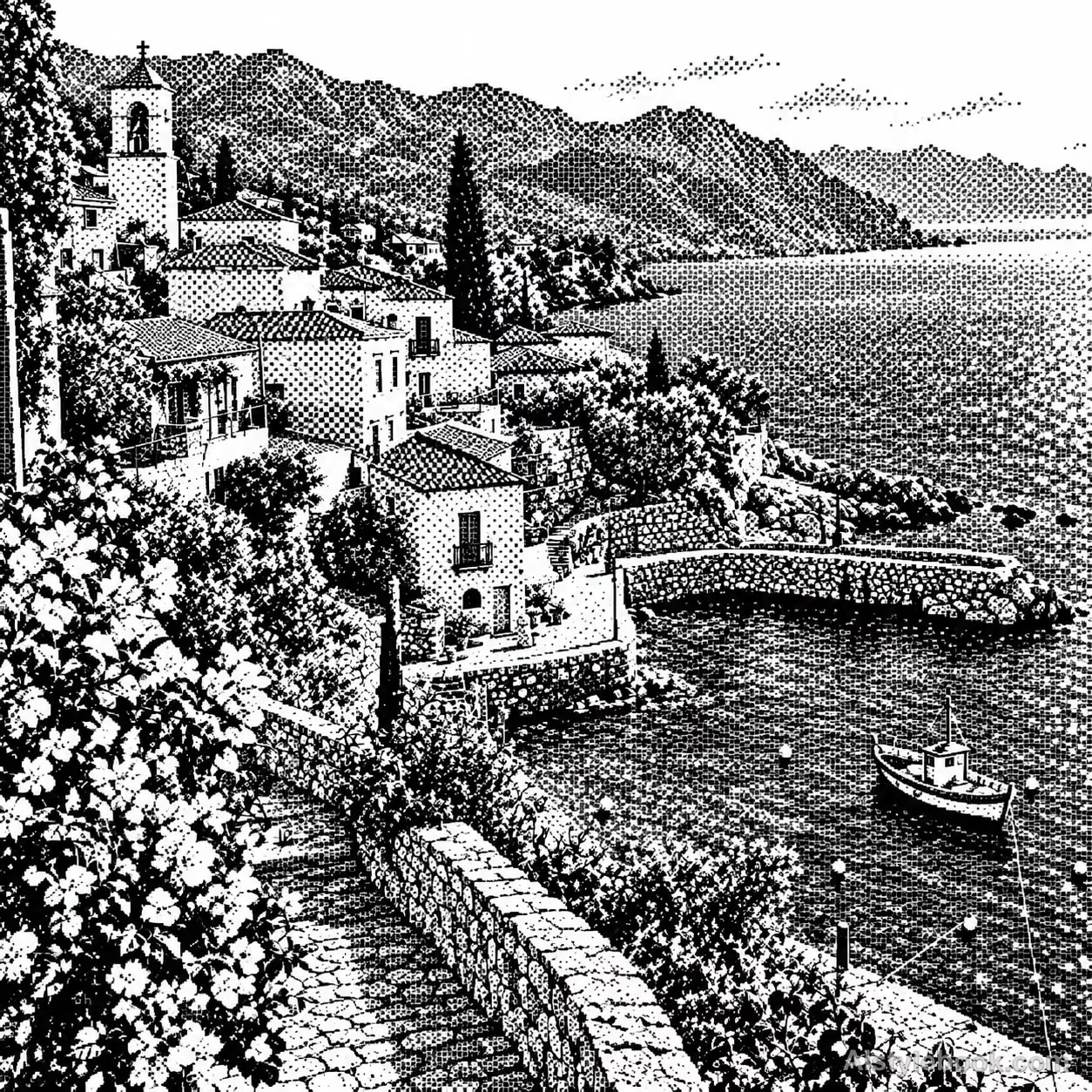
LandscapeStyle effect
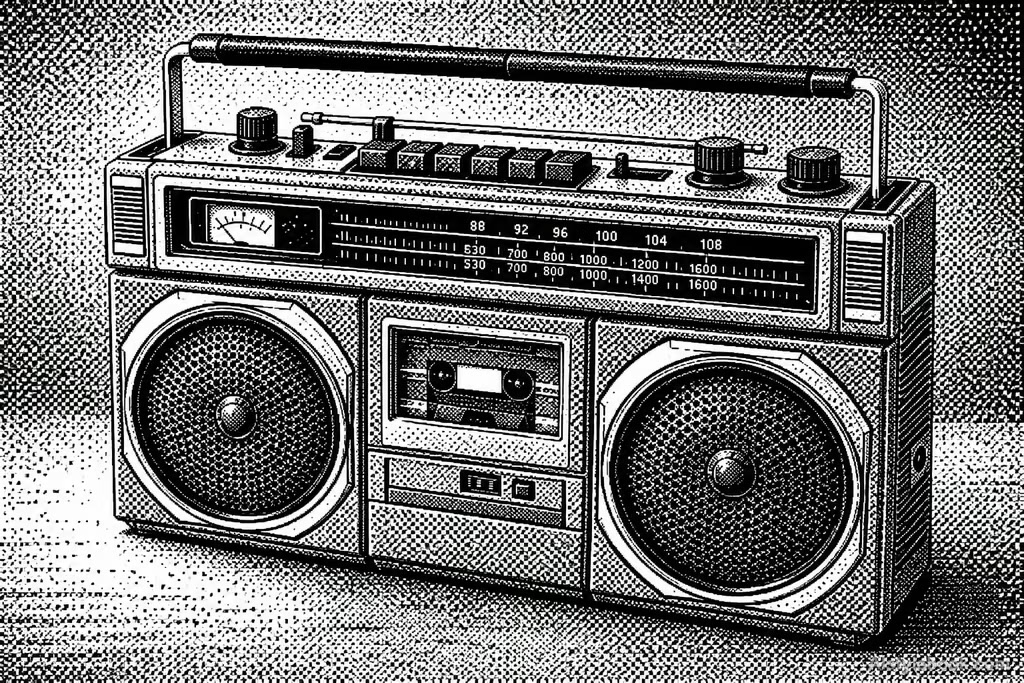
ObjectsStyle effect
The visual language
What is One-Bit Dither?
Only pure black and white square pixels appear, with checkerboards and diffusion clusters allowing the eye to synthesize gray. Crisp square edges keep the gray impression spatial rather than an actual gray fill.
One-bit imagery has only two pixel states, creating apparent gray through spatial distribution.
Sparse sky dots and dense checkerboard shadows can merge into tonal light when reduced.
How the style changes different subjects
- Portrait
- Stepped pixels and limited tones reduce face and hair to their main identifying features.
- Landscape
- Ridges, roofs and canopies follow grid steps as small distant details merge.
- Objects
- Discrete color clusters replace curves and highlights, reducing fine lettering.
- Subjects
- Choose close figures, pets, isolated buildings or simple objects with a few broad shapes.
Bring the style to your photos
Reusable style prompt for One-Bit Dither
Translate the image into strictly black-and-white micro-square pixel dithering. Use ordered checker patterns and irregular diffusion-like clusters to synthesize every middle tone. Preserve crisp square pixel edges, gathering black clusters in dark areas and increasing white gaps in highlights. Resolve detail with finer distribution while retaining original contours. Let pattern density transition naturally at a consistent pixel scale, producing coherent values from a distance and varied binary texture close up.Use the same style prompt for portraits, landscapes and objects.
Create with this styleKeep exploring


